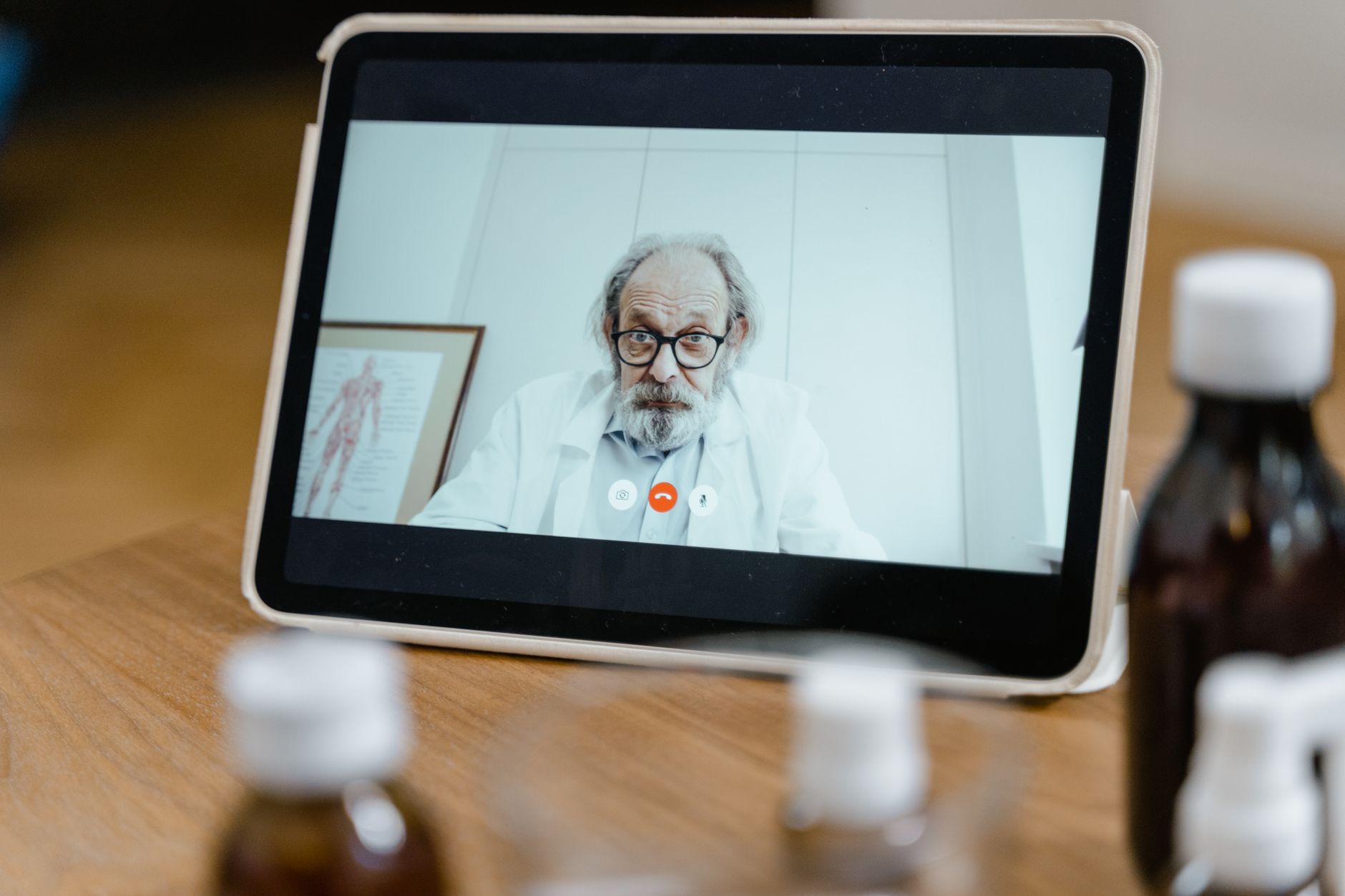
In 2024, 63.2% of physician practices used video conferencing for patient visits — up from just 14.3% in 2018, according to the American Medical Association. That shift turned video from a pandemic stopgap into standard clinical infrastructure, and it changed what engineering teams have to build.
Healthcare video conferencing is two-way, real-time video between clinicians and patients (or between clinicians) that carries protected health information, which means it lives under a different set of rules than a normal video call. You can’t just bolt a generic meeting widget onto a patient portal and call it done — encryption, access controls, business associate agreements, and audit logging all come into play.
This guide explains what healthcare video conferencing is, how it works under the hood, what actually makes a video call HIPAA-compliant, the main benefits and limitations, and the practical path to building secure telehealth video features into your own app.
What Is Healthcare Video Conferencing?
Healthcare video conferencing is a secure, real-time video communication system that lets clinicians and patients connect over the internet for diagnosis, consultation, treatment, and follow-up while protecting patient health data. It’s the live video layer that powers telehealth visits, remote specialist consults, and clinician collaboration.
Three attributes separate it from consumer video calling. First, it transmits protected health information (PHI) — anything from a visible symptom to a spoken diagnosis — so the connection must be encrypted end to end. Second, it operates under regulatory frameworks like HIPAA in the United States, which require signed business associate agreements and strict access controls. Third, it usually integrates with clinical systems such as electronic health records (EHR), scheduling, and billing rather than standing alone.
The technology exists because care delivery outgrew the exam room. Patients in rural areas, people with mobility limits, and anyone managing a chronic condition needed a way to see a provider without traveling. Video conferencing closed that gap while keeping the face-to-face interaction that phone calls lose.
| Attribute | Consumer video calling | Healthcare video conferencing |
|---|---|---|
| Data sensitivity | Personal, low stakes | Protected health information (PHI) |
| Encryption | Optional | Required, end to end |
| Compliance | None | HIPAA, GDPR, state laws |
| Legal agreement | Terms of service | Business associate agreement (BAA) |
| Integrations | Calendar, chat | EHR, scheduling, e-prescribing, billing |
| Audit logging | Rare | Mandatory access logs |
Healthcare Video Conferencing vs Telehealth vs Telemedicine
These three terms get used interchangeably, but they describe different scopes, and knowing the difference helps you scope what you’re building.
Telehealth is the broadest term. It covers any use of digital technology to deliver health services remotely — video visits, remote patient monitoring, provider education, and administrative meetings.
Telemedicine is a subset of telehealth focused specifically on clinical care: a provider diagnosing or treating a patient at a distance.
Healthcare video conferencing is the underlying communication method that powers most telehealth and telemedicine interactions. It’s the live video channel, not the whole care program.
| Term | Scope | Example |
|---|---|---|
| Telehealth | All remote health services | Patient education portal, remote monitoring |
| Telemedicine | Remote clinical diagnosis and treatment | Doctor diagnosing a rash over video |
| Healthcare video conferencing | The live video communication layer | The actual encrypted video session |
For the rest of this guide, “healthcare video conferencing” refers to that live video layer — the part your engineering team has to design, secure, and ship.
How Does Healthcare Video Conferencing Work?
A healthcare video session looks simple to the patient — click a link, see the doctor — but several systems coordinate behind that link. Most platforms run on WebRTC, the browser-native standard for real-time peer-to-peer video and audio.
Here’s the typical flow of a secure video visit:
- Authentication. The patient and provider each log in through an identity layer tied to the clinical system, so only verified users join the session. Access is logged for the audit trail.
- Signaling. A signaling server exchanges connection metadata (codecs, network details, session keys) between the two endpoints before any media flows. No video travels through it.
- NAT traversal. Because most devices sit behind firewalls and routers, the clients use STUN servers to discover their public addresses and, when a direct path fails, relay media through a TURN server. This step is NAT traversal.
- Encrypted media exchange. Once a path is established, audio and video stream directly between participants over DTLS-SRTP encryption, so the session content stays private in transit.
- Adaptive quality. The connection measures bandwidth continuously and adjusts resolution and bitrate on the fly, similar to adaptive bitrate streaming, so a patient on weak rural broadband still gets a usable picture.
- Recording and documentation. If the visit is recorded for the medical record, the platform captures it as an encrypted file and stores it under the same access controls as the rest of the PHI.
The key technical difference from a generic meeting tool is that every one of these steps has to be auditable and encrypted. A consumer app can skip the access logs and the business associate agreement. A healthcare platform cannot.
What Makes Healthcare Video Conferencing HIPAA-Compliant?
This is the part most teams underestimate. HIPAA compliance isn’t a feature you switch on — it’s a set of administrative, physical, and technical safeguards your whole architecture has to satisfy. A video call becomes HIPAA-compliant when it meets these requirements together.
End-to-End Encryption
PHI must be encrypted both in transit and at rest. In transit, that means DTLS-SRTP for the live media and TLS for signaling. At rest, recordings and metadata need strong encryption (AES-256 is the common standard). Encryption alone doesn’t make you compliant, but you can’t be compliant without it. The U.S. Department of Health and Human Services treats encryption as an “addressable” safeguard, which in practice means you implement it or document an equally strong alternative.
A Signed Business Associate Agreement (BAA)
Any vendor that touches PHI on your behalf — your video infrastructure provider, your cloud host, your recording storage — must sign a BAA. This contract makes them legally accountable for protecting that data. If a provider won’t sign a BAA, you can’t use them for PHI, full stop. This is the single fastest way to disqualify a consumer tool.
Access Controls and Authentication
Only authorized users can join a session or view a recording. That means unique user identities, role-based permissions, and ideally multi-factor authentication. A shareable public meeting link with no identity check fails this test.
Audit Logging
HIPAA requires you to track who accessed PHI, when, and from where. Every session join, every recording view, and every configuration change should generate an immutable log entry you can produce during an audit.
Automatic Session Controls
Sessions should time out, lock, or terminate when inactive, and waiting rooms should prevent patients from joining each other’s visits. These controls limit accidental PHI exposure.
A quick reality check on the “is Zoom HIPAA-compliant” question that comes up constantly: standard consumer Zoom is not, but Zoom for Healthcare is — because it ships with a BAA and the controls above. The same logic applies to any platform. Compliance comes from the agreement plus the safeguards, not the brand name.
Uses of Video Conferencing in Healthcare
Video conferencing supports far more than the basic doctor-patient visit. These are the most common applications, and each one shapes the features you’d need to build.
1. Primary and Urgent Care Visits
The bread-and-butter use case: a patient describes symptoms, the provider assesses visually, and they decide on next steps or a prescription. Needs reliable one-to-one video and EHR integration.
2. Mental and Behavioral Health
Therapy and psychiatric care translate well to video because the interaction is conversation-based. Demand here is high, and sessions are often longer, so connection stability matters more than raw resolution.
3. Specialist Consultations
A primary care provider loops in a specialist who may be hundreds of miles away. This often means multi-party video and screen sharing for imaging or charts.
4. Chronic Disease Management
Regular check-ins for diabetes, hypertension, or heart conditions, frequently paired with remote monitoring devices. Recurring, scheduled video plus data overlays.
5. Post-Operative and Discharge Follow-Up
Quick visual check-ins after surgery or hospital discharge reduce readmissions. Short sessions, high volume, often recorded for the record.
6. Clinician Collaboration
Provider-to-provider video for case reviews, tumor boards, and tele-ICU coverage. This is where multi-party conferencing and WebRTC live streaming for larger grand-rounds audiences come together.
| Use case | Session type | Key technical need |
|---|---|---|
| Primary care | 1-to-1 | EHR integration, e-prescribing |
| Behavioral health | 1-to-1, long | Connection stability |
| Specialist consult | Multi-party | Screen sharing |
| Chronic care | Recurring | Device data overlay |
| Post-op follow-up | Short, high volume | Recording, scheduling |
| Clinician collaboration | Multi-party | Broadcast to larger groups |
Benefits of Video Conferencing in Healthcare
The advantages of video conferencing in healthcare go beyond convenience. They affect access, cost, and clinical outcomes in measurable ways.
Wider Access to Care
Patients in rural regions, people with disabilities, and anyone without reliable transport can reach a provider without traveling. This is the benefit that drove adoption, and it directly reduces missed appointments.
Lower Cost for Patients and Systems
Eliminating travel saves patients an estimated $147 to $186 per visit, and providers spend less on physical space and front-desk overhead for routine check-ins.
Better Appointment Adherence
When a visit takes ten minutes from home instead of half a day with travel, more patients show up. Higher adherence means better follow-through on treatment plans and earlier intervention.
Stronger Care Continuity
Video makes it easy to schedule frequent short check-ins, which suits chronic-condition management where steady monitoring beats occasional long visits.
Faster Specialist Access
A patient can consult a distant specialist in days rather than waiting weeks for an in-person slot, and primary providers can bring specialists into a live session instead of referring out.
Recorded Visits for the Record
Sessions can be saved to the medical record for accuracy, training, and continuity — useful when a patient sees multiple providers. Pairing live video with a recording pipeline turns each visit into reusable live-to-VOD content under proper access control.
Challenges and Limitations
No technology fits every situation, and healthcare video conferencing carries real constraints worth designing around.
Compliance Complexity
Meeting HIPAA (and GDPR, and varying state laws) is genuinely hard. Healthcare had the highest average data breach cost of any industry in 2023, so the stakes for getting encryption, BAAs, and access controls wrong are high. The mitigation is to build on infrastructure that already supports these safeguards rather than assembling them from scratch.
Physical Examination Limits
Video can’t replace palpation, auscultation, or any hands-on assessment. Some conditions still require an in-person visit, so video works best as a complement, not a full replacement. Connected medical devices can close part of this gap.
Connectivity and Infrastructure
Patients on weak broadband get frozen frames and dropped calls, which undermines trust in the visit. Building in low-latency streaming and adaptive quality helps, but you can’t fully control the patient’s network.
Digital Literacy Gaps
Older patients and those less comfortable with technology may struggle to join a session. App-free, browser-based entry and simple one-click links reduce this barrier.
Reimbursement Variability
Insurance coverage for telehealth differs by state and payer and keeps changing. This is a business challenge more than a technical one, but it shapes which features clinics will pay for.
Now that you understand what healthcare video conferencing is, how it works, and where its limits lie, here’s the practical side — how to build secure video features into your own application and what infrastructure you actually need.
How to Build Healthcare Video Conferencing Into Your App
Building healthcare video conferencing from scratch means assembling real-time media servers, encryption, NAT traversal, recording, and compliance controls — a project that takes most teams six to nine months before the first patient ever connects. Here’s a realistic path that skips the parts you shouldn’t reinvent.
1. Define Your Session Model
Decide upfront whether you need one-to-one visits, multi-party consults, or broadcast-style grand rounds. The architecture differs: peer-to-peer WebRTC handles simple 1-to-1 visits, while multi-party calls need a media server. Reading up on WebRTC vs HLS helps you match the protocol to the session type.
2. Choose a Video API or SDK
Rather than building media infrastructure yourself, integrate a video conferencing API or video conferencing SDK that handles signaling, NAT traversal, encryption, and adaptive quality out of the box. This is where most teams cut months off the timeline. A platform like LiveAPI gives you the live streaming and video infrastructure — RTMP and SRT ingest, adaptive bitrate delivery across multiple CDNs, an embeddable player, and automatic recording — so your engineers can focus on the clinical workflow instead of the media plumbing. Just confirm any provider will sign a BAA before sending PHI through it.
3. Build the Compliance Layer
Wire up authentication, role-based access, and audit logging around the video session. Every join and recording view needs a log entry. Make sure encryption is on for media in transit and recordings at rest.
4. Integrate Clinical Systems
Connect the video session to your EHR, scheduling, and billing so a visit creates a record, triggers a claim, and shows up in the patient’s chart. Use webhooks to fire events — session started, ended, recorded — into those systems automatically.
5. Add Recording and Live-to-VOD
If visits need to be saved, capture them as encrypted recordings stored under the same access controls as your other PHI. An API that records the live session automatically and makes it available afterward removes a whole build step.
6. Test on Real Networks
Test on weak mobile connections and older devices, not just office wifi. A visit that works in your dev environment but freezes on a patient’s rural connection fails where it matters. Tools that measure video latency under load help you catch this early.
For teams starting from zero, our guide on how to build a video streaming app walks through the broader architecture decisions.
Essential Infrastructure for Healthcare Video Conferencing
Whether you build or buy, these are the infrastructure pieces a secure healthcare video system depends on. Knowing them helps you evaluate vendors and spot gaps.
Real-Time Media Transport
WebRTC is the standard for browser-based, low-latency two-way video. Behind it you need signaling, STUN, and TURN servers to establish connections across firewalls. For mobile apps, React Native WebRTC brings the same capability to iOS and Android.
A Video Streaming and Recording API
For the broadcast, recording, and delivery side — grand rounds, saved visits, content available afterward — a video API handles encoding, storage, and playback. This is the build-vs-buy decision that matters most: assembling encoding, CDN delivery, and recording yourself takes months, while an API gets you running in days. LiveAPI covers ingest from any encoder, instant encoding, multi-CDN delivery through Akamai, Cloudflare, and Fastly, and automatic live-to-VOD recording, with pay-as-you-grow pricing that suits clinics scaling up gradually.
Content Delivery Network
A CDN distributes recorded content and broadcast streams to viewers without overloading a single server, keeping playback smooth for patients regardless of location.
Encryption and Key Management
Both transport encryption (DTLS-SRTP, TLS) and storage encryption (AES-256) need proper key management. This is non-negotiable for PHI.
Identity and Access Management
An IAM layer ties every session to a verified user with the right permissions and feeds the audit log. This is what turns a generic video call into a compliant one.
Is Building Your Own Healthcare Video Conferencing Right for You?
Not every team should build custom video features. Here’s a quick self-assessment.
Building your own is a good fit if:
- You need video tightly woven into a custom clinical workflow or patient app
- You want full control over the patient experience and branding
- You have specific integration needs (custom EHR, proprietary devices)
- You expect to scale across many clinics or specialties
- You can commit engineering time to the compliance layer
It’s probably not a good fit if:
- You need a turnkey solution for a single small practice this month
- You have no engineering resources to maintain it
- Your only use case is basic one-to-one visits with no integrations
- You can’t support the ongoing security and audit obligations
If you land on the “build” side, you don’t have to build everything. Using a video API for the streaming, encoding, and recording infrastructure lets a small team ship a secure, custom video experience without spending months on media servers and CDNs.
Healthcare Video Conferencing FAQ
Is video conferencing HIPAA-compliant by default?
No. A video call is only HIPAA-compliant when it combines end-to-end encryption, a signed business associate agreement, access controls, and audit logging. Standard consumer tools lack the BAA and the safeguards, so they can’t carry PHI legally.
What makes a video call HIPAA-compliant?
Four things together: encryption of data in transit and at rest, a BAA with every vendor touching PHI, authentication with role-based access controls, and audit logs tracking who accessed what. Missing any one of these breaks compliance.
Is Zoom HIPAA-compliant for healthcare?
Standard Zoom is not, but Zoom for Healthcare is, because it ships with a business associate agreement and the required security controls. The same distinction applies to most platforms — the compliant version includes a BAA and stricter settings.
What is the difference between telehealth and telemedicine?
Telehealth is the broad category of all remote health services, including education and monitoring. Telemedicine is the narrower clinical subset — diagnosing and treating patients remotely. Healthcare video conferencing is the live video layer that powers both.
Do patients need to download an app to join a video visit?
Not necessarily. Many platforms use browser-based WebRTC so patients click a link and join without installing anything. App-free entry reduces friction, especially for older or less tech-comfortable patients.
How secure is healthcare video conferencing?
When built correctly, it’s very secure — encrypted in transit and at rest, with access logging and authentication. Security depends entirely on the implementation, though, which is why HIPAA mandates specific safeguards rather than trusting the technology alone.
What equipment do you need for healthcare video conferencing?
For patients, a smartphone, tablet, or computer with a camera and internet connection. For providers, the same plus the clinical platform and stable broadband. Connected medical devices can extend what’s possible during a remote visit.
Can healthcare video visits be recorded?
Yes, and they often are for the medical record. Recordings must be encrypted and stored under the same access controls as other PHI. An API that handles secure recording and storage automatically simplifies this.
Building Secure Healthcare Video, Faster
Healthcare video conferencing moved from a convenience to core clinical infrastructure, and the bar is higher than a normal video call — encryption, business associate agreements, access controls, and audit logging all have to line up before a single patient connects. The technology that makes it work is WebRTC for real-time video, plus a video API for encoding, delivery, and recording.
The one decision that matters most is build-vs-buy on the media layer. Assembling streaming, encoding, recording, and CDN delivery yourself takes months your team could spend on the clinical workflow instead.
Ready to build secure video features into your healthcare app? LiveAPI gives you live streaming, instant encoding, multi-CDN delivery, recording, and live-to-VOD through a developer-friendly API — launch in days, not months. Get started with LiveAPI.