For most of the last decade, HLS was the default answer to “how do I deliver video at scale.” But a newer standard called CMAF has changed how the underlying delivery works — not by replacing HLS, but by restructuring how media segments are packaged.
If you’ve encountered both terms in streaming documentation and want to understand the actual difference, this guide breaks it down: what CMAF and HLS are, how they compare technically, and when you’d choose one approach over the other.
What Is HLS?
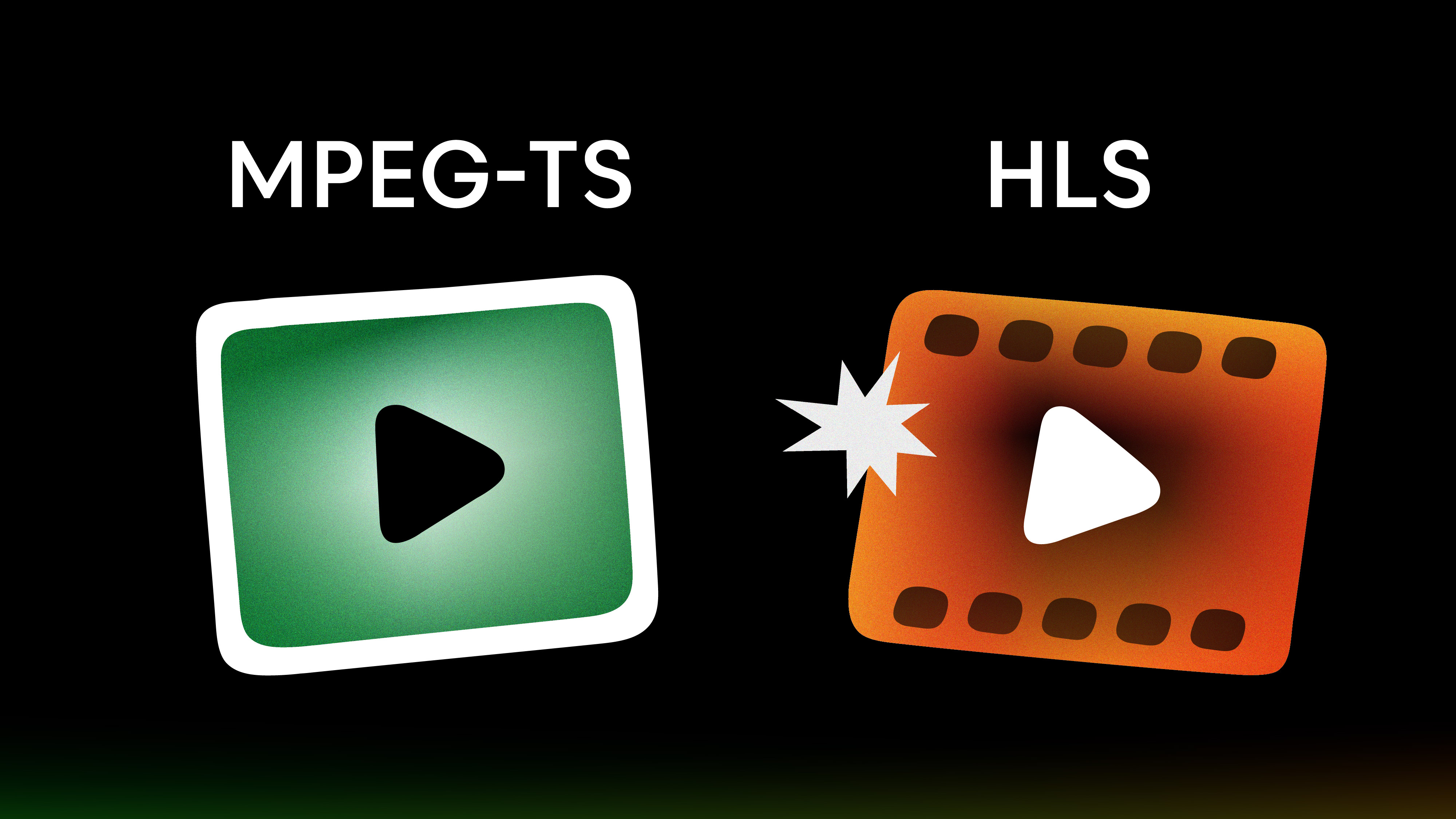
HLS (HTTP Live Streaming) is a streaming protocol developed by Apple in 2009 that delivers video over standard HTTP connections. It works by breaking a video stream into small segments — traditionally stored in the MPEG-TS (.ts) container format — and serving them via a playlist file called an M3U8 manifest.
The M3U8 playlist tells video players which segments to fetch, in what order, and at which quality level. Players switch between quality renditions automatically based on available bandwidth — that’s what makes HLS an adaptive bitrate streaming protocol.
HLS became the industry standard for good reason: it works over standard HTTP, scales well through CDNs, runs natively on Apple devices, and is supported on virtually every modern platform. For a full technical breakdown, see how HLS streaming works.
Traditional HLS at a glance: – Container: MPEG-TS (.ts segments) – Manifest: M3U8 playlist – Typical latency: 5–20 seconds – Device support: Excellent (native on Apple, widely supported elsewhere)
What Is CMAF?
CMAF (Common Media Application Format) is an ISO/IEC standard (ISO/IEC 23000-19) that defines a unified container format for packaging and delivering HTTP-based adaptive streaming content. It’s not a streaming protocol — it’s a standard for how media segments are packaged. And it works with both HLS and MPEG-DASH.
CMAF was proposed by Apple and Microsoft to the Moving Pictures Expert Group (MPEG) in February 2016 and released as a formal standard in 2018. The goal: replace a fragmented landscape of competing media segment formats with one common standard that any protocol could use.
The key technical change CMAF introduced: using fragmented MP4 (fMP4) as the universal container format. Instead of MPEG-TS for HLS and a different fMP4 variant for DASH, both protocols now reference the same CMAF-packaged fMP4 segments. Only the manifest format differs — M3U8 for HLS, MPD for DASH.
CMAF at a glance: – Container: Fragmented MP4 (fMP4) – Works with: HLS and MPEG-DASH – Typical latency: 3–5 seconds (lower with chunked transfer encoding) – Standard: ISO/IEC 23000-19
Why CMAF was needed
Before CMAF, streaming at scale meant maintaining parallel encoding pipelines. To reach both Apple devices (HLS + MPEG-TS) and Android/smart TV devices (DASH + fMP4), you had to encode and store separate segment files for each protocol. That doubled storage, doubled CDN origin load, and added complexity at every layer.
CMAF addressed this by standardizing the container. Once your media is packaged as CMAF, a single set of files serves both HLS and DASH manifests. Your CDN only needs to cache one version of each segment, which according to Akamai can roughly double CDN cache hit rates compared to maintaining separate HLS and DASH segment files.
CMAF vs HLS: Key Differences
Here’s how traditional HLS (with MPEG-TS) compares to CMAF-based HLS (with fMP4):
| Feature | Traditional HLS | CMAF + HLS |
|---|---|---|
| Container format | MPEG-TS (.ts) | Fragmented MP4 (.fmp4) |
| Protocol compatibility | HLS only | HLS + MPEG-DASH (same segments) |
| Typical latency | 5–20 seconds | 3–5 seconds |
| CDN efficiency | Separate files per protocol | Single segment set for both protocols |
| DRM encryption | Limited (HLS-specific) | Common Encryption (CENC) |
| DRM systems | FairPlay only | Widevine, PlayReady, FairPlay |
| Storage cost | Higher (duplicate files) | Lower (shared segments) |
| Device support | Excellent | Excellent |
| Adoption maturity | Mature | Growing, not universal |
The most operationally significant difference: with CMAF, you encode once and serve both HLS and DASH audiences from the same segment files. For large content libraries, this can cut storage and encoding costs by more than 50%.
How CMAF Works
CMAF uses fMP4 containers organized into CMAF tracks — individual streams for video, audio, or subtitles. Each track contains a sequence of CMAF chunks, which are the smallest deliverable unit.
Here’s the delivery flow:
- 1. Encoder produces video and audio as CMAF-compatible fMP4 segments
- Packager wraps segments into CMAF tracks and generates both M3U8 and MPD manifests pointing to the same underlying CMAF segments
- CDN caches the shared segment files once — not once per protocol
- Client receives either M3U8 (HLS) or MPD (DASH) and fetches the same fMP4 chunks
The key enabler for lower latency is chunked transfer encoding (CTE). Instead of waiting for a full segment to finish before delivery, CMAF sends chunks as they’re encoded. Clients can begin decoding before the full segment arrives, reducing the end-to-end delay from 10+ seconds to the 3–5 second range.
CMAF and Low-Latency Streaming
Low latency is often the first reason developers start investigating CMAF. But the picture is more nuanced than “CMAF = low latency.”
Apple’s Low-Latency HLS (LL-HLS), introduced in 2019, also targets low latency — reaching 2–8 seconds through partial segment delivery and playlist preload hints. LL-HLS doesn’t require CMAF, but modern deployments commonly combine both: CMAF packaging with LL-HLS manifests.
Similarly, Low-Latency DASH (LL-DASH) uses CMAF chunks to reduce latency on the DASH side.
Here’s how the options stack up:
| Approach | Typical Latency | Best For |
|---|---|---|
| Traditional HLS (MPEG-TS) | 6–30 seconds | VOD, broadcast-style live |
| CMAF with HLS | 3–5 seconds | Live events, news, sports |
| LL-HLS (with or without CMAF) | 2–8 seconds | Live sports, auctions, second screen |
| LL-DASH + CMAF | 2–6 seconds | Multi-platform low-latency delivery |
| WebRTC | Under 500ms | Video calls, interactive real-time |
For ultra-low-latency streaming below one second, WebRTC is the right choice — CMAF and LL-HLS don’t go that low. But for live sports or events where 2–5 seconds is acceptable and you need CDN-scale delivery to thousands of concurrent viewers, CMAF with LL-HLS is the most practical option.
CMAF, HLS, and DASH: A Three-Way Comparison
Part of the confusion around CMAF is that it’s often listed alongside HLS and DASH as if they’re equivalent. They’re not — HLS and DASH are delivery protocols, while CMAF is a packaging format that works with both. But the comparison is worth mapping out clearly:
| HLS | MPEG-DASH | CMAF | |
|---|---|---|---|
| Type | Protocol | Protocol | Packaging format |
| Manifest | M3U8 | MPD | Uses HLS or DASH manifests |
| Container | MPEG-TS or fMP4 | fMP4 | Standardized fMP4 |
| Standard body | Apple | MPEG | MPEG |
| Device coverage | Strong (Apple-native) | Strong (non-Apple) | Both, via HLS or DASH |
| DRM | FairPlay | Widevine, PlayReady | CENC (all three) |
| CDN support | Universal | Universal | Universal |
| Latency | 5–20s | 2–10s | 3–5s standard, lower with LL |
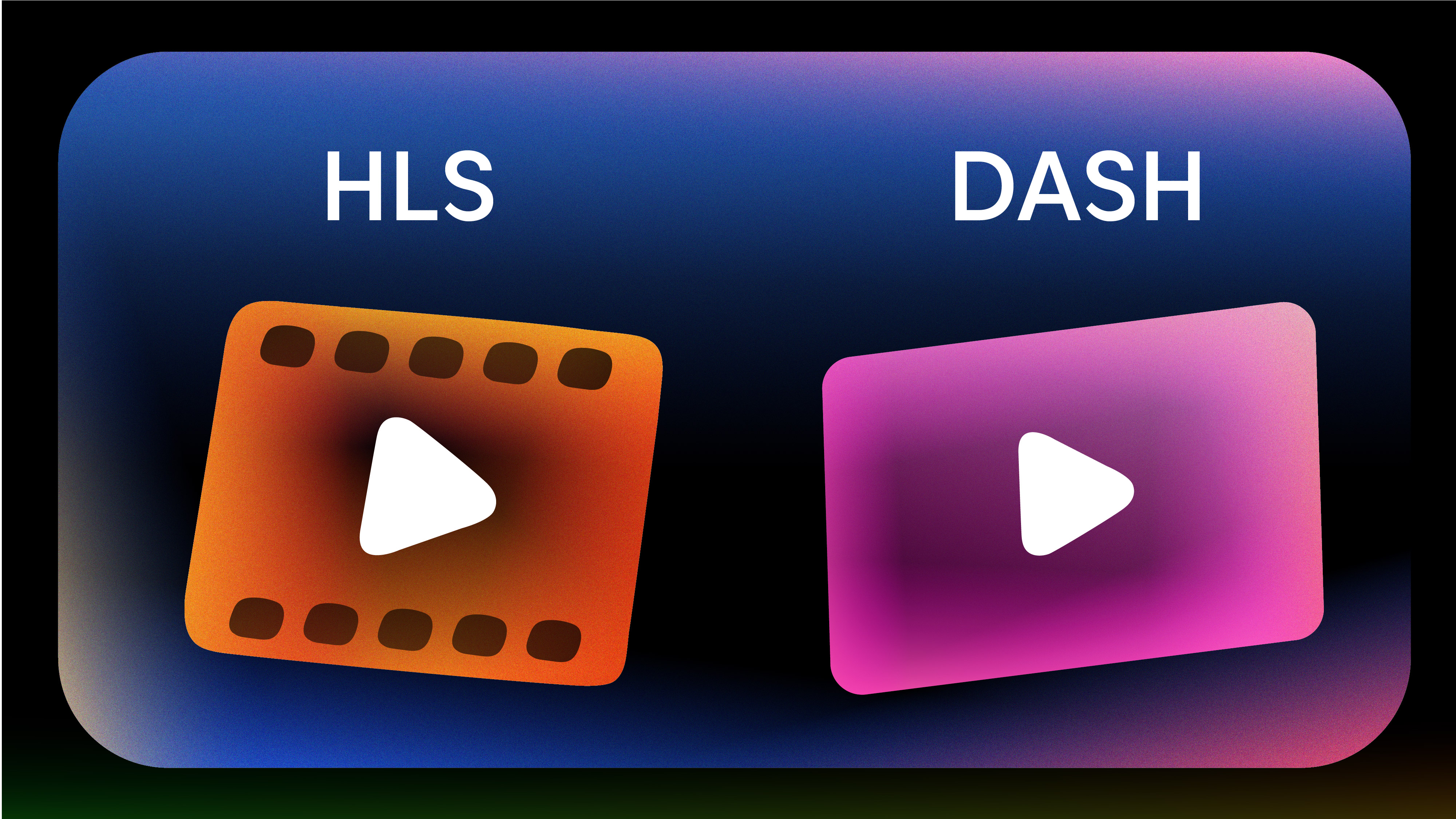
For the full HLS vs DASH comparison, the core issue was always device fragmentation — Apple devices need HLS, others prefer DASH. CMAF resolves this by letting you serve both from one packaged source.
Advantages of CMAF
Single encoding pipeline, two protocol outputs
You encode once, package once, and serve both HLS and DASH audiences from the same segment files. Before CMAF, separate MPEG-TS segments for HLS and separate fMP4 segments for DASH effectively doubled storage and encoding work.
Lower latency than traditional HLS
CMAF’s chunked transfer encoding allows segments to be transmitted before the full segment is complete. This brings live latency down to the 3–5 second range without a full architecture switch to WebRTC or other real-time protocols.
More efficient CDN caching
Since HLS and DASH share the same CMAF segment files, your CDN only needs to store and serve one copy. Cache hit rates are higher because the same file satisfies requests from both HLS and DASH clients — fewer cache misses means lower origin server load.
Universal DRM via Common Encryption
CMAF uses Common Encryption (CENC), which allows a single encrypted segment to be decrypted by multiple DRM systems. You can protect the same CMAF content with Widevine (Android, Chrome), PlayReady (Windows, Xbox), and FairPlay (Apple) — without separate encryption passes for each system.
Reduced storage costs
Eliminating duplicate segment storage compounds at scale. For large video transcoding operations with multiple quality renditions across multiple formats, CMAF’s unified approach can cut storage requirements by more than half.
Better codec compatibility
CMAF’s fMP4 container handles H.264, H.265/HEVC, AV1, and VP9. The older MPEG-TS container had more limited support for newer codecs, so CMAF also gives you more flexibility for future codec adoption.
Limitations of CMAF
Not a complete HLS replacement for legacy audiences
Many CDNs and playback environments still require full segment delivery before caching — which limits the latency benefits of chunked transfer. CDN support for CMAF chunks has improved but remains uneven.
Legacy devices may still need MPEG-TS
Devices manufactured before 2016–2017 may not support fMP4 in HLS. If your audience includes older Apple TV generations, older iOS devices, or legacy smart TVs, you may still need MPEG-TS fallback encoding. The MPEG-TS vs HLS trade-offs are worth reviewing before committing to a full migration.
Adoption is still growing
Major platforms (Netflix, Hulu, BBC) have adopted CMAF, but the broader ecosystem — encoding tools, packagers, player libraries — still has gaps. Not every encoder outputs CMAF natively, and some packagers need extra configuration.
LL-HLS added its own complexity
Apple’s LL-HLS extension introduced features (partial segments, preload hints, delta playlists) that are HLS-specific and don’t map directly to CMAF chunks. Using both together for maximum latency reduction adds complexity to your packaging pipeline.
Not the right choice for sub-second latency
If you need real-time latency under one second, CMAF isn’t the answer. WebRTC vs HLS covers this trade-off in detail — WebRTC trades CDN scalability for ultra-low latency, which is the right choice for video conferencing or interactive applications where sub-500ms matters.
Format decisions aren’t purely technical — they depend on your audience device mix, latency requirements, content protection needs, and operational capacity. Here’s a practical framework for making the call.
When to Use CMAF vs HLS
Use CMAF (with HLS + DASH) when: – You need to serve both Apple and non-Apple devices from one pipeline – Your content library is large and duplicate-format storage costs are a concern – You want higher CDN cache hit rates and lower origin load – You need multi-DRM support (Widevine + PlayReady + FairPlay) from a single encrypted stream – You’re targeting 3–5 second live latency (or lower with LL-HLS) – You’re building a new streaming platform and want a forward-compatible architecture
Stick with traditional HLS (MPEG-TS) when: – You have a significant audience on legacy devices (pre-2016 hardware) – Your existing infrastructure is built around MPEG-TS and re-encoding isn’t cost-effective right now – Simplicity matters more than efficiency — HLS-only setups have fewer moving parts – You only target Apple devices and DASH support isn’t needed
Use both (CMAF + MPEG-TS fallback) when: – You want to modernize delivery for most users while maintaining compatibility for older devices – You’re migrating gradually from an MPEG-TS-based HLS pipeline to CMAF
For new projects: start with CMAF. The packaging complexity is manageable with modern tooling, and the operational savings from a single-pipeline approach compound quickly once you scale.
How to Add CMAF Streaming to Your App
Managing encoding pipelines, CMAF packaging, CDN configuration, and DRM integration from scratch takes months. A live streaming API handles the infrastructure layer so you can focus on your product.
LiveAPI provides HLS output out of the box with adaptive bitrate switching, multiple CDN partnerships (Akamai, Cloudflare, Fastly), and support for RTMP and SRT ingest. You send a stream in, you get an HLS URL out — playable across browsers, mobile apps, and OTT devices without managing packaging pipelines yourself.
Here’s how it looks in code:
const sdk = require('api')('@liveapi/v1.0#5pfjhgkzh9rzt4');sdk.post(‘/live-streams’, { name: ‘My Live Stream’, record: true }).then(res => { // Use res.data.stream_key to ingest via RTMP or SRT // Use res.data.hls_url for playback console.log(res.data.hls_url); }) .catch(err => console.error(err)); “`
LiveAPI also includes: – Video encoding for on-demand content with multiple quality renditions – Live-to-VOD recording with immediate availability after your stream ends – Embeddable player with full customization – Pay-as-you-grow pricing — no upfront commitment
CMAF vs HLS FAQ
Is CMAF the same as HLS?
No. HLS (HTTP Live Streaming) is a delivery protocol that tells players how to request and play video segments. CMAF (Common Media Application Format) is a container format standard that defines how those segments are packaged. Modern deployments use CMAF-packaged content delivered via both HLS and MPEG-DASH manifests — so CMAF lets both protocols share the same underlying segment files.
Does CMAF replace DASH?
No. CMAF works with both HLS and DASH. The benefit is that DASH and HLS can share the same CMAF-packaged media segments, eliminating separate encoding pipelines for each protocol. Only the manifest format differs — MPD for DASH, M3U8 for HLS. Learn more about the DASH video format and how it fits into adaptive streaming.
What container format does CMAF use?
CMAF uses fragmented MP4 (fMP4), also called ISO Base Media File Format (ISOBMFF). This replaces the MPEG-TS (.ts) container used by traditional HLS. The fMP4 format is more storage-efficient, supports newer codecs, and allows a single segment file to serve multiple streaming protocols.
Does CMAF reduce latency compared to HLS?
Yes, in most cases. Traditional HLS typically delivers at 5–20 seconds of latency. CMAF with chunked transfer encoding brings live latency down to 3–5 seconds. Combined with LL-HLS (Low-Latency HLS), latency can reach 2–8 seconds. For sub-second latency, you’d need WebRTC — see WebRTC live streaming for how that architecture works.
What DRM systems does CMAF support?
CMAF uses the Common Encryption (CENC) scheme, which supports multiple DRM systems from a single encrypted segment: Widevine (Google, used on Android and Chrome), PlayReady (Microsoft, used on Windows and Xbox), and FairPlay (Apple, used on iOS and macOS). Traditional HLS only natively supported FairPlay. Read more about how video DRM works and the different protection schemes.
Can I use CMAF with an existing HLS setup?
Yes, if your encoder and packager support fMP4 output for HLS. Most modern video encoders — including FFmpeg and AWS MediaConvert — support CMAF packaging. The main change is switching from MPEG-TS segments to fMP4 segments in your HLS playlist. Your M3U8 structure and player configuration stay largely the same.
What’s the difference between CMAF and LL-HLS?
CMAF is a packaging format standard — it defines how segments are wrapped. LL-HLS (Low-Latency HLS) is an extension of the HLS protocol — it defines how segments are requested and delivered. LL-HLS uses partial segments, preload hints, and delta playlists to reduce latency. The two can be combined: CMAF-packaged segments delivered via LL-HLS manifests gives you both unified packaging and low-latency delivery.
Is CMAF supported on all devices?
CMAF is widely supported on modern devices — iOS 10+, Android 5+, most current smart TVs, and major web browsers. Older devices (manufactured before 2016–2017) may not support fMP4 in HLS and will need MPEG-TS fallback. Check your audience analytics and video streaming bitrates by device to understand your actual device mix before committing to a full migration timeline.
Wrapping Up
CMAF and HLS aren’t competing choices — they’re complementary layers of a modern streaming stack. HLS remains the dominant delivery protocol. CMAF modernizes how the underlying media segments are packaged, making it possible to serve both HLS and DASH from one encoding pipeline with lower latency and better CDN efficiency than traditional MPEG-TS-based HLS.
For new streaming projects, building on a CMAF foundation makes sense. You get protocol flexibility, multi-DRM support, and storage savings from day one. If you’re maintaining an existing MPEG-TS HLS setup, a phased migration to fMP4-based HLS (CMAF) is worth planning — especially if you’re already managing separate HLS and DASH pipelines.
If you want to skip managing all of this yourself, get started with LiveAPI and let the infrastructure handle encoding, packaging, and delivery while you build the parts that matter.