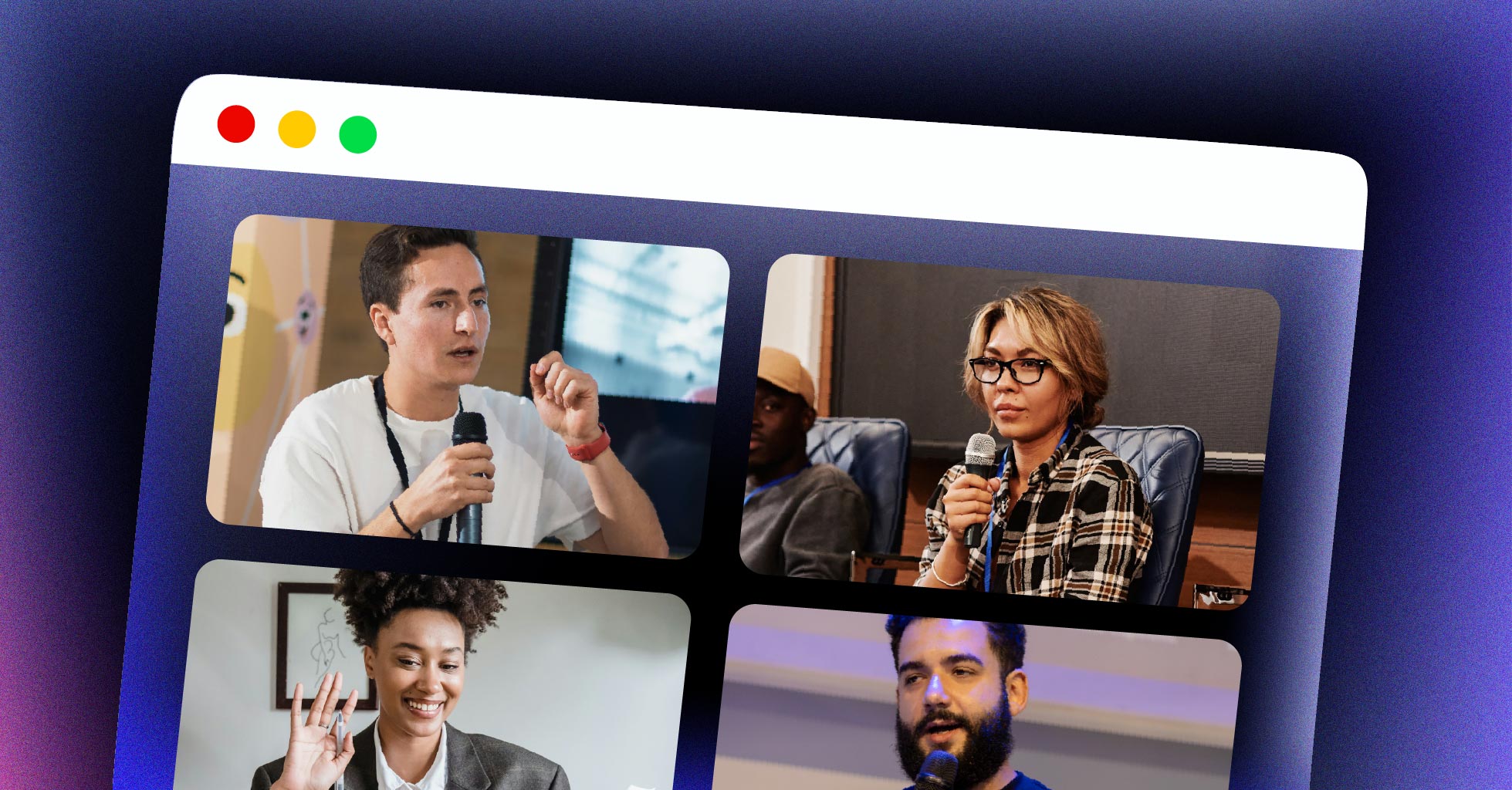
Google Meet, Zoom, Discord, and Facebook Messenger all share something in common: they run real-time audio and video directly in the browser without plugins. The technology behind this is WebRTC, and since becoming a W3C standard in January 2021, it powers billions of voice and video sessions every week. Whether you’re building a video conferencing tool, a telehealth app, or a live streaming platform, understanding WebRTC is the first step toward choosing the right real-time communication stack.
This guide covers what WebRTC is, how peer-to-peer connections are established, the architecture options for scaling beyond a handful of users, the three core browser APIs, common use cases, and how to decide if WebRTC fits your project. By the end, you’ll have a clear picture of where WebRTC excels, where it falls short, and what infrastructure you need to go from prototype to production.
What Is WebRTC?
WebRTC (Web Real-Time Communication) is an open-source framework that enables real-time audio, video, and data exchange directly between browsers and mobile applications — without plugins, downloads, or third-party software. Developed originally by Google and now maintained by the W3C and IETF, WebRTC provides JavaScript APIs that let developers add peer-to-peer media streams to any web application.
WebRTC is both an API and a set of protocols. On the API side, browsers expose three JavaScript interfaces — getUserMedia, RTCPeerConnection, and RTCDataChannel — that handle camera/microphone access, connection management, and arbitrary data transfer. On the protocol side, WebRTC bundles ICE, STUN, TURN, DTLS, and SRTP to handle NAT traversal, key exchange, and encrypted media transport over UDP.
The result: sub-500ms latency for audio and video, running natively in Chrome, Firefox, Safari, Edge, and Opera — plus native SDKs for iOS and Android.
| Feature | WebRTC | HLS | RTMP |
|---|---|---|---|
| Typical Latency | 100–500ms | 6–30s (LL-HLS: ~2s) | 3–5s |
| Transport | UDP (SRTP) | HTTP (TCP) | TCP |
| Browser Support | All modern browsers | All modern browsers | Requires Flash or player |
| Direction | Bidirectional (P2P) | Server-to-viewer | Encoder-to-server |
| Scale | Limited P2P; needs SFU for scale | Millions (CDN-based) | Thousands (server-based) |
| Primary Use | Video calls, interactive streaming | Broadcast, VOD playback | Live ingest to servers |
If you’re comparing HLS streaming with WebRTC, the core tradeoff is latency versus scale. WebRTC delivers real-time interaction; HLS delivers broadcast-grade reach. Many production systems use both — WebRTC for ingest and interaction, HLS for large-audience delivery.
How Does WebRTC Work?
A WebRTC connection between two peers follows a specific sequence. The process involves signaling, NAT traversal, and encrypted media transport — all coordinated through a combination of browser APIs and external servers.
- Access media devices. The initiating peer calls
getUserMedia()to request access to the camera and microphone. The browser prompts the user for permission, then returns aMediaStreamobject containing the audio and video tracks. - Create a peer connection. The peer creates an
RTCPeerConnectionobject and adds the media tracks to it. This object manages the entire connection lifecycle — ICE gathering, DTLS handshake, and media flow. - Generate an SDP offer. The initiating peer calls
createOffer()to generate a Session Description Protocol (SDP) message. This SDP describes the media capabilities: supported codecs (VP8, H.264, Opus), resolution, bitrate, and transport parameters. - Exchange SDP via a signaling server. WebRTC does not define a signaling protocol — that’s up to you. Most implementations use WebSockets or HTTP to relay the SDP offer to the remote peer, which responds with an SDP answer. This is the only part that requires your own server.
- Gather ICE candidates. Both peers simultaneously query STUN servers to discover their public IP addresses and port mappings. If direct connectivity fails (common behind corporate firewalls), a TURN server relays the traffic. The ICE framework tests candidate pairs to find the best path.
- Establish the encrypted connection. Once a viable candidate pair is found, the peers run a DTLS handshake to exchange encryption keys. All media is then encrypted with SRTP (Secure Real-time Transport Protocol). Data channels use SCTP over DTLS.
- Stream media peer-to-peer. Audio and video flow directly between browsers over UDP, bypassing any central server. The connection adapts to network conditions using bandwidth estimation, packet loss recovery, and automatic bitrate adjustment.
The signaling server is only needed during setup. Once the peer-to-peer connection is established, media flows directly between the two endpoints. This is what gives WebRTC its sub-500ms latency — there’s no server in the media path adding processing delay.
WebRTC Architecture: P2P vs SFU vs MCU
The peer-to-peer model works well for 1-on-1 calls and small groups. But when you add more participants or viewers, the architecture needs to change. There are three main WebRTC architecture topologies, each with different tradeoffs for latency, cost, and scale.
1. Peer-to-Peer (Mesh)
Every participant connects directly to every other participant. Each peer sends and receives a separate media stream for each connection. This works for 2–4 participants but breaks down quickly — a 6-person call requires each device to encode and upload 5 separate video streams while simultaneously decoding 5 incoming streams. CPU and bandwidth usage grows quadratically.
2. SFU (Selective Forwarding Unit)
An SFU sits between participants and forwards each incoming stream to all other participants without processing or mixing the media. Each participant uploads one stream to the server and downloads N-1 streams. This is the most common architecture for production WebRTC applications — it scales to hundreds of participants while keeping latency low (500ms–2s). Google Meet and Zoom both use SFU-based architectures.
3. MCU (Multipoint Control Unit)
An MCU decodes all incoming streams, mixes them into a single composite stream, re-encodes the result, and sends one stream to each participant. This minimizes download bandwidth per client but requires heavy server-side processing. MCU architectures are used in specialized scenarios like hardware-based video conferencing systems and some enterprise telepresence setups.
| Topology | How It Works | Scale | Latency | Server Cost |
|---|---|---|---|---|
| P2P / Mesh | Direct peer connections | 2–6 peers | Lowest (100–500ms) | None (signaling only) |
| SFU | Server relays without processing | 10–1,000+ | Low (500ms–2s) | Moderate |
| MCU | Server mixes all streams | 10–100 | Medium (1–3s) | High (CPU-intensive) |
For most developer teams, an SFU-based architecture is the right choice. It keeps latency low enough for real-time interaction, scales to production workloads, and doesn’t require the heavy transcoding overhead of an MCU. If your use case involves large broadcast audiences (thousands or more), you’ll typically pair WebRTC ingest with adaptive bitrate streaming over HLS for delivery.
Core WebRTC APIs
Browsers expose three main JavaScript APIs for WebRTC. Together, they handle media capture, connection management, and data transfer.
getUserMedia (MediaStream API)
This API requests access to the user’s camera and microphone. It returns a MediaStream object containing audio and/or video tracks that you can attach to an RTCPeerConnection or render in a <video> element. You can specify constraints like resolution, frame rate, and which device to use.
const stream = await navigator.mediaDevices.getUserMedia({
  video: { width: 1280, height: 720 },
  audio: true
});
document.getElementById('localVideo').srcObject = stream;
RTCPeerConnection
This is the central API for establishing and managing a WebRTC connection. It handles SDP negotiation, ICE candidate gathering, DTLS key exchange, and the actual media transport. You create one RTCPeerConnection per remote peer, add your local media tracks to it, and listen for remote tracks arriving on the ontrack event.
const pc = new RTCPeerConnection({
  iceServers: [{ urls: 'stun:stun.l.google.com:19302' }]
});
stream.getTracks().forEach(track => pc.addTrack(track, stream));
pc.ontrack = (event) => {
  document.getElementById('remoteVideo').srcObject = event.streams[0];
};
RTCDataChannel
Data channels allow arbitrary data transfer between peers — text messages, file chunks, game state, or any binary data. They use SCTP over DTLS, giving you options for ordered/unordered delivery and reliable/unreliable transport. Data channels bypass the server entirely, running peer-to-peer with the same low latency as the media streams.
const channel = pc.createDataChannel('chat');
channel.onopen = () => channel.send('Hello from peer A');
channel.onmessage = (event) => console.log('Received:', event.data);
Advantages of WebRTC
1. Sub-Second Latency
WebRTC delivers 100–500ms end-to-end latency for audio and video. Compare that to 6–30 seconds for standard HLS or 3–5 seconds for RTMP. For video calls, live auctions, online gaming, and telehealth, this difference matters — a 5-second delay makes conversation impossible.
2. No Plugins Required
WebRTC runs natively in every major browser. Users don’t install anything — no Flash, no Java applets, no browser extensions. This eliminates the biggest source of friction in real-time communication apps: getting users to install software before they can join.
3. Open Source and Free
The WebRTC project is open-source under a BSD license. There are no royalty fees for using the APIs or the underlying protocols. Google, Mozilla, Apple, and Microsoft all contribute to the codebase and ship it in their browsers.
4. Built-In Encryption
All WebRTC connections are encrypted by default. DTLS handles key exchange, and SRTP encrypts every audio and video packet. There’s no option to disable encryption — it’s mandatory in the specification. This makes WebRTC one of the most secure real-time communication protocols available, which is why it’s approved for use in healthcare (HIPAA) and financial services applications.
5. Adaptive Quality
WebRTC continuously monitors network conditions — bandwidth, packet loss, jitter — and adjusts video resolution and bitrate in real time. If a participant switches from Wi-Fi to cellular, the stream adapts within seconds rather than freezing or buffering.
6. Cross-Platform Support
Beyond browsers, WebRTC has native SDKs for iOS and Android. You can build mobile apps that communicate with web clients without any protocol translation. The same video codecs (VP8, VP9, H.264) and audio codecs (Opus, G.711) are supported across all platforms.
Disadvantages of WebRTC
1. Scaling Beyond P2P Is Complex
Pure peer-to-peer WebRTC maxes out at around 4–6 participants in a mesh topology. Beyond that, you need to build or deploy an SFU or MCU server, which adds infrastructure cost and operational complexity. Most teams underestimate the engineering effort required to run a reliable media server at scale.
2. No Built-In Signaling
WebRTC defines how to transport media but not how to establish the connection. You need to build your own signaling server (typically using WebSockets) to exchange SDP offers, answers, and ICE candidates. This is a non-trivial piece of infrastructure that requires its own scaling, authentication, and reliability engineering.
3. Limited Broadcast Scale
Even with an SFU, WebRTC-based delivery to thousands of simultaneous viewers is expensive and difficult to maintain. For audiences above a few hundred, most production systems switch to HLS or similar HTTP-based protocols that can run through standard CDNs. WebRTC works well for interactive sessions; it’s not designed for one-to-many broadcast at YouTube or Twitch scale.
4. TURN Server Costs
When peers can’t establish a direct connection (about 15–20% of cases, higher behind corporate firewalls), all media traffic routes through a TURN relay server. TURN servers consume significant bandwidth and need to be geographically distributed. The bandwidth bill alone can become a major cost driver for applications with many users behind restrictive networks.
5. Inconsistent Browser Behavior
While all major browsers support WebRTC, the implementations differ in subtle ways — codec support, encoding parameters, ICE handling, and screen sharing behavior. Safari in particular has historically lagged behind Chrome and Firefox in feature support. Testing across browsers and devices adds development and QA time.
Now that you understand what WebRTC is, how it works, and where it excels and falls short, let’s get into the practical side — how to implement it, what infrastructure you need, and whether it’s the right fit for your project.
How to Implement WebRTC in Your Application
1. Set Up a Signaling Server
Build a signaling server to relay SDP offers, answers, and ICE candidates between peers. A basic implementation uses Node.js with the ws (WebSocket) library — about 50–100 lines of code for a minimal version. For production, add rooms, authentication, and reconnection logic.
2. Configure STUN and TURN Servers
Use a public STUN server (like Google’s stun:stun.l.google.com:19302) for development. For production, deploy your own TURN server using coturn, the most widely used open-source TURN implementation. Place TURN servers in multiple regions to minimize relay latency.
3. Capture and Send Media
Call getUserMedia() to access camera and microphone, create an RTCPeerConnection, add the media tracks, generate an SDP offer, and send it through your signaling server. Handle the SDP answer from the remote peer and add incoming ICE candidates as they arrive.
4. Handle the Remote Stream
Listen for the ontrack event on the RTCPeerConnection. When it fires, attach the remote stream to a <video> element. Handle connection state changes (oniceconnectionstatechange) to detect disconnections, failures, and reconnection opportunities.
5. Add Recording and Playback
If your application needs to record sessions, convert live streams to on-demand content, or deliver recordings for later viewing, you’ll need additional server-side infrastructure. Building video transcoding, storage, and CDN delivery from scratch takes months of engineering work.
This is where a video streaming API like LiveAPI can save significant time. LiveAPI handles the infrastructure side — RTMP/SRT ingest, instant encoding, adaptive bitrate streaming, multiple CDN delivery through Akamai, Cloudflare, and Fastly, and automatic live-to-VOD recording. You handle the WebRTC peer connection on the client side; LiveAPI handles everything from ingest to playback at scale.
6. Test Across Browsers and Networks
Test on Chrome, Firefox, Safari, and Edge. Test on mobile devices. Test behind VPNs and corporate firewalls where TURN fallback is likely. Use chrome://webrtc-internals to inspect connection stats, codec negotiation, and ICE candidate results during development.
WebRTC Use Cases
WebRTC’s combination of low latency, browser-native support, and bidirectional communication makes it the standard choice for several application categories.
Video and Voice Calling
The original and most common use case. Google Meet, Microsoft Teams, Zoom (web client), Discord, and Slack all use WebRTC for their browser-based calling features. Sub-second latency and built-in echo cancellation make it suitable for everything from 1-on-1 calls to 50-person meetings.
Telehealth
HIPAA-compliant telehealth platforms rely on WebRTC’s mandatory encryption and low-latency video. Patients connect from a browser link — no app download required. The peer-to-peer model means patient data doesn’t pass through unnecessary intermediate servers.
Live Interactive Streaming
Live auctions, sports betting, online classrooms, and interactive events need latency under 1 second to feel real-time. WebRTC handles the interactive component (audience questions, bidding, polling) while video streaming infrastructure can handle the broadcast-scale delivery to larger audiences.
Screen Sharing and Remote Collaboration
WebRTC’s getDisplayMedia() API captures screen content with the same low latency as camera video. Remote pair programming, design reviews, and support sessions all benefit from the real-time responsiveness that HTTP-based screen sharing can’t match.
IoT and Surveillance
IP cameras and IoT devices use WebRTC to stream video to browsers without a dedicated app. The protocol’s low latency is critical for security monitoring, drone control, and industrial inspection, where a multi-second delay makes remote operation unsafe. LiveAPI supports RTSP pull-based ingest for connecting IP cameras to a cloud streaming pipeline.
Gaming
WebRTC data channels provide low-latency, peer-to-peer transport for multiplayer game state. Cloud gaming platforms use WebRTC to stream rendered frames from servers to players’ browsers with minimal input lag.
Is WebRTC Right for Your Project?
WebRTC is a strong fit for some applications and the wrong choice for others. Here’s a quick framework for deciding.
WebRTC is a good fit if:
- You need real-time interaction (video calls, live chat, collaborative editing)
- Latency under 1 second is a hard requirement
- Your participants interact bidirectionally (not just watching)
- Your typical session has fewer than 100 active video participants
- You need browser-native support without app downloads
- You’re building on top of an existing live streaming API that handles infrastructure
WebRTC may not be the best fit if:
- You’re broadcasting to thousands of passive viewers (use HLS/DASH instead)
- Latency of 2–5 seconds is acceptable for your use case
- You need DVR-like functionality with rewind and seek
- Your audience is primarily watching pre-recorded content (VOD platforms are a better fit)
Many production applications combine both. They use WebRTC for the interactive, low-latency components and HLS for large-audience delivery and embedded playback.
WebRTC FAQ
What does WebRTC stand for?
WebRTC stands for Web Real-Time Communication. It’s an open-source project that provides browsers and mobile applications with real-time audio, video, and data communication capabilities through JavaScript APIs and standardized protocols.
Is WebRTC free to use?
Yes. The WebRTC APIs are free and built into all major browsers. There are no licensing fees. However, running WebRTC at scale requires infrastructure — signaling servers, STUN/TURN servers, and potentially SFU media servers — which have operational costs.
Does WebRTC use TCP or UDP?
WebRTC primarily uses UDP for media transport via SRTP (Secure Real-time Transport Protocol). UDP is preferred because it doesn’t wait for lost packets to be retransmitted, keeping latency low. Data channels use SCTP, which can run over UDP. If UDP is blocked, WebRTC can fall back to TCP through a TURN relay.
What is a WebRTC leak?
A WebRTC leak occurs when a browser reveals your real IP address through the WebRTC API, even when you’re using a VPN. The ICE candidate gathering process can expose local and public IPs. Browser extensions and VPN settings can mitigate this, and modern browsers offer options to restrict ICE candidate exposure.
Does Zoom use WebRTC?
Zoom’s web client uses WebRTC for audio and video in the browser. The desktop and mobile apps use Zoom’s proprietary protocol stack, which is optimized for their infrastructure. Google Meet, Microsoft Teams (web), and Discord all use WebRTC as their primary browser-based communication technology.
What is the difference between WebRTC and WebSocket?
WebRTC is designed for real-time media (audio/video) and runs peer-to-peer over UDP. WebSocket is designed for persistent client-server messaging over TCP. They’re complementary — most WebRTC applications use WebSockets as the signaling channel to exchange SDP and ICE candidates before the peer-to-peer connection is established.
Can WebRTC be used for live streaming?
Yes, but with caveats. WebRTC delivers the lowest latency (sub-500ms) for live streaming, making it ideal for interactive broadcasts. For large passive audiences (thousands of viewers), pair WebRTC ingest with HLS delivery through a CDN. APIs like LiveAPI handle this hybrid architecture, accepting RTMP or SRT ingest and delivering via HLS to any scale.
What is WebRTC signaling?
Signaling is the process of coordinating a WebRTC connection before media flows. It involves exchanging Session Description Protocol (SDP) messages that describe each peer’s media capabilities and ICE candidates that describe network connectivity options. WebRTC intentionally doesn’t define a signaling protocol — developers choose their own transport (WebSockets, HTTP, or even manual copy-paste for testing).
WebRTC: Real-Time Communication for the Modern Web
WebRTC gives developers a browser-native, encrypted, low-latency path for real-time audio, video, and data. For interactive applications — video calls, telehealth, live auctions, collaborative tools — it’s the standard. The challenge comes when you need to scale beyond peer-to-peer: signaling servers, TURN relays, SFU infrastructure, recording, transcoding, and delivery all require engineering investment.
The teams that ship fastest are the ones that build the interactive layer with WebRTC on the client and offload the infrastructure to an API.
Ready to build real-time video into your app? LiveAPI gives you live streaming, video hosting, instant encoding, multi-CDN delivery, and live-to-VOD — go from zero to production in days, not months. Get started with LiveAPI.