A single live event can put more concurrent load on your video stack than a month of on-demand playback. When 10,000 people tune into a product launch at the same second, every part of the chain — capture, encode, ingest, transcode, deliver — has to hold up at once, with no second take. That is the core challenge of live event streaming, and it is why the global live streaming market is projected to reach $252.76 billion by 2029.
This guide breaks down what live event streaming is, the technical workflow behind it, the equipment and protocols involved, what it costs, and how to add it to your own application without building the infrastructure yourself. It is written for developers and technical teams deciding how to ship a real-time video feature, not for hobbyists looking for a one-click app.
What Is Live Event Streaming?
Live event streaming is the real-time capture, encoding, and delivery of a video signal from a single event to many viewers over the internet, so the audience watches the action as it happens instead of after the fact. The “event” can be anything time-bound: a conference keynote, a concert, a sports match, a religious service, a town hall, a wedding, or a corporate all-hands.
What separates event streaming from casual social streaming is scale and reliability. A creator going live from a phone tolerates a dropped frame. An event with thousands of paying viewers, a fixed start time, and no rerun does not. That raises the bar on the encoder, the ingest protocol, the transcoding pipeline, and the CDN that delivers the stream.
| Attribute | Live event streaming | Casual social streaming |
|---|---|---|
| Audience size | Hundreds to millions, concurrent | A few to a few thousand |
| Start time | Fixed, scheduled, promoted | Spontaneous |
| Reliability requirement | No failures allowed (no rerun) | Tolerant of glitches |
| Production | Multi-camera, switcher, graphics | Single camera, phone or webcam |
| Typical protocol in | RTMP, SRT | RTMP |
| Delivery out | HLS over multi-CDN | HLS on one platform |
| Recording | Live-to-VOD for replay | Optional |
The defining trait is that the stream is delivered with a controlled, repeatable workflow built to survive a one-time, high-stakes broadcast.
How Does Live Event Streaming Work?
Every live event stream moves through the same five stages, no matter the platform. Understanding the chain helps you find the weak link before it breaks on event day.
-
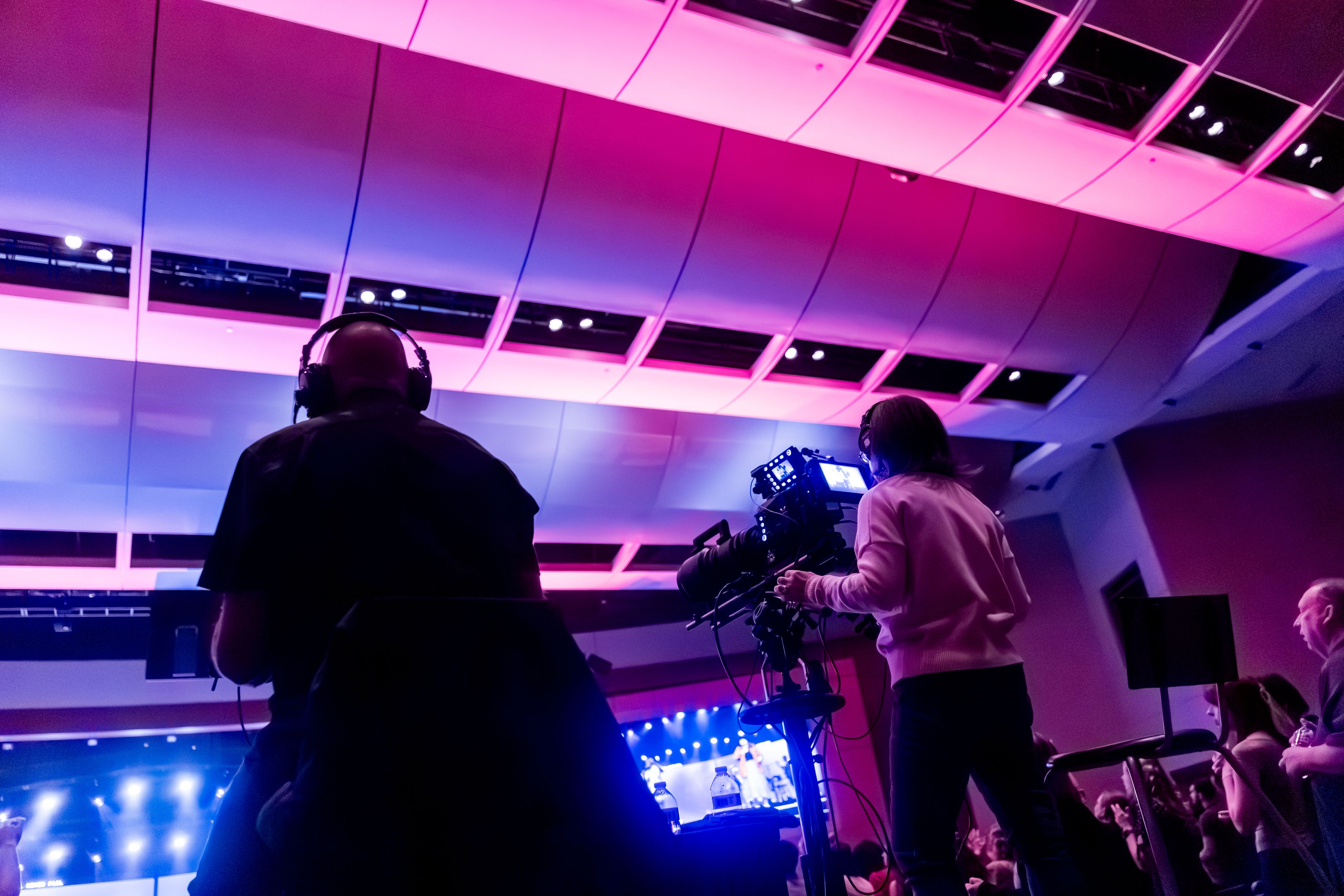
Capture. Cameras and microphones produce a raw video and audio signal. For multi-camera events, a video switcher or mixer combines feeds into a single program output.
-
Encode. An encoder compresses the raw signal into a streamable format, almost always H.264 video with AAC audio. The encoder packages that compressed data into a transport protocol and pushes it to your ingest endpoint.
-
Ingest and transcode. Your streaming infrastructure receives the inbound stream, then transcodes the inbound feed into multiple bitrate renditions — for example 1080p, 720p, and 480p. This is what powers adaptive bitrate streaming, where each viewer’s player picks the rendition that matches their connection.
-
Package and deliver. The renditions are packaged into a delivery format, typically HLS, and pushed to a content delivery network. The CDN’s edge servers cache segments close to viewers so the stream scales to large audiences.
-
Playback. A video player on web, mobile, or a TV app requests segments from the nearest CDN edge and renders them. The player handles buffering and switches renditions on the fly as network conditions change.
The whole chain runs continuously for the duration of the event, often with a live-to-VOD recording saved in parallel so you can publish a replay the moment the broadcast ends.
Ingest Protocols: RTMP vs SRT
The protocol your encoder uses to push the stream into your infrastructure matters for both reliability and latency.
-
RTMP is the long-standing default. Nearly every encoder and software tool supports it, and it is stable on good networks. Its weakness is recovery on lossy connections — RTMP runs over TCP and can stall when packets drop.
-
SRT is the modern alternative built for unreliable networks. It adds error recovery and encryption, which makes it the better choice when you are streaming from a venue with shaky internet or over the public internet from a remote location.
For most events, RTMP from a reliable wired connection is fine. For field events, outdoor venues, or anywhere the upload is unpredictable, SRT is the safer pick.
Types of Live Event Streaming
Live event streaming covers a wide span of formats, and the right setup depends on which one you are building for.
Virtual Events
A fully online event — a webinar, a virtual conference, an online class — where there is no physical audience and everyone joins through a browser or app. Virtual event streaming leans heavily on interactivity: chat, Q&A, polls, and breakout sessions.
Hybrid Events
A physical event that is also streamed to a remote audience. Hybrid events are the most demanding because you are running in-room production and a polished broadcast at the same time, often with separate engagement flows for in-person and online attendees.
Corporate and Enterprise Events
Corporate event streaming covers all-hands meetings, product launches, investor calls, and internal training. These often need access control — password protection, domain whitelisting, or single sign-on — because the content is private.
Sports and Entertainment
High-concurrency, low-tolerance events where latency and scale are everything. Sports streaming in particular pushes toward ultra-low latency so the stream stays close to real time and viewers do not hear the result from a neighbor before they see it.
Live Shopping and Monetized Events
Ticketed concerts, pay-per-view matches, and shoppable live commerce, where the stream is tied directly to revenue. These need a monetization layer — paywalls, ticketing, or in-stream purchase — on top of the video infrastructure.
| Event type | Audience | Key requirement | Latency priority |
|---|---|---|---|
| Virtual event | Remote only | Interactivity | Medium |
| Hybrid event | In-person + remote | Dual production | Medium |
| Corporate event | Private/internal | Access control | Low |
| Sports | Massive, concurrent | Scale + latency | High |
| Monetized event | Paying viewers | Paywall/ticketing | Medium-high |
Equipment and Software for Live Event Streaming
The hardware you need scales with the production. A simple webinar runs from a laptop; a multi-camera conference needs a full kit.
Cameras. A single webcam works for a talking-head webinar. Professional events use one or more dedicated cameras (mirrorless, camcorder, or PTZ) feeding a switcher.
Capture cards. If you use professional cameras, a capture card converts the HDMI or SDI output into a signal your computer can read.
Audio. Audio failures kill streams faster than video ones. Use dedicated microphones — lavalier mics for speakers, a board feed for music — rather than a camera’s built-in mic.
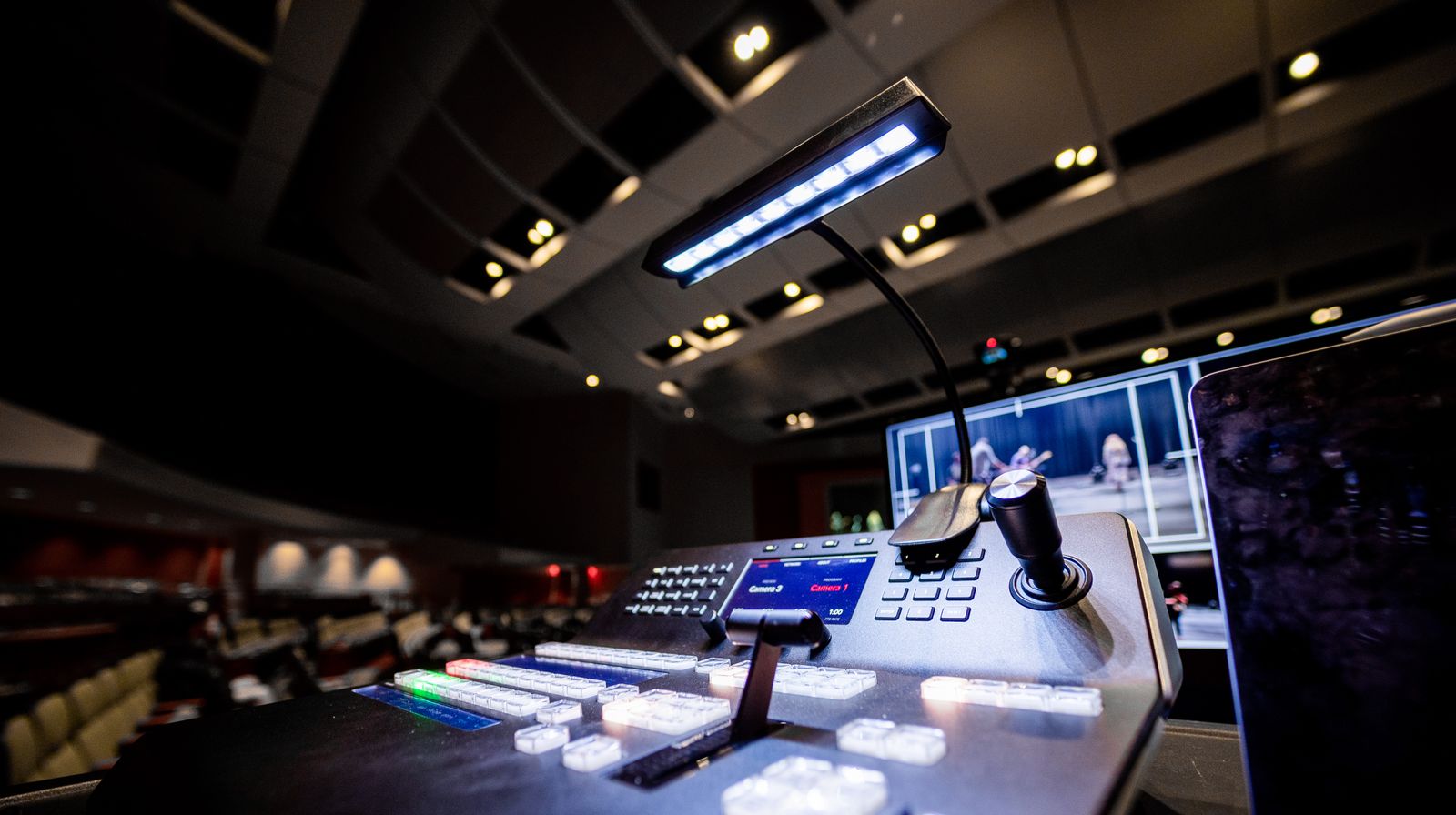
Video switcher. For multi-camera events, a hardware or software switcher (such as a hardware mixer or OBS) combines feeds, adds graphics and lower-thirds, and outputs a single program feed.
Encoder. Software encoders like OBS Studio run on a laptop and are free. Hardware encoders are dedicated appliances that are more stable for high-stakes events. Either one pushes your stream out over RTMP or SRT.
Internet connection. A wired ethernet connection is non-negotiable for serious events — Wi-Fi drops packets. Plan for an upload bandwidth of at least 2x your stream’s bitrate, and have a cellular bonding or backup connection for critical broadcasts.
Streaming platform or API. This is the backend that ingests, transcodes, and delivers your stream. It is the piece you do not want to build from scratch, which is where a live streaming API replaces months of infrastructure work.
How to Live Stream an Event: Step by Step
Here is the workflow for taking an event from plan to broadcast, framed for a team that is integrating streaming into its own product or running a professional event.
-
Define the goal and audience. Decide what the stream is for — reach, revenue, internal communication — and how many concurrent viewers you expect at peak. The concurrency number drives every infrastructure decision.
-
Choose your infrastructure. Pick a platform or streaming API based on the protocols you need, the CDN coverage for your audience’s geography, and whether you need recording, multistreaming, or monetization.
-
Create a live channel or stream. In an API workflow, you create a live stream object and receive an ingest URL and stream key. This is the endpoint your encoder will push to.
-
Set up and connect your encoder. Point your encoder at the ingest URL, set the stream key, and configure your output bitrate and resolution to match your bandwidth.
-
Configure inputs. Connect cameras, audio, and graphics into your switcher, and set the program output as the encoder’s source.
-
Embed the player. Take the HLS playback URL and embed it in your web page, app, or OTT destination using an HTML5 player.
-
Run a full test. Do a complete dry run days before the event — same equipment, same network, same destination. Test failover, graphics, and audio levels. Most live failures are preventable in a test run.
-
Promote the event. Live streams need an audience that knows when to show up. Promote the start time across your channels well in advance.
-
Go live and monitor. Start the stream a few minutes early, watch your ingest health and viewer analytics, and have someone ready to switch to a backup if anything fails.
-
Publish the replay. When the event ends, the live-to-VOD recording is ready to publish immediately so latecomers can watch on demand.
A Code-Level Example
If you are building event streaming into your own app, the workflow is API-driven. Creating a live stream and getting back the ingest and playback details looks like this:
const sdk = require('api')('@liveapi/v1.0#5pfjhgkzh9rzt4');

sdk.post('/livestreams', {
  title: 'Product Launch Keynote',
  recording: true,        // save a live-to-VOD copy
  protocol: 'rtmp'        // or 'srt' for lossy networks
})
.then(res => {
  console.log('Push to:', res.ingest_url);   // point your encoder here
  console.log('Play at:', res.playback_url); // embed this HLS URL
})
.catch(err => console.error(err));
Your encoder pushes to the ingest URL, and viewers watch through the HLS playback URL — the transcoding, packaging, and CDN delivery happen behind the API.
That shift from “build the pipeline” to “call an endpoint” is the difference between a multi-month infrastructure project and a feature you ship this sprint. The rest of this guide covers how to evaluate that infrastructure and what it costs.
How to Choose a Live Event Streaming Platform
When you evaluate a live event streaming platform or API, judge it against the requirements that actually break events. The marketing checklists matter less than these.
-
Concurrency and CDN reach. Can it handle your peak concurrent viewers, and does it use multiple CDNs (Akamai, Cloudflare, Fastly) so a single provider outage does not take down your event?
-
Ingest protocol support. RTMP at minimum, SRT if you stream from unreliable networks, and pull-based inputs (RTSP, HLS, MPEG-TS) if you ingest from cameras or existing feeds.
-
Latency. Standard HLS runs 15–30 seconds behind real time. If your event has live interaction or betting, you need a low-latency configuration that brings glass-to-glass delay down to a few seconds.
-
Adaptive bitrate and quality. The platform should transcode to multiple renditions automatically and support up to 4K if your production warrants it.
-
Recording and live-to-VOD. Automatic recording that is ready to publish the moment the stream ends, with no separate processing step.
-
Multistreaming. The ability to push to multiple platforms — YouTube, Facebook, your own site — at once from a single ingest, so you reach audiences wherever they are.
-
Developer experience. A clean API, SDKs, webhooks for event notifications, and documentation that lets you integrate in days rather than months.
For teams building streaming into their own product, an API-first platform like LiveAPI covers all of these — RTMP and SRT ingest, automatic adaptive bitrate transcoding, multi-CDN delivery, multistreaming to 30+ destinations, live-to-VOD, and an embeddable HTML5 player — through endpoints you call from your own code.
How Much Does Live Event Streaming Cost?
The cost of live streaming an event depends on which layer you are paying for: production, software, or delivery.
| Cost layer | What it covers | Typical range |
|---|---|---|
| Production crew | Camera operators, switcher, on-site staff | $1,000–$20,000+ per event |
| Equipment | Cameras, encoders, switchers, audio | $500–$15,000 (one-time) |
| DIY platforms | Free social platforms (YouTube, Facebook) | $0, but limited control |
| Self-serve SaaS | Event streaming software, monthly plans | $25–$500+ per month |
| Streaming API | Pay-per-minute infrastructure | Pay-as-you-grow |
For a developer building event streaming into an app, the relevant number is the infrastructure cost. SaaS event platforms charge flat monthly fees that you pay whether you stream once or daily. A pay-as-you-grow API charges by streaming and storage minutes, so an occasional high-traffic event does not lock you into a large recurring bill. Match the pricing model to your event cadence: frequent streamers benefit from volume plans, while occasional events favor usage-based pricing.
Is Live Event Streaming Right for Your Project?
Use this checklist to decide whether to build event streaming yourself, buy a SaaS tool, or integrate an API:
- Are you building streaming into your own product? Choose an API. SaaS tools are closed platforms; an API gives you control over the player, branding, and workflow.
- Do you need custom branding and a native player? An API with an embeddable player wins over a hosted SaaS page.
- Is your audience global? You need multi-CDN delivery, not a single-region provider.
- Will you run frequent or occasional events? Frequent events justify a flat plan; occasional events favor pay-as-you-grow.
- Do you need recording, multistreaming, or monetization? Confirm these are built in rather than bolted on.
If you answered “API” to the first question, you are building a product feature, not running a one-off broadcast, and the integration path below applies.
Live Event Streaming FAQ
What is live event streaming?
Live event streaming is the real-time broadcast of an event — a conference, concert, sports match, or corporate meeting — to an online audience over the internet, so viewers watch as it happens. It uses a capture-encode-deliver pipeline that scales to large concurrent audiences.
What equipment do I need to live stream an event?
At minimum, a camera, a microphone, an encoder (software like OBS or a hardware unit), a stable wired internet connection, and a streaming platform or API to ingest and deliver the stream. Multi-camera events also need a video switcher and capture cards.
What is the best protocol for live event streaming?
RTMP is the most widely supported ingest protocol and works well on stable networks. SRT is better for unreliable or remote connections because it recovers from packet loss and adds encryption. Delivery to viewers is almost always over HLS.
How much does it cost to live stream an event?
Costs range from free on social platforms to thousands of dollars for full production. The infrastructure layer alone can be as low as pay-per-minute usage with a streaming API, or a flat monthly fee with SaaS event platforms. Production crew and equipment are usually the largest line items.
What is the difference between virtual, hybrid, and in-person event streaming?
Virtual events are fully online with no physical audience. Hybrid events have both an in-room and a remote audience, requiring dual production. In-person events that are streamed add a broadcast layer on top of a physical event.
How do I reduce latency for a live event?
Standard HLS adds 15–30 seconds of delay. To get closer to real time, use a low-latency HLS or WebRTC-based configuration, keep your encoder’s keyframe interval short, and choose a platform that supports low-latency delivery end to end.
Can I stream one event to multiple platforms at once?
Yes. Multistreaming (also called simulcasting) takes a single ingest and rebroadcasts it to multiple destinations — YouTube, Facebook, Twitch, and your own site — simultaneously, so you reach audiences wherever they already are.
How do I add a replay after the event?
Use a platform with live-to-VOD, which records the stream automatically and makes the recording available as on-demand video the moment the broadcast ends, with no separate upload or processing step.
Building Live Event Streaming Into Your App
Live event streaming comes down to a reliable pipeline — capture, encode, ingest, transcode, deliver — that holds up under a one-time, high-concurrency load. You can assemble that pipeline yourself from encoders, transcoders, and CDN contracts, or you can call an API that handles it.
For developers, the API path turns months of infrastructure work into a few endpoints: create a stream, push RTMP or SRT, embed an HLS player, and get a live-to-VOD replay when it ends. LiveAPI provides exactly that — up to 4K live streaming, multi-CDN delivery, multistreaming to 30+ platforms, and pay-as-you-grow pricing built for teams that want to ship event streaming fast. Get started with LiveAPI and run your first live event from your own code.