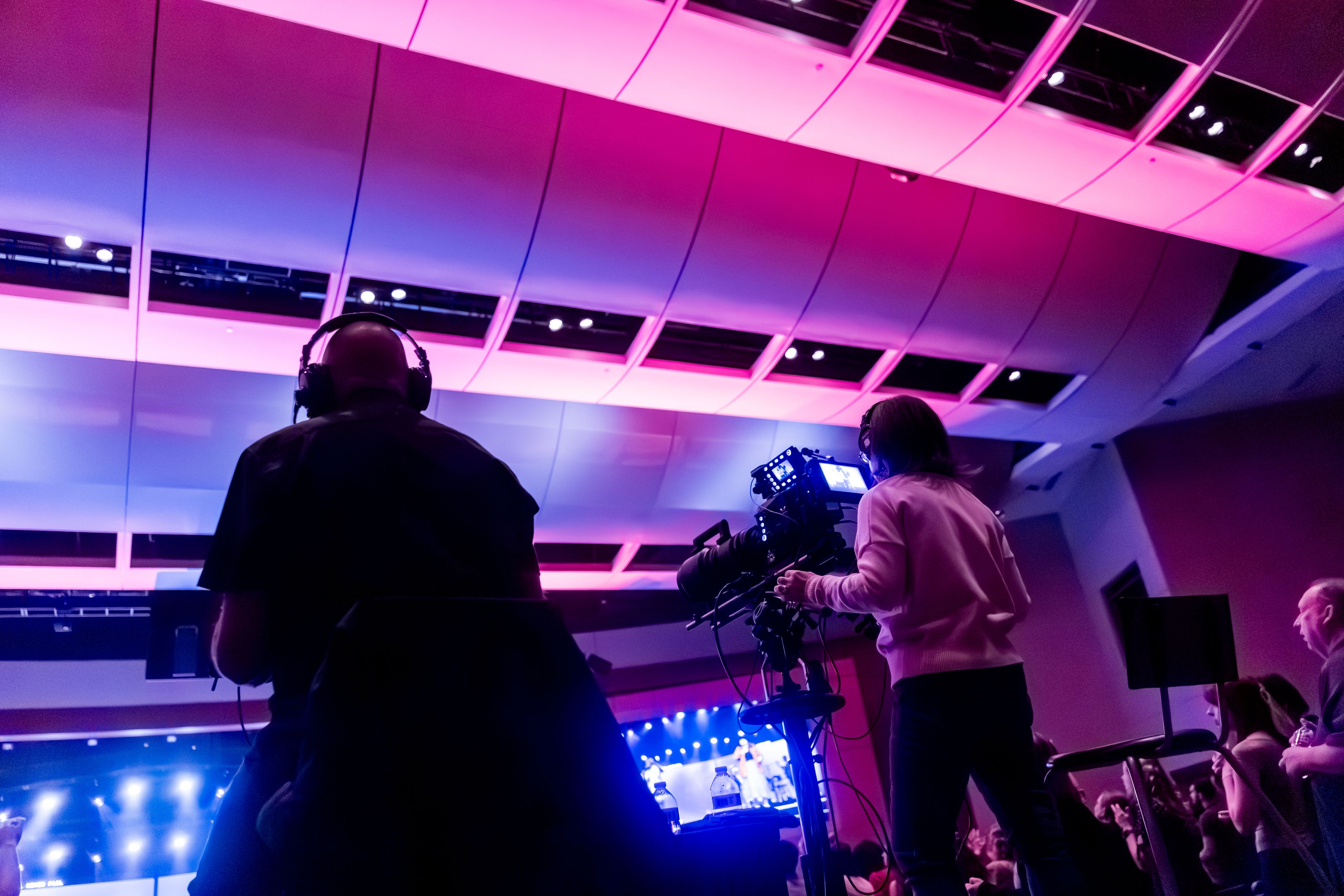
Only 4% of events are hybrid events. In-person takes 63% and fully virtual takes 33%, according to Bizzabo’s 2026 event benchmarks.
That gap is strange, because everyone says they want hybrid. Wider reach, a content library, sponsors who get two audiences for one activation.
The reason so few pull it off is boring and technical. A hybrid event is two productions running off one budget, connected by a video pipeline.
Cameras, a switcher, an encoder, an ingest protocol, transcoding, a CDN, a player, and a way for people at home to talk back to the room.
Most guides on this topic are written for event planners. This one is written for the person who has to make the stream work.
What Is a Hybrid Event?
A hybrid event is a single event that runs a physical gathering and a live-streamed online audience at the same time, with content and interaction shared between both groups.
The word “shared” carries the weight. Pointing a webcam at a stage and posting the link is a broadcast with a room in front of it.
A hybrid event treats the remote audience as attendees, not spectators: they can ask questions that get answered on stage, vote in polls the room sees, and network with people who flew in.
Hybrid isn’t a new idea either. The first university-level hybrid event ran in 1992 between the University of Helsinki and Williams College, billed at the time as the first global seminar using teleconferencing.
What changed since then is cost. Doing this in 1992 meant satellite time. Doing it now means an encoder and an API key.
| In-person event | Virtual event | Hybrid event | |
|---|---|---|---|
| Physical venue | Yes | No | Yes |
| Remote audience | No | Yes | Yes |
| Video pipeline needed | Optional (IMAG only) | Yes | Yes, plus room AV |
| Production teams | 1 (AV) | 1 (streaming) | 2, coordinated |
| Typical cost vs in-person | Baseline | 0.3–0.6x | 1.3–1.6x |
| Audience ceiling | Venue capacity | Bandwidth and budget | Both combined |
| Content reuse after | Manual recording | Native recording | Native recording |
Hybrid Event vs Virtual Event vs In-Person Event
The differences that matter aren’t philosophical. They’re operational.
A virtual event has one audience and one source of truth. Everyone joins the same platform, sees the same feed, and experiences the same latency. If a speaker’s audio drops, everyone notices at once and you fix it once.
A hybrid event has two audiences with different clocks. The room hears a speaker instantly. Your remote audience hears them 15 to 30 seconds later on standard HLS. Run a live poll and the room has already voted before the question reaches anyone at home.
An in-person event has no video dependency at all. Screens in the room are nice. If the stream dies, nobody in the building knows.
Hold onto that third point. In a hybrid setup, video stops being supporting equipment and becomes half your attendees’ entire experience.
It needs the redundancy you’d give a payment system.
Hybrid meeting vs hybrid conference
These terms get used loosely, so here’s the practical split.
- Hybrid meeting: small, two-way, everyone expected to speak. A town hall, a board meeting, a sales kickoff. Typically 5 to 200 people, and low latency matters more than picture quality.
- Hybrid conference: large, mostly one-way, multi-track. Keynotes, breakouts, a trade show floor. Hundreds to tens of thousands, and delivery scale matters more than latency.
Those two need different protocols, which is why “what platform should we use” is the wrong first question.
The right one: how much of this is conversation, and how much is broadcast?
How Does a Hybrid Event Work?
A hybrid event is a pipeline with a feedback loop bolted on. Here’s the path a moment on stage takes before it reaches someone on a couch.
- Capture. Cameras and microphones pick up the stage. Most setups run two to four cameras: a wide shot, a presenter close-up, and a feed of the slides.
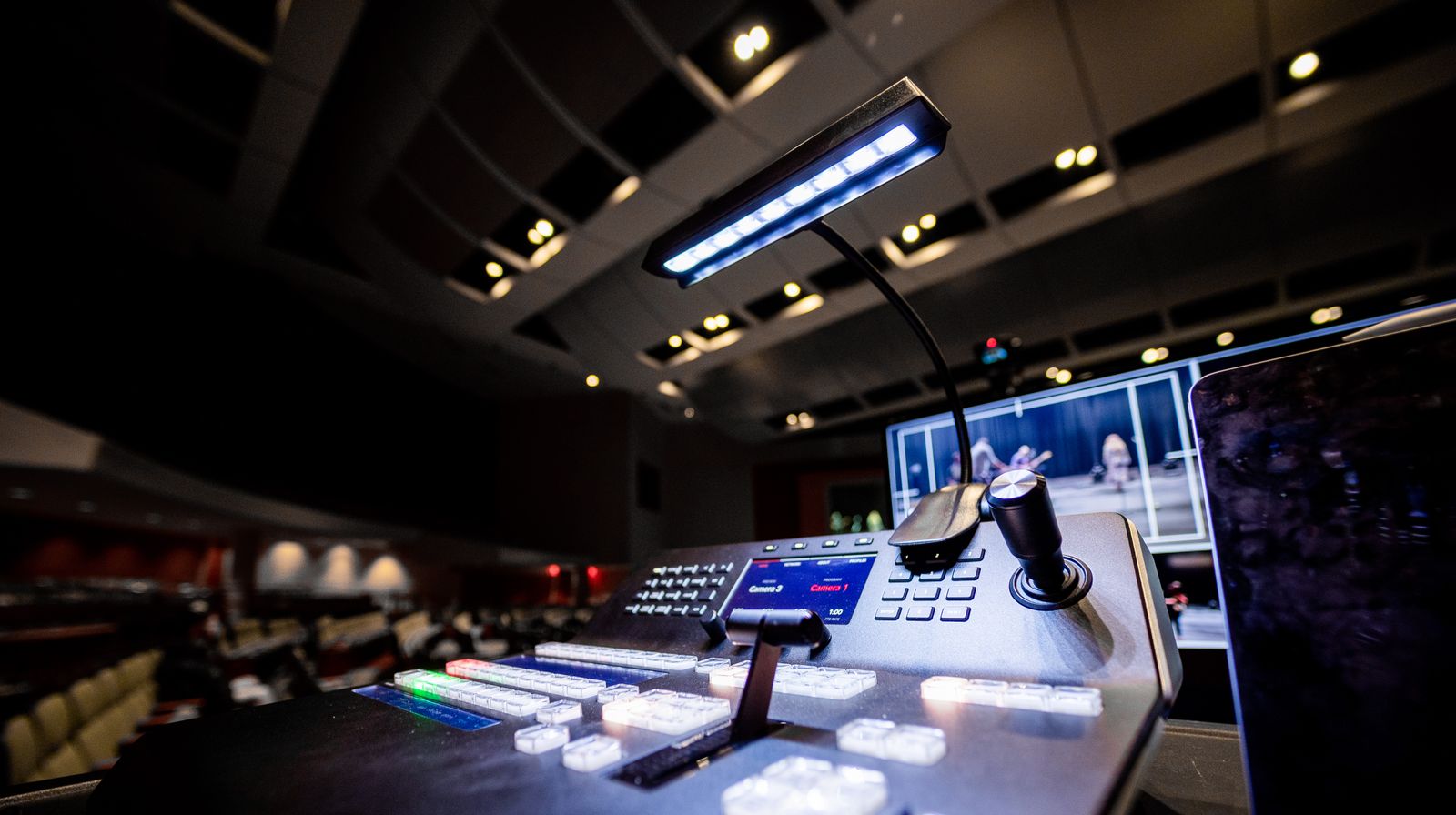
- Switching. A video switcher cuts between sources and mixes in graphics, lower thirds, and the slide feed. This is where the remote audience gets a directed show instead of a static wide angle.
- Encoding. A live streaming encoder compresses the program feed into H.264 or HEVC and packages it for transport. Uncompressed 1080p60 is roughly 3 Gbps, so nothing leaves the venue without this step.
- Ingest. The encoder pushes to a streaming platform over RTMP or SRT. Venue internet is unpredictable, which is why SRT and its packet recovery has taken over serious productions.
- Transcoding. The platform generates multiple renditions at different bitrates so adaptive bitrate streaming can match each viewer’s connection. A person on hotel Wi-Fi and a person on fiber get different files from the same stream.
- Delivery. Segments go out through a CDN as HLS, which plays on every browser, phone, and smart TV without a plugin.
- Playback and interaction. Viewers watch in an embedded player. Chat, Q&A, and polls ride a separate real-time channel back to the venue, where a producer surfaces them to the host.
Step 7 is where hybrid events succeed or fail. Steps 1 through 6 are a broadcast. The return path is what makes it an event.
Types of Hybrid Events
Format changes the technical requirements more than industry does. A hybrid yoga class and a hybrid trading floor briefing have more in common than a hybrid conference and a hybrid concert.
Hybrid conferences
Multi-day, multi-track, with keynotes and breakout sessions. The hard part is volume: five rooms streaming at once means five encoders, five ingest points, and a schedule that survives a session running long.
Recording every track and turning it into a session library afterward is usually worth more than the live stream itself.
Hybrid meetings and town halls
An all-hands where half the company is remote. Small audience, high interaction, and everyone expects to unmute. Latency under a second matters here, which pushes you toward WebRTC rather than HLS.
Hybrid trade shows
Exhibitor booths get virtual twins: a video room, a demo reel, a lead capture form. The streaming load is many small concurrent feeds rather than one big one, and the metric sponsors care about is qualified conversations, not viewer count.
Hybrid training and workshops
Certification courses, technical enablement, internal onboarding. Completion tracking matters more than production polish, and content gets reused for months. This is the format where live to VOD pays for the whole setup.
Hybrid product launches
One tightly scripted hour, huge concurrent peak, no second take. Redundant encoders and a backup uplink aren’t optional. Teams also usually push to owned channels and social platforms at once through multistreaming.
Hybrid concerts and entertainment
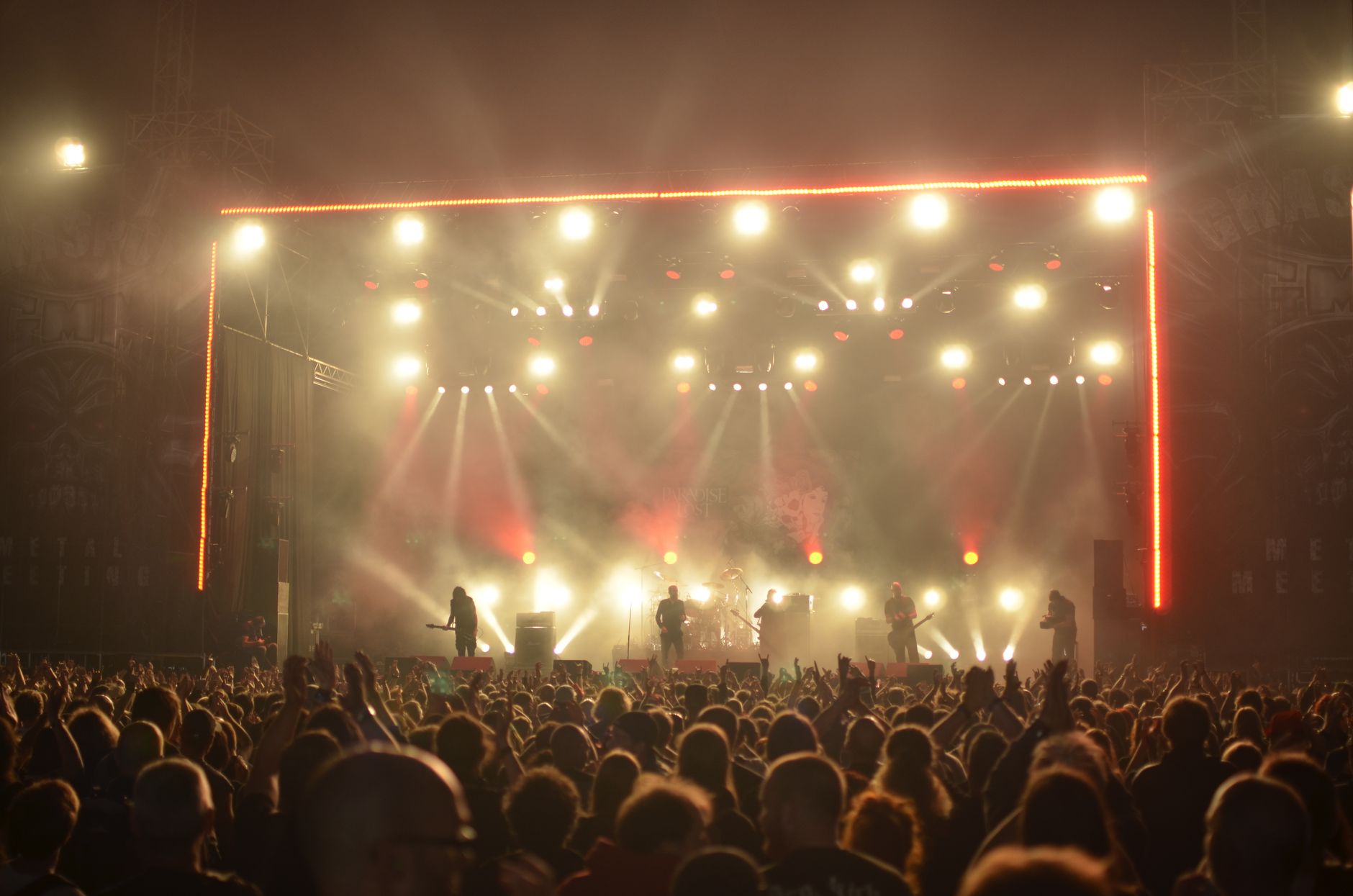
Picture and sound quality carry the ticket price. Multi-camera, stereo or 5.1 audio, and often 4K, which means a 4K-capable encoder and 25 Mbps or more of clean upstream bandwidth. Frequently ticketed, so access control and DRM enter the picture.
Hybrid fitness and community events
Recurring, low-crew, high-frequency. A single operator runs the whole stream from a laptop. The winning setup here is the one someone can start alone in five minutes, week after week.
| Type | Typical size | Latency need | Streaming complexity | Content reuse value |
|---|---|---|---|---|
| Conference | 500–20,000 | Medium (5–30s ok) | High (multi-track) | Very high |
| Meeting / town hall | 5–200 | Very low (<1s) | Low | Low |
| Trade show | 1,000–10,000 | Medium | High (many feeds) | Medium |
| Training / workshop | 20–500 | Low (2–5s) | Low | Very high |
| Product launch | 1,000–100,000+ | Medium | Medium, zero fault tolerance | High |
| Concert | 500–50,000 | Medium | High (4K, multi-cam, audio) | High |
| Fitness / community | 10–1,000 | Low (2–5s) | Very low | Medium |
Benefits of Hybrid Events
Your audience stops being capped by the room
A 400-seat venue sells 400 seats. Add a stream and the ceiling becomes your bandwidth bill.
The CDC saw this back in 2011: its Public Health Informatics conference took 1,865 online registrations against a typical in-person draw of about 1,500. The remote side outsold the room.
Every session becomes an asset
The same benchmarks show 82% of organizers now build video-on-demand content out of their events, with 53% gating at least part of it.
A three-day conference produces 40 or 50 recorded sessions. That’s a content library, a lead magnet, and a sales enablement archive from work you already paid for.
Sponsors get more inventory
One activation reaches two audiences. Logo placement in the room, a branded lower third on the stream, a sponsored virtual booth, and a mid-session ad slot.
Some teams go further and monetize the stream directly with paid access tiers.
You get real data on who watched what
Badge scans tell you someone walked into a room. Stream analytics tell you they watched 38 minutes of a 45-minute session and dropped at the Q&A.
Bizzabo puts average virtual viewing time around 46 minutes per session, with completion at 71% of session length. That’s per-attendee, per-session behavioral data you can’t get from a room.
Attendance stops depending on travel budget
A junior engineer whose manager won’t approve a $2,400 trip can still attend. So can someone with caregiving duties, a visa problem, or a disability that makes conference travel hard.
Cost per attendee drops sharply
The marginal cost of the 500th in-person attendee is catering, badge, chair, and square footage. The marginal cost of the 500th remote attendee is a few gigabytes of CDN delivery.
Total budget goes up with hybrid. Cost per head usually goes down.
The event survives things going wrong
A snowstorm, a flight cancellation, a speaker who tests positive the night before. With a stream already in place, a keynote can come in remotely and the show continues.
Without one, you’re rebuilding the agenda at 11pm.
Challenges of Hybrid Events
The budget has to cover two experiences
The most common failure mode is treating the stream as a line item instead of a deliverable. The room gets the crew and the attention, the remote audience gets a locked-off camera and unintelligible audience questions.
Fix: assign one person whose only job is the remote audience, with authority to interrupt the host.
Latency breaks shared interaction
Standard HLS delivers 15 to 30 seconds behind live. Applause lands late, poll results are stale, and the chat spoils the reveal.
Fix: pick a protocol that matches the interaction you promised, and design around the delay you can’t remove. Our guides on video latency and low latency streaming go deeper on the tradeoffs.
Venue bandwidth is the single biggest risk
Hotels and convention centers oversell Wi-Fi and then put 800 attendees on it. Your 6 Mbps upstream competes with everyone checking email.
Fix: a hardwired dedicated uplink, a bonded LTE or 5G backup, and SRT so packet loss degrades gracefully instead of dropping the stream.
AV complexity multiplies per room
Every additional streamed room adds a switcher, an encoder, an operator, and a failure point. Five concurrent tracks isn’t five times one track. It’s five times one track plus coordination overhead.
Fix: standardize on one hardware and settings profile across rooms so any operator can cover any room.
Remote engagement decays quietly
Nobody in the room notices that the chat went silent 20 minutes ago. Remote attendees leave without friction, and they leave without telling you.
Fix: watch concurrent viewers live, and build in scheduled moments that require remote participation.
Platform lock-in limits what you can build
All-in-one event platforms handle registration, streaming, and networking. That’s convenient until you want a custom app, your own branding, single sign-on against your identity provider, or the stream embedded in a product you already ship.
Fix: keep the video layer as an API you control, and treat the rest as replaceable.
Once you decide the stream is your responsibility rather than a vendor’s black box, you need to know what actually sits in the pipeline.
Hybrid Event Technology Stack
Nine layers, in the order a frame passes through them.
1. Capture. Two to four cameras minimum: wide, presenter, slides. For microphones, lavaliers or headsets on speakers and a dedicated handheld or ceiling array for audience questions. Budget more attention here than on camera quality, because remote viewers forgive a soft picture and won’t forgive audio they can’t parse.
2. Switching and production. A hardware switcher or software equivalent cuts sources and adds graphics. NDI is worth knowing here: it moves video between devices over regular Ethernet, so a camera in one room can feed a control room down the hall without running SDI cable.
3. Encoding. This turns your program feed into something a network can carry. The choice between a hardware encoder and software on a laptop comes down to how much you’d lose if it crashes. Live events lean hardware.
4. Ingest protocol. RTMP is universally supported and fine on stable wired connections. SRT recovers lost packets and should be your default on anything you don’t control. RTSP matters if you’re pulling from IP cameras.
5. Transcoding and ABR. One 1080p input becomes a ladder of renditions so viewers on bad connections get a lower rung instead of a spinner.
6. Delivery. HLS over CDN reaches every device. High-stakes events often run multi-CDN so a single provider’s regional problem doesn’t end the broadcast.
7. Playback. An embeddable HTML5 player that works in every browser and on mobile without asking anyone to install anything. You’ll want to embed the stream in your own event site rather than sending people elsewhere.
8. Interaction. Chat, Q&A, polls, and reactions on a separate real-time channel, with a producer routing the good questions to the stage.
9. Recording and archive. Automatic recording into on-demand files, ready to publish before the crew has finished loading the truck.
Bandwidth and bitrate you’ll actually need
Encoder output for H.264, plus the upstream to reserve. The reserve column assumes 2x headroom, which is what keeps a stream alive when a venue’s network gets busy.
| Resolution | Frame rate | Encoder bitrate | Upstream to reserve |
|---|---|---|---|
| 720p | 30 fps | 2.5–4 Mbps | 8 Mbps |
| 1080p | 30 fps | 4–6 Mbps | 12 Mbps |
| 1080p | 60 fps | 6–9 Mbps | 18 Mbps |
| 1440p | 60 fps | 10–16 Mbps | 32 Mbps |
| 4K | 30 fps | 15–25 Mbps | 50 Mbps |
| 4K | 60 fps | 25–45 Mbps | 90 Mbps |
Two things to watch:
- That’s per stream, so five rooms at 1080p30 needs 60 Mbps reserved, not 12.
- Reserve means reserve: a dedicated VLAN or a separate circuit, not “the venue says they have a gigabit.”
Matching protocol to interaction
| Path | Typical latency | Scales to | Use it for |
|---|---|---|---|
| WebRTC end to end | 0.2–0.5s | Thousands (with an SFU) | Town halls, two-way Q&A, panels with remote guests |
| SRT ingest, LL-HLS out | 2–5s | Millions | Conferences and training with live chat |
| RTMP ingest, standard HLS out | 15–30s | Millions | Keynotes, concerts, anything one-way |
Pick the top row only where conversation is the point. The bottom row is cheapest and most reliable, and for a keynote nobody notices.
This is the layer LiveAPI handles. You push RTMP or SRT from whatever encoder is in the room.
Transcoding, ABR renditions, HLS packaging, multi-CDN delivery through Akamai, Cloudflare and Fastly, the embeddable player, and automatic recording all happen behind one live streaming API. No transcode servers to size, no CDN contracts to negotiate.
How to Stream a Hybrid Event: Step by Step
Step 1: Create the stream and get your ingest credentials
Do this days ahead, not on show morning. You want the RTMP or SRT target loaded into the encoder and tested before anyone is in the building.
const sdk = require('api')('@liveapi/v1.0#5pfjhgkzh9rzt4');

const stream = await sdk.post('/livestreams', {
  name: 'Q3 Product Launch (Main Stage)',
  recording: true,          // capture VOD automatically
  protocol: 'srt'           // or 'rtmp'
});

console.log(stream.ingest_url);   // point your encoder here
console.log(stream.playback_url); // HLS manifest for the player
console.log(stream.stream_key);   // keep this out of your repo
Check the API reference at docs.liveapi.com for the full parameter list. Treat the stream key like a password.
Step 2: Configure the encoder
If you’re running FFmpeg on a production machine, this is a reasonable 1080p30 profile for a talking-head-plus-slides show:
ffmpeg -i "input" \
  -c:v libx264 -preset veryfast -profile:v high \
  -b:v 5000k -maxrate 5500k -bufsize 10000k \
  -g 60 -keyint_min 60 -sc_threshold 0 \
  -c:a aac -b:a 160k -ar 48000 \
  -f flv "rtmp://ingest.example.com/live/STREAM_KEY"
The parts worth understanding:
-g 60sets a two-second keyframe interval at 30fps. Consistent keyframes are what let segments align cleanly, and getting the keyframe interval wrong is a common cause of choppy playback.-sc_threshold 0stops FFmpeg inserting extra keyframes on scene changes, which would make your segments uneven.-maxrateand-bufsizecap the bitrate so a busy slide transition doesn’t spike past your uplink.- Audio at 160 kbps and 48 kHz. Don’t cheap out here.
Step 3: Build in redundancy before you need it
Three things fail at live events: the network, the encoder, and the operator’s laptop. Cover each one.
- Network: a wired primary plus a bonded 5G backup, with automatic failover.
- Encoder: a second encoder on the same program feed, pushing to a backup ingest that you can cut to.
- Protocol: use SRT on any connection you don’t own. It recovers dropped packets instead of dropping the stream.
Run a full rehearsal at the venue, on the venue’s network, at the time of day the event happens. Bandwidth at 9am and bandwidth at 2pm are different numbers.
Step 4: Embed the player on your event page
Keep viewers on your own domain so you own the analytics and the branding. A minimal hls.js embed:
<video id="stage" controls playsinline style="width:100%"></video>

<script src="https://cdn.jsdelivr.net/npm/hls.js@1"></script>
<script>
  const video = document.getElementById('stage');
  const src = 'https://playback.example.com/live/STREAM_ID/index.m3u8';

  if (video.canPlayType('application/vnd.apple.mpegurl')) {
    video.src = src;                    // Safari and iOS play HLS natively
  } else if (Hls.isSupported()) {
    const hls = new Hls({ lowLatencyMode: true });
    hls.loadSource(src);
    hls.attachMedia(video);
  }
</script>
lowLatencyMode only helps if the stream is packaged as LL-HLS. Turning it on for standard HLS does nothing.
Step 5: Wire up webhooks so the room knows what’s happening
Your producer needs to know the stream dropped before the chat tells them. Webhooks push state changes to your backend the moment they occur.
app.post('/hooks/stream', (req, res) => {
  const { event, stream_id, recording_url } = req.body;

  switch (event) {
    case 'stream.started':
      alertProducer(`LIVE: ${stream_id}`);
      break;
    case 'stream.disconnected':
      pageOnCall(`INGEST LOST: ${stream_id}`);  // fail over now
      break;
    case 'recording.ready':
      publishSession(stream_id, recording_url); // VOD, same day
      break;
  }

  res.sendStatus(200);
});
Step 6: Give the remote audience a real return path
Pick one channel for questions and staff it. A moderator collecting from chat and feeding the host beats three unmonitored inputs.
Schedule at least one moment per session that only remote attendees can trigger, so the room is reminded they exist. If you want more than chat, interactive overlays let you put polls and CTAs directly in the player.
Step 7: Publish on-demand the same day
Recording should be automatic, not a task someone remembers. Sessions published within 24 hours catch the people who registered, meant to watch, and got pulled into a meeting.
That audience is often larger than the live one.
Hybrid Event Costs
Technology and platform costs typically run 30% to 60% of a hybrid event budget, with AV setups in the $2,000 to $10,000 per day range and event platforms anywhere from $2,000 to $100,000.
Rough planning ranges per streamed room:
| Line item | Typical range | What drives it |
|---|---|---|
| On-site AV crew and gear | $2,000–$10,000/day | Camera count, room size, union rules |
| Dedicated venue uplink | $200–$2,000/day | Bandwidth, whether it’s hardwired |
| Backup connectivity (bonded 5G) | $150–$800/day | Number of modems, data volume |
| Encoder (hardware) | $500–$5,000 one-time | Resolution, redundancy, SRT support |
| Streaming and delivery | Per minute or per GB | Minutes streamed, viewers, resolution |
| Event platform / registration | $2,000–$100,000 | Attendee count, feature depth |
| Producer for the remote audience | $500–$1,500/day | Session count |
The line that surprises teams is the last one. Cutting the remote producer to save $1,000 is how a $60,000 hybrid event delivers a bad stream.
On the delivery line, usage-based pricing fits events better than seat-based licensing. A three-day conference and a weekly 30-minute town hall have very different volumes, and LiveAPI’s pay-as-you-grow model bills on video and livestream minutes rather than a flat platform fee.
Is a Hybrid Event Right for Your Project?
Work through this honestly. Three or more yeses and hybrid is worth the cost.
- Do more than 20% of your likely attendees live somewhere they can’t easily travel from?
- Will the recorded sessions still have value in three months?
- Do sponsors or stakeholders care about reach numbers beyond room capacity?
- Can you staff one person whose only job is the remote audience?
- Can you get a dedicated wired uplink at the venue, or bring your own?
- Is there budget for a rehearsal on site before the event?
Two no-go signals. If the entire value of the event is hallway conversations and handshakes, a stream adds cost without adding much.
And if you can’t test the network before show day, don’t promise a live stream. Record the sessions and publish them afterward instead.
Hybrid Event FAQ
What is a hybrid event in simple terms?
A hybrid event is one event with two audiences: people in a room and people watching a live stream, both able to participate. The in-person side runs like a normal conference or meeting, and the online side gets a produced video feed plus a way to ask questions and vote in polls that the room actually sees.
What’s the difference between a hybrid event and a virtual event?
A virtual event has no physical venue, so everyone shares the same platform and the same latency. A hybrid event runs a real venue and a stream at the same time, which means two production workflows, room AV plus streaming AV, and a delay between what the room experiences and what remote viewers see.
What equipment do you need for a hybrid event?
At minimum: two cameras, lavalier mics for speakers, a dedicated mic for audience questions, a video switcher, an encoder, and a wired internet uplink. Add a bonded 5G modem for backup and a second encoder for redundancy on any event you can’t afford to lose.
How much does a hybrid event cost?
Budget roughly 1.3 to 1.6 times an equivalent in-person event, with technology and platform costs taking 30% to 60% of the total. Per streamed room, expect $2,000 to $10,000 a day for AV crew and gear, plus usage-based streaming costs and a platform fee that scales with attendee count.
What internet speed do you need to stream a hybrid event?
Reserve about twice your encoder bitrate. A single 1080p30 stream at 5 Mbps wants 12 Mbps of dedicated upstream, and 1080p60 wants around 18 Mbps. Multiply by the number of rooms streaming at once, and insist on a wired connection rather than sharing attendee Wi-Fi.
What’s the best protocol for hybrid event streaming?
SRT for ingest from the venue, because it recovers lost packets on networks you don’t control, and HLS for delivery, because it plays everywhere. Use WebRTC instead when the session is a genuine two-way conversation and sub-second latency matters more than scale.
How do you keep virtual attendees engaged at a hybrid event?
Give them a produced feed rather than a locked-off wide shot, staff a moderator who feeds their questions to the stage, and schedule moments each session that only remote attendees can trigger. Watching your live concurrent-viewer count tells you within minutes whether it’s working.
Can you turn a hybrid event into on-demand content?
Yes, and most organizers do: 82% build video-on-demand content from their events. Turn on recording when you create the stream so sessions are captured automatically, then publish within 24 hours while intent is still high.
What’s the difference between a hybrid meeting and a hybrid conference?
A hybrid meeting is small and conversational, usually 5 to 200 people, and needs sub-second latency so nobody talks over anyone. A hybrid conference is large and mostly one-way with multiple tracks, so delivery scale and recording matter more than latency.
Are hybrid events still worth it in 2026?
For the right formats, yes. Only 4% of events are hybrid, which means the reach and content-library advantages are still available to teams willing to do the production work. Skip it when the value is entirely in-person, and do it when recorded sessions and remote reach change the economics.
Building Your Hybrid Event Stream
A hybrid event is only as good as the pipeline connecting its two audiences. Get the ingest protocol right, reserve real bandwidth, build a return path for questions, and record everything.
The rest is event planning you already know how to do.
What teams underestimate is how much infrastructure sits between an encoder in a ballroom and a viewer on a phone: transcoding ladders, ABR renditions, HLS packaging, CDN delivery, players, recording. Building that yourself takes months.
LiveAPI gives you all of it behind an API, with RTMP and SRT ingest, up to 4K, multi-CDN delivery, an embeddable player, automatic live-to-VOD, and webhooks so your producer knows the second something breaks.
Get started with LiveAPI and have your hybrid event stream running this week.