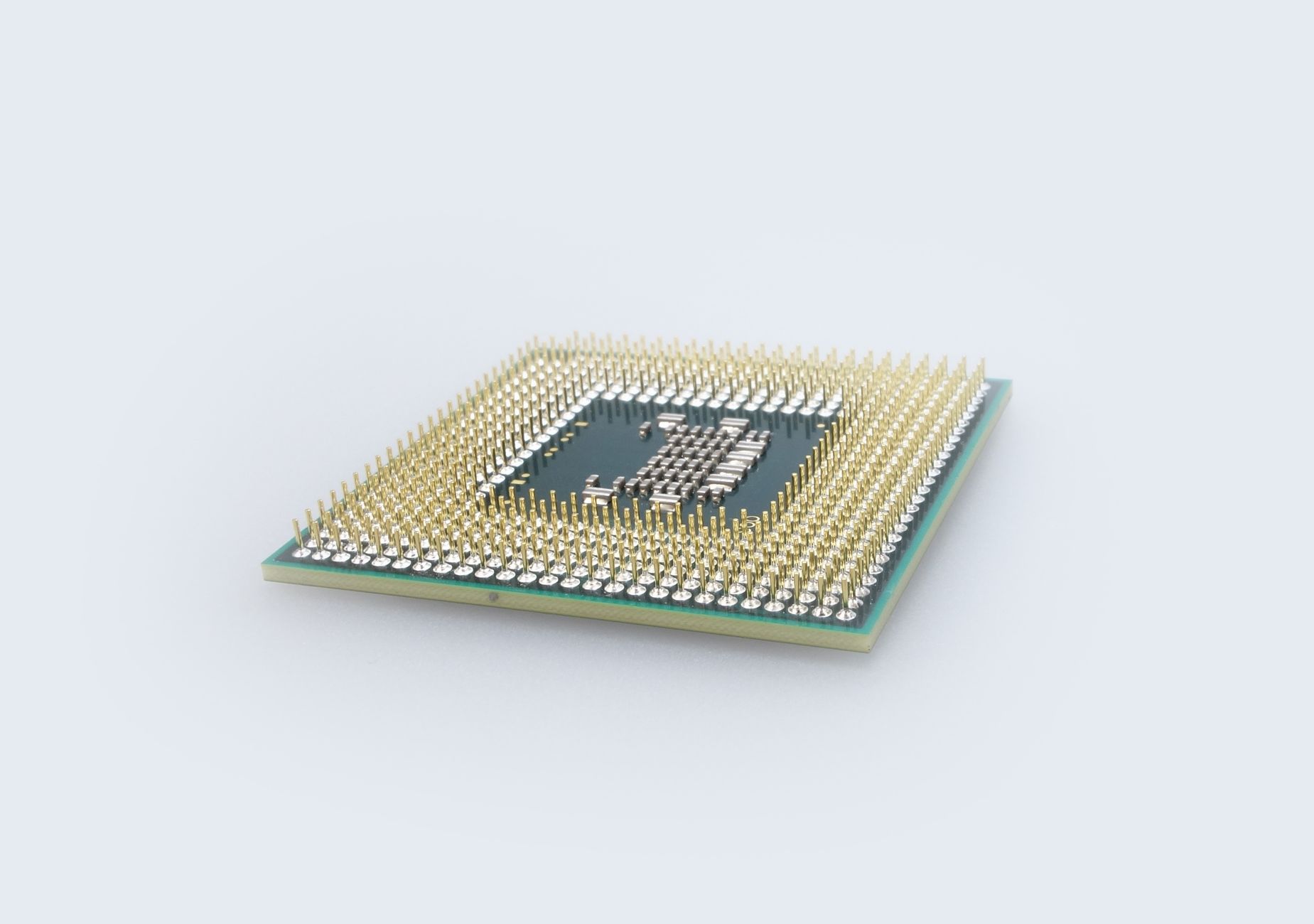
Every live stream and every uploaded video passes through an encoder before it reaches a viewer. That single step decides how much CPU your machine burns, how many seconds of delay your audience sees, and how good the picture looks at a given bitrate. Get the encoding choice wrong and you drop frames on a keynote, overheat a laptop during a game stream, or pay for a $3,000 appliance you never needed.
The software vs hardware encoding question sits at the center of that decision. Software encoding runs compression on a general-purpose CPU or GPU; hardware encoding runs it on a dedicated chip built for one job. Both output the same codecs and both feed the same RTMP or HLS pipelines, but they behave very differently under load.
This guide breaks down what each approach is, how it works, the measurable tradeoffs in speed, quality, latency, and cost, and a decision framework for picking the right one. It also covers a third path — cloud encoding APIs — that removes the build-vs-buy question entirely for teams shipping video features.
What Is Video Encoding?
Video encoding is the process of converting raw, uncompressed video into a compressed digital format that can be stored, streamed, or broadcast efficiently. Raw 1080p footage can run several gigabits per second — far too heavy to send over the internet — so an encoder applies a codec like H.264, H.265 (HEVC), or AV1 to shrink it by 100x or more while keeping the picture watchable.
An encoder does this work by analyzing frames, discarding redundant data, and packing the result into a bitstream. The two ways to run that work define our whole comparison: you can run it in software on a processor that also handles everything else your computer does, or in hardware on silicon designed only to encode.
The output is identical in kind — an H.264 stream is an H.264 stream regardless of what produced it. What changes is speed, resource cost, quality per bit, and reliability. Understanding those differences is the point of comparing a software encoder against a hardware one.
What Is Software Encoding?
Software encoding is video compression performed by a program running on a general-purpose processor, using the machine’s CPU (and sometimes its GPU) to do the math. Popular examples include the x264 library for H.264, x265 for HEVC, and applications like OBS Studio, FFmpeg, and vMix that wrap those libraries in a usable interface.
Because the logic lives in code, software encoders are flexible. Developers ship updates that add new codecs, tune quality, and expose dozens of settings — presets, rate control modes, keyframe intervals, B-frames, and psychovisual options. When AV1 arrived, software encoders supported it through library updates long before most chips did.
The cost is resources. A software encoder competes with your operating system, your game, your browser tabs, and any antivirus scan for CPU cycles. That competition is why software encoding shines in controlled environments and struggles when the same machine is doing heavy work at the same time.
What Is Hardware Encoding?
Hardware encoding is video compression performed by a dedicated circuit built specifically to encode video. That circuit can be a fixed-function block on a GPU, a chip inside a standalone appliance, or an ASIC (application-specific integrated circuit) or FPGA (field-programmable gate array) engineered for one purpose.
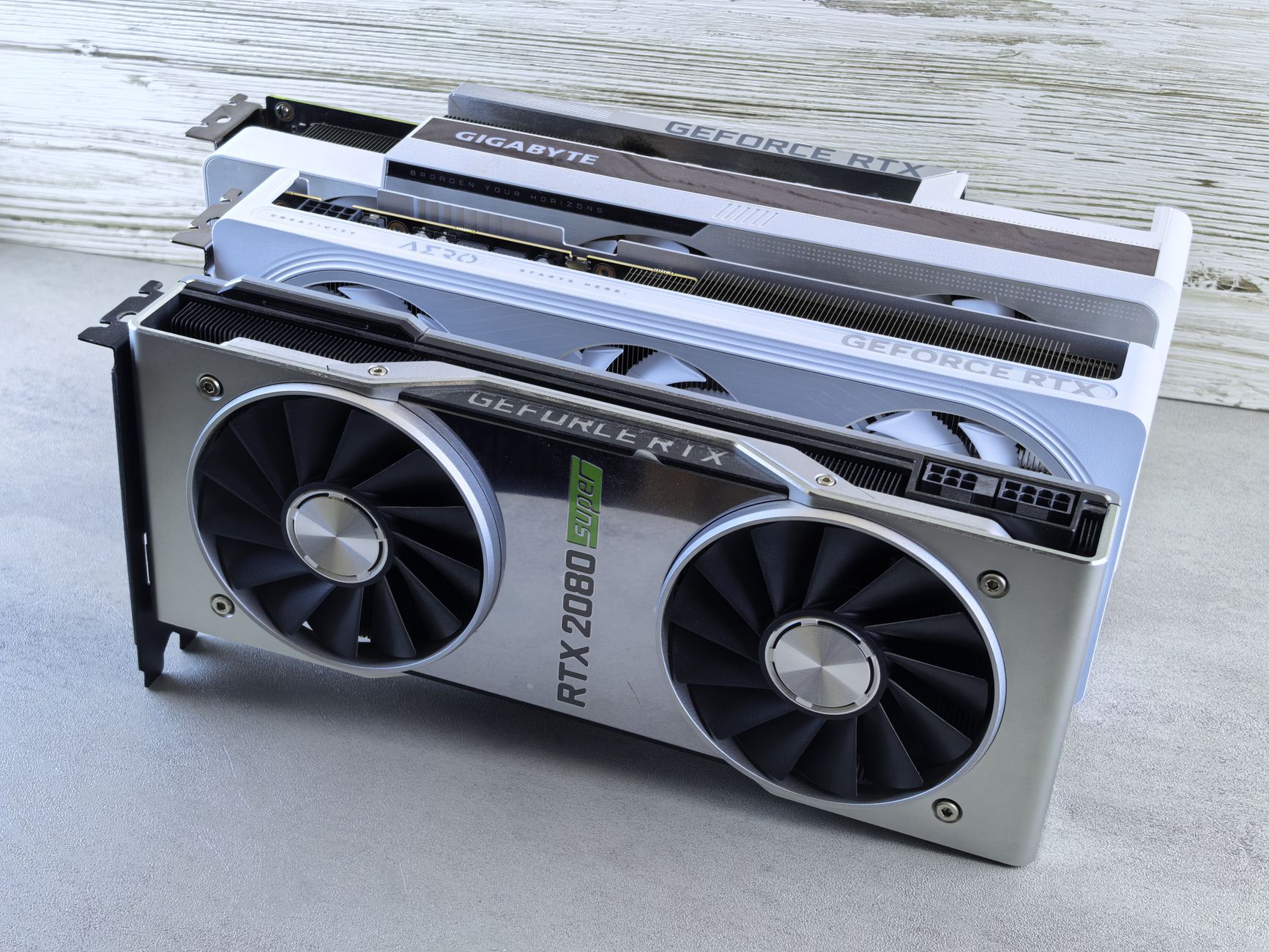
The most common hardware encoders sit inside consumer GPUs and CPUs you may already own: NVIDIA’s NVENC, Intel’s Quick Sync Video, and AMD’s AMF/VCN. Standalone appliances from vendors like Teradek, Matrox, and AJA take an SDI or HDMI signal from a camera and output a stream without any computer in the loop.
Because the encoding path is baked into silicon, it runs fast and predictably while using almost none of the main CPU. The tradeoff is rigidity — a fixed-function block encodes the way its designers wired it, with fewer tuning knobs than a software library and no way to add features without new hardware.
Software vs Hardware Encoding: Key Differences
The clearest way to see the tradeoffs is side by side. The table below compares the two approaches across the dimensions that matter most for streaming and VOD workflows.
| Factor | Software Encoding | Hardware Encoding |
|---|---|---|
| Where it runs | CPU / GPU on a general-purpose machine | Dedicated chip (ASIC, FPGA, GPU block) |
| CPU usage | High — roughly 18–25% for x264 medium | Very low — roughly 1–2% for NVENC |
| Quality per bitrate | Best at slow presets, with multi-pass | Near-parity on modern chips at typical bitrates |
| Latency added | ~150–400 ms depending on preset | ~30–80 ms glass-to-glass |
| Flexibility | High — many settings, fast codec updates | Limited — fixed feature set per generation |
| Cost | Free to low (uses existing hardware) | Free (built-in) to $500–$5,000+ (appliances) |
| Reliability under load | Depends on the host machine | High — isolated, purpose-built |
| Best for | VOD masters, quality-critical archives | Live streams, gaming, mission-critical broadcasts |
Two patterns stand out. Software wins on quality ceiling and flexibility because you can throw more CPU and slower presets at a file. Hardware wins on efficiency and stability because it does one job in isolation. The rest of this guide unpacks why.
How Software Encoding Works
Software encoding turns your processor into the compression engine. When you start a stream in OBS with x264, the encoder reads each raw frame, runs motion estimation and transform math across CPU cores, and outputs a compressed bitstream in real time.
- Frame capture. The application grabs raw frames from your capture card, screen, or camera.
- Preset selection. A preset (ultrafast through veryslow) sets how hard the encoder searches for compression opportunities. Slower presets look better but cost more CPU.
- Rate control. Modes like CBR, VBR, or CRF decide how bits are distributed. Live streaming almost always uses CBR to keep the bitrate stable for the CDN.
- Compression math. The CPU runs intra-frame and inter-frame prediction, quantization, and entropy coding across all available threads.
- Bitstream output. The encoder emits H.264/HEVC packets ready to hand off to an RTMP or SRT muxer.
The defining trait is CPU dependence. A slow preset on a strong CPU can beat any hardware encoder on quality per bit, especially with two-pass encoding for VOD. But push the same preset while gaming, and dropped frames follow. Software encoding gives you the highest quality ceiling and the least predictable floor.
How Hardware Encoding Works
Hardware encoding moves that same math into fixed-function silicon. Instead of running motion estimation across CPU threads, a dedicated block like NVENC executes it in a hardwired pipeline that operates independently of the cores running your applications.
The flow looks similar on paper — capture, rate control, compression, output — but the compression stage happens on a chip designed only for that task. According to NVIDIA’s broadcasting guide, NVENC on modern GeForce cards runs the encode entirely on the dedicated encoder unit, leaving the CPU and the main GPU shaders free for gameplay.
Each generation of hardware improves quality. Older fixed-function encoders looked noticeably worse than x264 at the same bitrate, but recent NVENC (RTX 40/50 series), Intel Quick Sync, and AMD AMF close most of that gap. The picture quality is locked to the silicon generation — you cannot tune your way past it, but you also cannot break it under CPU pressure. That predictability is why broadcasters lean on hardware for anything they cannot afford to drop.
Advantages and Disadvantages of Software Encoding
Software encoding is the default for creators, editors, and anyone who wants control. Here is where it helps and where it hurts.
Advantages
- Highest quality ceiling. Slow and veryslow presets with multi-pass encoding extract more detail per bit than any consumer hardware encoder, which matters for VOD masters and archives.
- Deep customization. You control presets, rate control, keyframe interval, B-frames, look-ahead, and psychovisual tuning.
- Fast codec support. New codecs like AV1 reach software encoders through library updates, not new purchases.
- Low cost. It runs on hardware you already own, so there is no upfront spend.
Disadvantages
- Heavy CPU load. x264 medium can consume 18–25% of a modern CPU, and slower presets far more, which competes with everything else on the machine. Offloading the work to a dedicated pipeline is the fix.
- Higher latency. Software adds roughly 150–400 ms depending on preset, which hurts real-time use cases where video latency is critical.
- Stability depends on the host. An OS update, a background scan, or a demanding game can cause dropped frames mid-stream.
Advantages and Disadvantages of Hardware Encoding
Hardware encoding trades tuning for efficiency and reliability. The tradeoffs are close to a mirror image of software.
Advantages
- Minimal CPU impact. A dedicated encoder like NVENC uses roughly 1–2% CPU, freeing the processor for gameplay, multiple sources, or other work.
- Low, predictable latency. Hardware typically adds only 30–80 ms glass-to-glass, which suits interactive and live streaming scenarios.
- Reliability under load. Because the encode runs in isolation, it holds up when the rest of the system is busy — the reason live broadcasts trust it.
- Standalone options. Appliance encoders take a camera feed directly and stream without a computer, ideal for 4K live streaming events.
Disadvantages
- Lower quality ceiling. Even good hardware rarely beats x264 slow at the same bitrate, though the gap on new chips is small enough that most viewers cannot see it.
- Limited flexibility. Fixed-function blocks expose fewer settings and cannot add codec support without new silicon.
- Appliance cost. Standalone hardware encoders run from a few hundred dollars to several thousand, which is hard to justify for casual use. Cloud encoding sidesteps that spend.
NVENC vs x264: The Real-World Numbers
The most common version of this debate is NVENC (hardware) vs x264 (software) inside OBS, so it deserves concrete figures. This is where the abstract tradeoffs become measurable.
- CPU usage: NVENC uses about 1–2% CPU; x264 medium uses about 18–25% on the same system.
- Quality: At typical streaming bitrates of 4–8 Mbps, NVENC on RTX 40/50-series GPUs looks visually near-identical to x264 medium. Spotting the difference usually takes side-by-side freeze frames.
- Latency: NVENC adds roughly 30–80 ms; x264 adds roughly 150–400 ms depending on preset.
- Codec generation matters: RTX 20-series NVENC roughly matched x264 medium; 30- and 40-series pushed toward x264 slow. Older GPUs may look worse than x264 veryfast, so the hardware generation is decisive.
The practical rule: if you stream and game on one machine, hardware (NVENC) keeps your CPU free and the quality loss is invisible at 6 Mbps. If you are producing a final master for archival or YouTube where quality outranks CPU cost, software (x264 slow) is the better call. Matching this to your best bitrate for streaming settings makes the choice clearer.
Now that you understand what each approach is, how it works, and the measurable tradeoffs, the practical questions follow: which one fits your project, what a third cloud-based path offers, and which encoders to actually pick.
Which Should You Use? A Decision Framework
There is no universal winner — the right choice depends on what your machine is doing and what your stream demands. Use these profiles to match your situation.
Choose Software Encoding If
- You are encoding VOD masters or archives where quality per bit matters more than speed.
- You have CPU headroom and the machine is not doing heavy work during the encode.
- You need deep control over presets, rate control, and codec settings.
- You want the newest codecs (like AV1) before hardware support is widespread.
Choose Hardware Encoding If
- You stream and game or run multiple sources on the same computer.
- You need low, predictable latency for interactive or real-time content.
- Reliability is non-negotiable — a keynote, sports broadcast, or paid event.
- You want a standalone appliance that streams from a camera without a computer.
Choose Cloud Encoding If
- You are building a product and do not want to manage encoders, presets, or GPUs at all.
- You need to output adaptive bitrate renditions and HLS automatically at scale.
- You want to go from ingest to playable video in seconds without buying hardware.
That last option deserves its own section, because for developers it often beats both local approaches.
The Third Option: Cloud Encoding APIs
The software vs hardware framing assumes you run the encoder yourself. For teams building streaming into an application, there is a better model: hand the encoding to a cloud API and skip the local machine entirely.
With cloud-based video encoding, you send a source over RTMP or SRT (or upload a file), and the platform handles compression, adaptive bitrate rendition generation, and HLS packaging on managed infrastructure. There is no GPU to buy, no preset to tune, no appliance to rack, and no CPU competing with your app.
This is what LiveAPI’s video encoding API does. It offers instant encoding so videos are playable in seconds after upload regardless of length, automatic adaptive bitrate streaming for smooth playback across connection speeds, and HLS output ready for web, mobile, and OTT devices. It accepts RTMP and SRT ingest at up to 4K and delivers through multiple CDNs (Akamai, Cloudflare, Fastly). For developers, the build-vs-buy math is stark: a local hardware pipeline can encode one stream, while an API scales to thousands with a few lines of code.
const sdk = require('api')('@liveapi/v1.0#5pfjhgkzh9rzt4');
sdk.post('/videos', {
    input_url: 'https://example.com/source.mp4'
})
.then(res => console.log(res)) // returns HLS playback URL with ABR renditions
.catch(err => console.error(err));
Cloud encoding does not replace a hardware encoder at the camera for a single live event, but for any application that ingests, stores, and delivers video to many viewers, it removes the entire encoder-management problem. See the encoding for developers guide for a deeper look.
Popular Software and Hardware Encoders
Whichever route you take locally, these are the tools teams reach for most.
Software encoders:
- OBS Studio — free, open-source, supports both x264 (software) and NVENC/Quick Sync (hardware) in one app.
- FFmpeg — the command-line standard for scripted encoding and automation, widely used behind the scenes, much like GStreamer for pipeline builders.
- vMix / Wirecast — production suites with multi-source switching and software encoding.
Hardware encoders:
- GPU/CPU blocks — NVIDIA NVENC, Intel Quick Sync, AMD AMF built into hardware you likely own. For HEVC specifically, a dedicated HEVC hardware encoder improves efficiency.
- Standalone appliances — Teradek, Matrox Monarch, and AJA units that stream from a camera over SRT or RTMP without a computer.
Many workflows combine all three: a hardware encoder at the venue for the live feed, and a cloud API for recording, adaptive bitrate delivery, and live-to-VOD redistribution.
Software vs Hardware Encoding FAQ
Is hardware or software encoding better?
Neither is universally better. Software encoding delivers higher quality per bitrate and more control, which suits VOD masters. Hardware encoding uses almost no CPU and adds less latency, which suits live streaming and gaming. The best choice depends on your workload and priorities.
Does hardware encoding reduce quality?
On older chips, yes — noticeably. On modern hardware like RTX 40/50-series NVENC, the quality at typical streaming bitrates (4–8 Mbps) is close enough to x264 medium that most viewers cannot tell the difference. The gap widens only at very low bitrates or against the slowest software presets.
Should I use NVENC or x264 in OBS?
Use NVENC if you stream and game on the same PC — it frees your CPU and the quality difference is invisible at normal bitrates. Use x264 with a slow preset if you have a dedicated streaming machine or are recording a high-quality master where CPU cost does not matter.
Why does software encoding use so much CPU?
Software encoders run all the compression math on general-purpose CPU cores. Slower presets search harder for compression savings, which means more calculations per frame. x264 medium can use 18–25% of a modern CPU, and veryslow presets can saturate it entirely.
What is the difference between encoding and transcoding?
Encoding converts raw video into a compressed format once. Transcoding converts already-compressed video from one format or bitrate to another, often to create multiple adaptive bitrate renditions. Cloud platforms typically do both automatically.
Do I need a hardware encoder to stream?
No. Software encoders like OBS handle most streaming needs, and cloud encoding APIs remove the need for any local encoder. A standalone hardware appliance only becomes worthwhile for high-stakes live events or when you want to stream directly from a camera without a computer.
Can I use both hardware and software encoding together?
Yes. A common setup uses hardware encoding for a live feed to keep CPU free, while software or cloud encoding handles VOD masters and adaptive bitrate renditions afterward. OBS even lets you record with one encoder and stream with another.
Which is cheaper, software or hardware encoding?
Software encoding is cheapest upfront since it runs on hardware you own. Standalone hardware encoders cost $500 to $5,000+. Cloud encoding is usage-based, so you pay only for what you process — no hardware spend at all.
Final Take
Software vs hardware encoding comes down to a single tradeoff: software gives you the highest quality and the most control at the cost of CPU and stability, while hardware gives you efficiency and reliability at the cost of flexibility. Modern hardware encoders have closed the quality gap enough that for most live streaming, they are the practical default.
The insight that matters most: if you are building video into a product rather than streaming from your desk, neither local option scales well. A cloud encoding API turns the whole question into a non-issue — no GPUs, no presets, no appliances, just video that is playable in seconds.
Ready to skip the encoder-management headache? LiveAPI gives you instant encoding, automatic adaptive bitrate streaming, HLS output, and RTMP/SRT ingest up to 4K — launch in days, not months. Get started with LiveAPI.