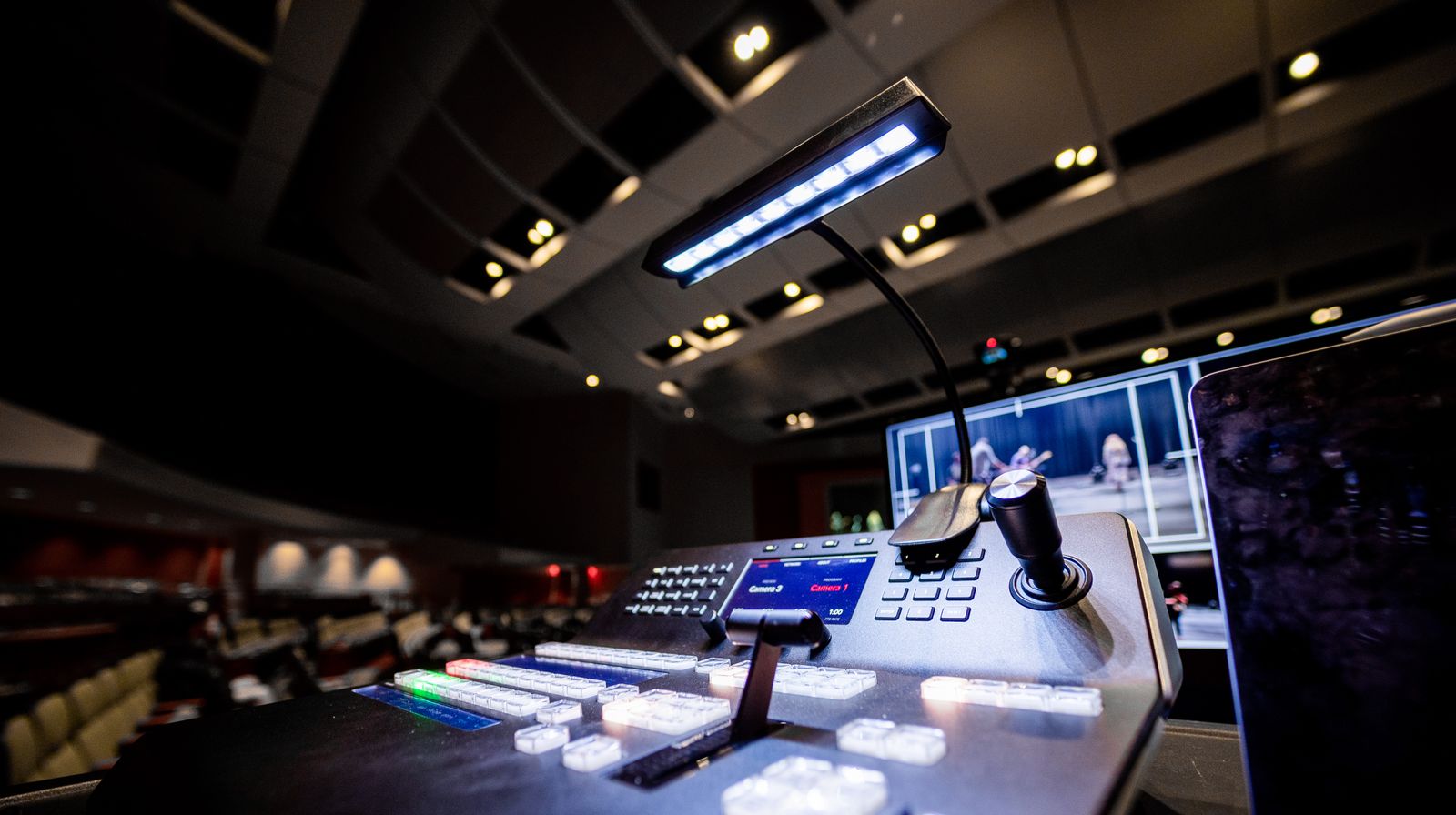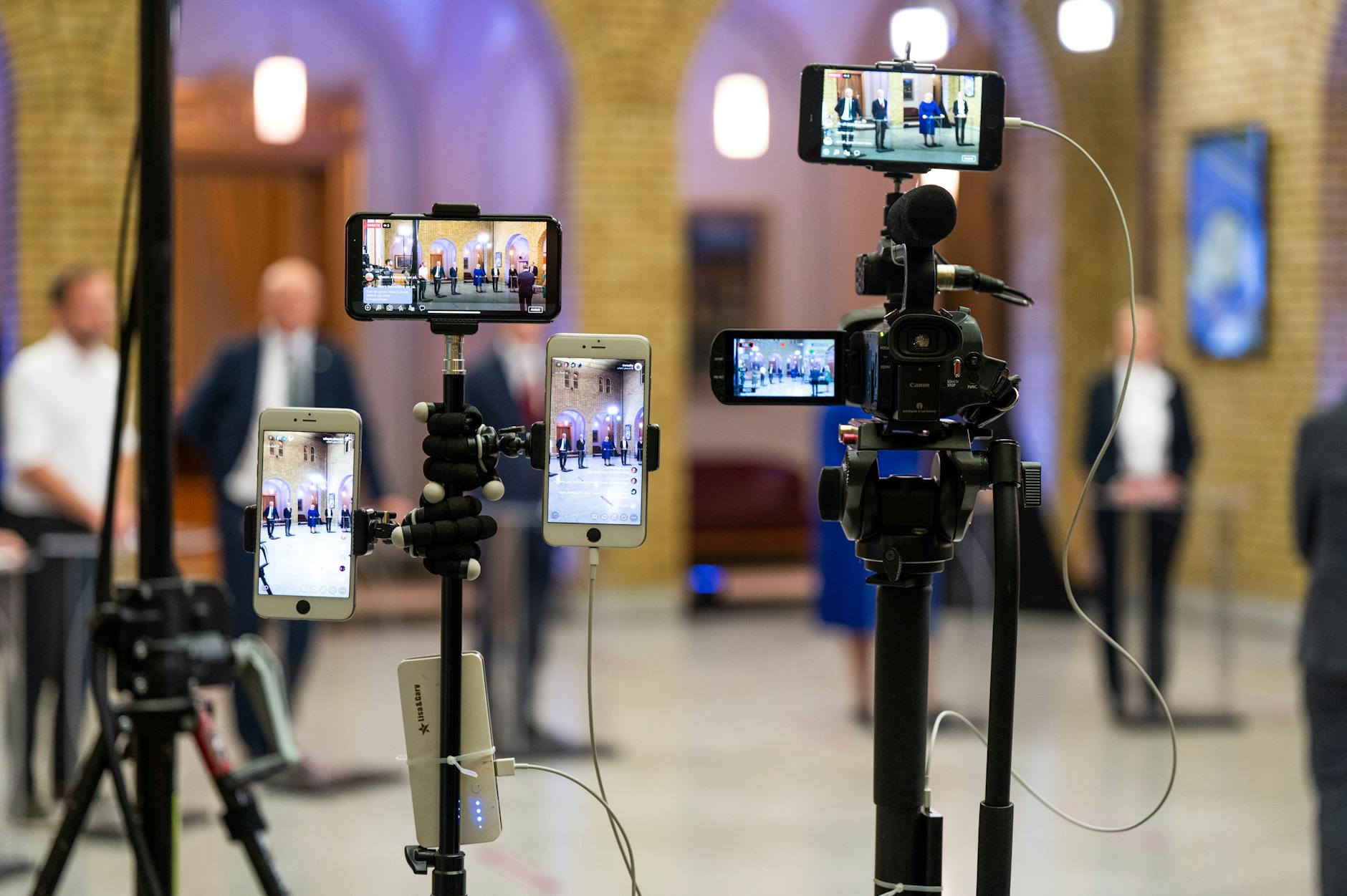
Building live video into an app from scratch takes months. You need ingest servers, transcoding pipelines, CDN configuration, adaptive bitrate logic, and a player — before you write a single line of product code.
A live streaming SDK changes that equation. It wraps that infrastructure complexity into pre-built libraries and APIs you can drop into your app. You define what to stream and to whom; the SDK handles the rest.
This guide covers what a live streaming SDK is, how the pipeline works under the hood, which components matter most, and what to look for when picking one for production.
What Is a Live Streaming SDK?
A live streaming SDK (Software Development Kit) is a collection of pre-built libraries, APIs, documentation, and tools that let developers add live video broadcasting to their applications without building media infrastructure from scratch.
Instead of implementing encoder wrappers, media servers, CDN routing, and player logic yourself, an SDK provides these as ready-to-use components you configure and call from your application code.
Think of it like the difference between implementing TCP/IP from scratch versus using fetch(). The protocol still runs — you just don’t build it.
SDK vs. API: What’s the Difference?
These terms get used interchangeably, but they mean different things:
| SDK | API | |
|---|---|---|
| What it is | Libraries + tools + docs + sample code | Interface for communicating with a service |
| What it includes | Platform-specific clients (iOS, Android, web), UI components, helper utilities | Endpoints, authentication, request/response specs |
| Integration style | Import a library directly into your app | Make HTTP requests to a remote service |
| Best for | Mobile and client-side video capture | Server-side automation and backend integrations |
Most live streaming platforms offer both. You’d use their live streaming API for server-side operations — creating streams, managing recordings, pulling analytics — and their client SDK to capture and encode video from a device camera.
For most apps, you need both: the API for your backend, the SDK for your mobile or web frontend.
How a Live Streaming SDK Works
When a user taps “Go Live” in your app, several stages run in sequence before viewers see any video:
1. Capture
The SDK accesses the device camera and microphone through platform APIs — AVFoundation on iOS, Camera2 on Android, and getUserMedia via WebRTC on the web. It pulls raw audio and video frames from the hardware.
2. Encode
Raw frames are compressed using a video codec (H.264 is the most common; H.265/HEVC for higher efficiency) and an audio codec (typically AAC). This reduces the data rate from several gigabits per second to a few megabits. The encoder applies settings like bitrate, resolution, and keyframe interval — either as developer-defined values or adjusted automatically based on available bandwidth.
3. Package and Transmit
The compressed data gets packaged into a container format and pushed to a media ingest server. RTMP remains the dominant ingest protocol — it works with virtually every hardware encoder and software like OBS. SRT (Secure Reliable Transport) handles unreliable network conditions better, making it the preferred choice for broadcast in the field.
4. Transcode and Distribute
The ingest server receives the stream and transcodes it into multiple quality renditions — typically 1080p, 720p, 480p, and 360p. These renditions get packaged for adaptive bitrate streaming and distributed through a CDN, which routes delivery through edge nodes closest to each viewer.
5. Playback
A viewer’s player requests the stream, receives an HLS playlist listing the available quality levels, and picks the best one for their current connection. If bandwidth drops, the player switches down automatically. If it improves, it switches back up — all without buffering.
The full pipeline — from camera capture to viewer display — typically takes 5–30 seconds for standard broadcast streams, or under 500ms for WebRTC-based ultra-low latency setups.
Core Components of a Live Streaming SDK
The quality of a live streaming SDK comes down to the components it ships and how much control you have over each one.
Ingest Libraries
The ingest component captures video from a source — device camera, screen share, or external encoder — and pushes it to the media server. Look for:
- Protocol support: RTMP, SRT, RTSP, and WebRTC. The more protocols supported, the more encoder hardware and software you can work with.
- Platform SDKs: Native libraries for iOS (Swift/Objective-C), Android (Kotlin/Java), and cross-platform frameworks like React Native and Flutter.
- Camera controls: Access to front/back cameras, exposure, zoom, focus, and torch.
Video Encoding and Transcoding
Client-side SDKs handle software encoding on the device. Server-side infrastructure handles cloud transcoding — converting a single high-quality ingest stream into multiple renditions for adaptive delivery.
Good SDKs expose controls over bitrate caps, resolution targets, keyframe intervals, and codec selection. If you’re new to how this process works, what is video encoding covers the fundamentals.
Adaptive Bitrate Streaming
ABR automatically adjusts the quality level a viewer receives based on their current bandwidth. The server generates an HLS manifest listing multiple renditions; the player switches between them in real time.
This is what prevents buffering for viewers on slower connections while still delivering full quality to viewers with fast connections. HLS streaming is the standard delivery format — supported natively by iOS Safari and via JavaScript libraries like hls.js everywhere else.
Player SDK
The player receives the HLS or DASH stream and handles the viewing experience:
- Adaptive bitrate switching between quality levels
- Buffer management and stall recovery
- DVR controls (live rewind, scrubbing within a live window)
- Quality selector UI
- Closed captions and subtitle rendering
Some platforms ship an embeddable player you can drop into any page. Others provide lower-level player components you build on top of.
Live-to-VOD Recording
A good platform records the live stream as it runs and makes the recording available for on-demand playback immediately after the broadcast ends — no re-encoding or manual processing. This is the live-to-VOD pipeline. It’s critical for any platform where users care about replays, highlights, or content archives. See how to build a streaming service for how this fits into the larger architecture.
Analytics and Monitoring
You need visibility into what’s happening during a live stream:
- Ingest health: incoming bitrate, dropped frames, packet loss, reconnect events
- Viewer metrics: concurrent viewers, watch time, geographic distribution, device breakdown
- Error tracking: buffering frequency, player errors, failed stream starts
Without this data, diagnosing quality problems during a live event means guessing.
Webhooks and Events
Webhooks notify your application when something happens — a stream goes live, ends, a recording becomes available, or an error occurs. This lets you trigger downstream workflows: sending push notifications, updating your database, publishing the VOD, or firing analytics events — all without polling.
Types of Live Streaming SDKs
Not all live streaming SDKs are built for the same use case. The biggest difference is latency:
| Type | Latency | Best For |
|---|---|---|
| Broadcast / HLS | 5–30 seconds | Large-scale one-to-many broadcasts |
| Low-Latency HLS | 2–4 seconds | Live events where minor delay is acceptable |
| WebRTC | Under 500ms | Interactive video, auctions, live shopping |
| Ultra-Low Latency | Under 200ms | Real-time bidding, co-streaming, live moderation |
Broadcast SDKs follow the RTMP ingest → cloud transcode → HLS delivery path. This is the most cost-effective and scalable option for one-to-many broadcasts. The trade-off is latency — viewers see events 5–15 seconds after they happen.
Low-Latency HLS (Apple’s LL-HLS and MPEG’s LL-DASH) reduces that to 2–4 seconds using partial segments and HTTP/2 server push. Still highly scalable, with much less delay.
WebRTC SDKs operate peer-to-peer or through a Selective Forwarding Unit (SFU). Latency under 500ms makes them the right choice for interactive use cases like video calls, gaming, or live Q&A. Scaling WebRTC beyond a few thousand concurrent viewers is significantly more expensive than HLS delivery, and requires more infrastructure.
For most streaming apps — social platforms, event broadcasting, OTT services, educational platforms — broadcast or low-latency HLS is the right choice.
Key Features to Look for in a Live Streaming SDK
When evaluating a live streaming SDK for production, these features separate platforms that work in demos from ones that hold up at scale.
Multi-Platform Support
Your users are on iOS, Android, and web. A production-ready SDK ships native libraries for all three, plus cross-platform SDKs for React Native and Flutter. If you’re building a React Native app, check out this React Native video example to see how the integration layer works in practice.
Protocol Flexibility
At minimum, you need RTMP and SRT ingest. RTMP is supported by every major encoder — OBS, Wirecast, hardware encoders from Blackmagic and Teradek. SRT handles high-packet-loss environments better, which matters for field production or unstable network conditions. RTSP support is a bonus for IP camera ingestion.
Global CDN Delivery
Video quality depends heavily on CDN coverage. Look for a provider with edge nodes near your viewer base. Multi-CDN failover — routing between networks like Akamai, Cloudflare, and Fastly based on performance — gives you redundancy when one network degrades. The CDN for live streaming guide breaks down how CDN selection affects delivery quality.
Multistreaming
If your users want to broadcast to YouTube, Twitch, Facebook, and LinkedIn at the same time, the SDK or platform should handle that rebroadcasting. Streaming to multiple platforms without running separate encoder instances requires server-side multistreaming — not something you want to build yourself.
Recording and Replay
Automatic recording with immediate VOD availability after the stream ends. No separate recording service, no manual trigger — it just works. Storage should be cloud-based with no hard limits.
Security and Access Controls
At minimum: stream key authentication, token-based playback authorization, domain whitelisting to block hotlinking, and geo-blocking. If you’re streaming premium content, DRM support (Widevine, FairPlay, PlayReady) is required.
Developer Experience
Documentation is infrastructure. Look for:
- Clear API reference with authentication examples
- Code samples in the languages you use (JavaScript, Python, Swift, Kotlin)
- A dashboard for testing streams without writing code first
- SDKs available via standard package managers (npm, CocoaPods, Gradle/Maven)
- Responsive technical support when something breaks in production
Now that you understand what to look for, here’s how to put it together in a real app.
How to Integrate a Live Streaming SDK
The integration flow is similar across most platforms. Here’s the general pattern:
Step 1: Create a live stream
Most APIs use a POST request to create a stream object. The response includes an RTMP ingest URL and stream key you’ll pass to your encoder:
const response = await fetch('https://api.liveapi.com/v1/live-streams', {
  method: 'POST',
  headers: {
    'Authorization': 'Bearer YOUR_API_KEY',
    'Content-Type': 'application/json'
  },
  body: JSON.stringify({
    name: 'My Live Stream',
    quality: '1080p',
    record: true
  })
});

const stream = await response.json();
const rtmpUrl  = stream.rtmp_url;    // e.g., rtmp://ingest.liveapi.com/live
const streamKey = stream.stream_key; // pass this to your encoder
Step 2: Configure your encoder
Pass the RTMP URL and stream key to your encoder — OBS, a hardware encoder, or the platform’s mobile capture SDK. The SDK handles H.264 encoding, bitrate management, and the connection to the ingest server.
Step 3: Generate a playback URL
Once the stream is active, the platform provides an HLS playback URL you pass to your player:
// Works with any HLS-compatible player (hls.js, Video.js, etc.)
const hlsUrl = stream.playback_url;
// e.g., https://cdn.liveapi.com/live/STREAM_ID/output.m3u8

if (Hls.isSupported()) {
  const hls = new Hls();
  hls.loadSource(hlsUrl);
  hls.attachMedia(videoElement);
}
Step 4: Deliver to viewers
You can use the platform’s embeddable player or build your own on top of their player SDK. For web integration options, the guide on how to embed a live stream on a website covers the different approaches.
Step 5: Handle events with webhooks
Register a webhook endpoint to receive state changes:
{
  "event": "live_stream.started",
  "data": {
    "stream_id": "str_abc123",
    "started_at": "2026-03-19T14:00:00Z",
    "playback_url": "https://cdn.liveapi.com/live/str_abc123/output.m3u8"
  }
}
This keeps your database in sync without polling the API every few seconds. The video API developer guide covers authentication patterns, webhook verification, and error handling in detail.
How to Choose the Right Live Streaming SDK
Here’s a practical decision framework:
1. Match latency to your use case
- Broadcasting to a large audience (sports, concerts, education)? Standard HLS at 5–15 seconds is fine and costs the least to scale.
- Live events with a chat or reactions component? Low-latency HLS at 2–4 seconds.
- Auctions, live shopping, interactive gaming? WebRTC under 500ms.
2. Know your expected scale
A WebRTC peer-to-peer architecture won’t handle 50,000 concurrent viewers without significant infrastructure cost. RTMP-to-HLS through a CDN scales horizontally to millions. Pick the architecture that fits your peak, not your launch-day numbers.
3. Confirm platform coverage
If you’re building a mobile app, verify the SDK ships native iOS and Android libraries — not just a web wrapper. Cross-platform framework support (React Native, Flutter) matters if your team uses one.
4. Build vs. buy
Building your own ingest servers, transcoding pipeline, and CDN routing takes months and ongoing maintenance. A managed live streaming platform gives you RTMP and SRT ingest, cloud transcoding with ABR, HLS delivery via multiple CDN partners, multistreaming, and automatic recording — without managing any servers.
The build vs. buy decision usually comes down to whether video infrastructure is your product or your dependency. If it’s a dependency, buy it.
5. Understand the pricing model
Watch for per-concurrent-viewer pricing — it spikes unpredictably at scale. Per-minute or bandwidth-based pricing is easier to budget. Also check whether transcoding, recording storage, and CDN egress are priced separately or bundled.
6. Run a real proof of concept
Don’t choose on specs alone. Test actual stream quality under network degradation. Measure latency from encoder to player. Try the documentation with a real integration, not just a hello-world demo. Most platforms offer free trial access — use it to find issues before you’re committed.
Is a Live Streaming SDK Right for Your Project?
This checklist helps you decide:
- ☐ You need to broadcast live video within your own app — not just embed a third-party player
- ☐ You want control over the viewer experience, branding, and playback UI
- ☐ You need to record streams for on-demand replay
- ☐ You want to push streams to multiple platforms without running separate encoder instances
- ☐ You don’t want to manage media servers, transcoders, or CDN configuration yourself
- ☐ You need analytics on stream health and viewer behavior
If most of these apply, a live streaming SDK or managed API is the right path. If you’re starting from scratch and want to understand the full picture first, the guide on how to start live streaming covers the basics before you commit to an API-based approach.
Live Streaming SDK FAQ
What is the difference between a live streaming SDK and a live streaming API?
An SDK includes platform-specific libraries — for iOS, Android, or web — that you import directly into your app, along with sample code and UI components. An API is a remote interface you communicate with via HTTP requests. Most live streaming platforms offer both: an API for server-side operations like stream creation, and SDKs for client-side capture and encoding. For building live streaming into a mobile app, you typically use both.
Which protocols should a live streaming SDK support?
At minimum: RTMP for ingest (compatible with virtually every hardware encoder and OBS) and HLS for delivery (the standard for adaptive streaming on mobile and web). SRT is the better choice for ingest over unreliable networks. WebRTC is the right pick when you need sub-500ms latency for interactive use cases. The right protocol depends on your latency requirements and the encoders your broadcasters use.
Can a live streaming SDK handle thousands of concurrent viewers?
Yes — when built on RTMP ingest and HLS delivery through a CDN. CDN infrastructure distributes the load across global edge nodes, making it possible to serve millions of concurrent viewers from a single stream. A single media server cannot do this alone. The video streaming CDN guide explains how CDN delivery works at scale.
What encoding settings should I use for live streaming?
For 1080p: 4–6 Mbps bitrate, H.264, 30fps, 2-second keyframe interval. For 720p: 2.5–4 Mbps. For 480p (mobile): 1–1.5 Mbps. In practice, most managed platforms accept a single high-quality ingest stream and generate the lower-quality renditions server-side. Your encoder sends one stream; the platform creates the ABR ladder. The guide on adaptive bitrate covers how the player-side switching works.
Do live streaming SDKs support mobile apps?
Yes. Most major platforms ship native SDKs for iOS (Swift) and Android (Kotlin), plus cross-platform SDKs for React Native and Flutter. The SDK handles the platform-specific camera capture, hardware encoding, and network transmission code, so your application logic stays consistent across platforms.
Is WebRTC better than RTMP for live streaming?
It depends on the use case. WebRTC gives you sub-500ms latency — the right choice for interactive experiences like auctions, live shopping, or video calls. RTMP with HLS delivery is 5–30 seconds behind live, but scales to any audience size at much lower cost per viewer. For broadcast-style streaming — events, sports, education — RTMP-to-HLS is the standard. Use WebRTC only when interactivity justifies the infrastructure cost at scale.
What happens to a live stream after it ends?
On platforms that support live-to-VOD, the recording is available for on-demand playback immediately after the stream ends — no manual trigger or re-encoding required. The platform records the HLS segments as they’re generated, then assembles them into a VOD asset. The guide to building an on-demand video platform covers how live-to-VOD fits into a larger streaming architecture.
Get Started with Live Streaming
A live streaming SDK removes the hardest parts of video infrastructure — ingest servers, transcoders, CDN routing, player development — so you can focus on building your product, not your pipeline.
The right SDK matches your latency requirements, scales to your audience size, and ships libraries for every platform you target. For most teams building streaming apps, a managed API is the fastest path from idea to production.
Get started with LiveAPI to add live streaming to your app with RTMP and SRT ingest, cloud transcoding with adaptive bitrate, HLS delivery across Akamai, Cloudflare, and Fastly, multistreaming to 30+ platforms, and automatic VOD recording — with pay-as-you-grow pricing and no infrastructure to manage.