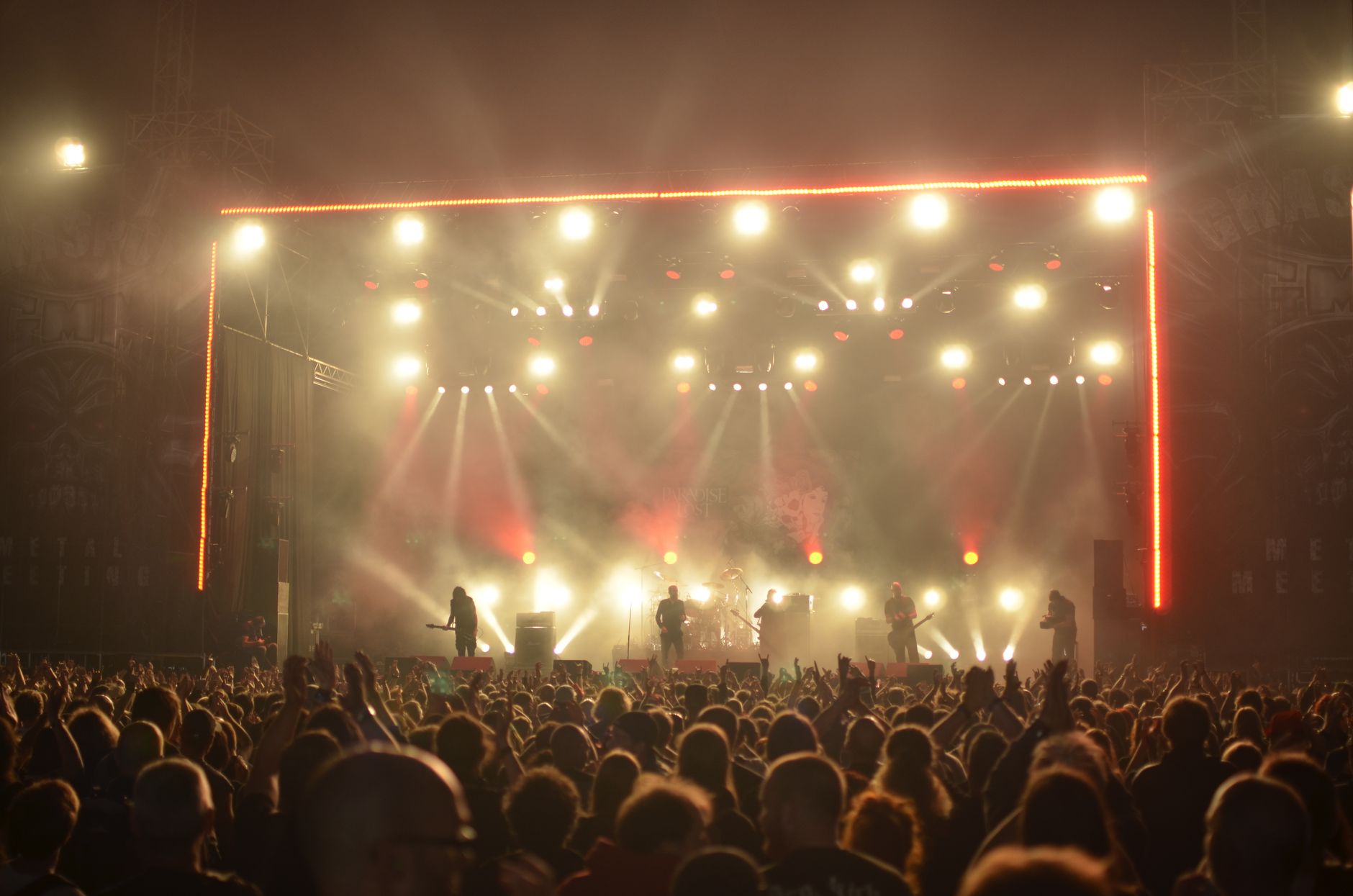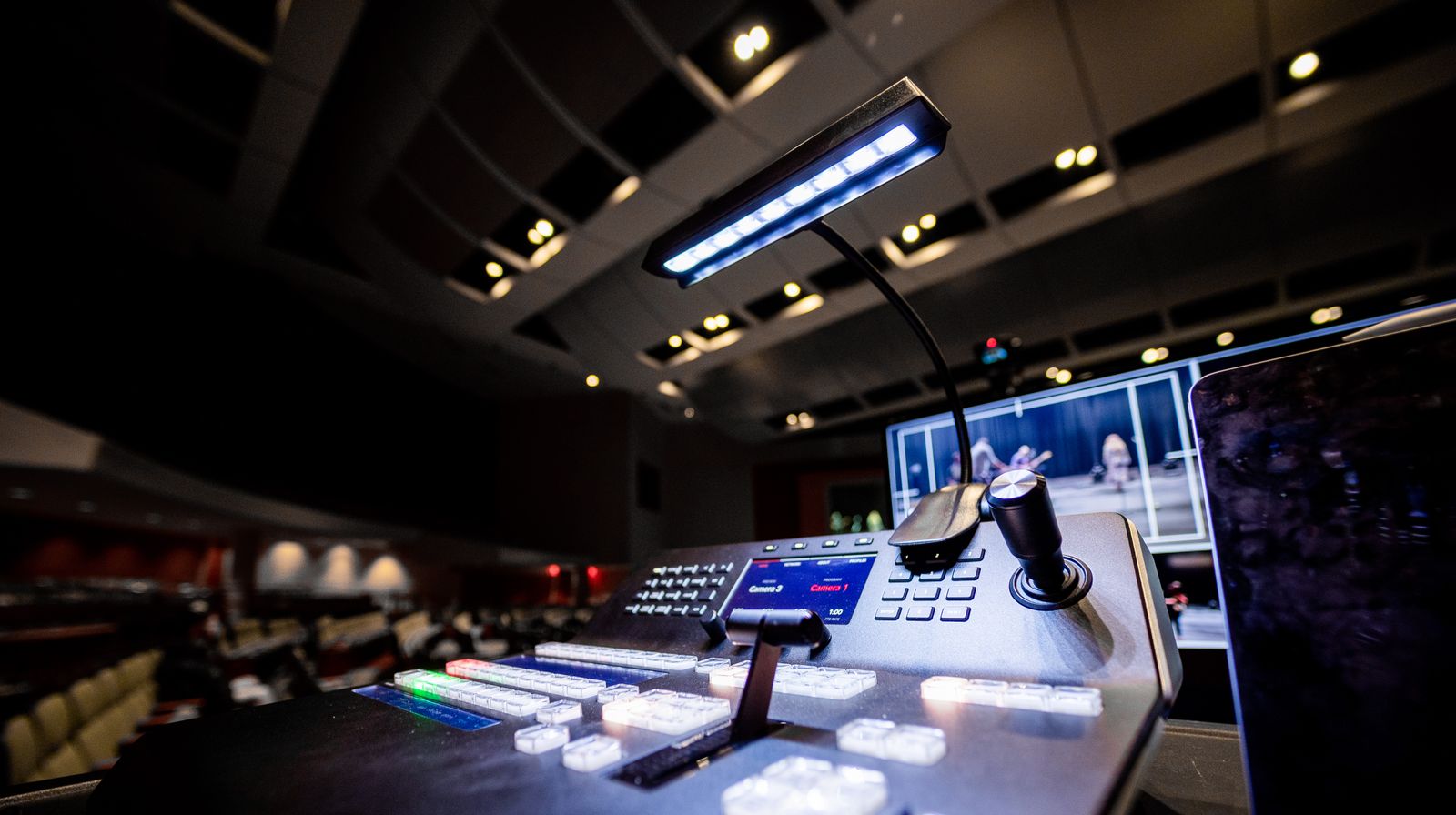
Every live stream you broadcast has a second life. The game that just ended, the webinar that wrapped, the product launch that streamed once to a global audience: all of it can keep earning views, engagement, and revenue long after the “LIVE” badge disappears. That second life is called live to VOD, and it’s one of the highest-value features you can add to a streaming product.
Live to VOD turns a one-time broadcast into a permanent, replayable asset. Viewers who missed the event catch up on their own schedule. Search engines index the recording. And your content library grows with zero extra production effort.
For developers building on top of a live streaming API, it’s often the difference between a stream that vanishes and a stream that compounds.
What Is Live to VOD?
Live to VOD (live-to-VOD) is a streaming workflow that records a live broadcast and converts it into a video on demand asset that viewers can replay at any time. The live stream is captured as it airs, packaged into an on-demand format, and published to a content library, usually within seconds or minutes of the broadcast ending.
The term stitches together two streaming modes. A live stream is delivered in real time, once, to whoever is watching at that moment. Video on demand (VOD) is pre-recorded content a viewer starts, pauses, and rewinds whenever they want.
Live to VOD is the bridge. It captures the live feed and republishes it as an on-demand file, so the same content serves both audiences.
You’ll also see it called auto-archiving, live stream recording, or catch-up streaming. The mechanics are the same. A recording is created from the live source and made available for later playback.
Here’s how live to VOD compares to the two modes it connects:
| Attribute | Live Streaming | Live to VOD | Video on Demand |
|---|---|---|---|
| Delivery timing | Real time, once | Recorded during live, replayed later | Anytime, on request |
| Source | Camera or encoder feed | Captured live feed | Pre-recorded file |
| Viewer control | None (linear) | Full (pause, seek, rewind) | Full (pause, seek, rewind) |
| Availability | During the event only | Seconds to minutes after the event | Permanent |
| Typical use | Sports, webinars, launches | Replays, highlights, catch-up | Courses, film libraries |
The key idea: live to VOD doesn’t replace live streaming or VOD. It generates VOD content automatically from a live event, so you don’t have to re-upload or re-encode anything by hand.
Live to VOD vs VOD to Live vs Simulcast
A few adjacent terms get mixed up with live to VOD. Clearing them up helps you pick the right workflow.
VOD to live is the reverse direction. It takes pre-recorded files and schedules them into a continuous, linear “live” channel, the way a 24/7 FAST channel loops pre-made content. Here the source is on-demand and the output looks live.
Simulcast (or multistreaming) sends one live feed to several destinations at the same time: YouTube, Facebook, and Twitch in parallel. It’s about reach during the broadcast, not archiving after it. If you need both, you can stream to multiple platforms live and record a VOD copy in the same session.
DVR / live rewind lets viewers scrub backward inside a stream that’s still running. It’s a real-time feature, whereas live to VOD produces a finished file after the stream ends. Many platforms offer DVR for streaming video and live to VOD together.
Live to VOD specifically means: live in, on-demand file out, available after the broadcast.
How Does Live to VOD Work?
The live-to-VOD workflow runs alongside your normal broadcast. Nothing about the live experience changes for viewers. The recording and conversion happen in parallel, behind the scenes.
Here’s the step-by-step process.
-
Ingest. Your encoder or camera pushes the live feed to a streaming server, usually over RTMP or SRT. This is the same ingest you’d use for a live-only stream.
-
Segmentation and recording. As the stream arrives, the server splits it into short chunks (typically 2 to 6 seconds each) and writes them to storage. Segment length is tied to your keyframe interval, since each segment has to start on a keyframe. These same segments feed both the live playback and the recording.
-
Transcoding. The captured feed is encoded into an on-demand format. Most platforms output HLS with multiple quality renditions, so the replay supports adaptive bitrate streaming. Instant encoding matters here. The faster the transcode, the sooner the replay is watchable.
-
Manifest assembly. When the stream ends, the server finalizes a VOD manifest (an
.m3u8playlist for HLS) that lists every segment in order. This manifest is what turns a pile of live chunks into a seekable, on-demand video. -
Storage and delivery. The finished asset lands in cloud storage and is served through a CDN for video streaming, so replays load fast anywhere in the world.
-
Publishing. The VOD becomes available in your library, embeddable player, or OTT platform, often within seconds of the stream ending, with no manual step.
Cloud services describe the same pattern. AWS, for example, extracts a clip from the live stream and saves it as a segment-accurate on-demand asset, as its MediaPackage documentation explains. The details differ by provider, but the shape holds: capture, segment, transcode, assemble, deliver.
Live to VOD Workflow Methods
There’s more than one way to get a VOD out of a live stream. The right method depends on how much infrastructure you want to own and how fast you need the replay ready.
Manual recording
The simplest approach. Your encoder (OBS, Wirecast, or hardware) records the stream to a local file while it broadcasts. After the event you upload that file to a video hosting API or platform, wait for it to transcode, and publish.
It works, but it’s slow and error-prone. Local recordings fail silently, files are large, uploads take time, and there’s a manual gap between “stream ended” and “replay live.” Fine for occasional streams, painful at scale.
Self-hosted media server
You run a server (Nginx with the RTMP module, Wowza, or similar) that ingests the live feed and writes recordings server-side. This removes the local-file risk and gives you control over segmenting and storage.
The trade-off is operational load. You maintain the server, the transcoding pipeline, the storage, and the CDN integration. It’s a real engineering project, and it scales only as well as you build it.
Cloud / API-based live to VOD
A managed service handles ingest, recording, transcoding, and delivery for you. You send the live stream; the platform automatically produces the VOD asset and exposes it through an API and player. No servers, no manual uploads, no waiting for someone to press “save.”
This is where a Live to VOD API helps most. Recording is automatic, the replay is ready almost immediately, and storage scales without you provisioning anything. For most product teams, it’s the fastest path from live event to on-demand library.
Here’s how the three methods compare:
| Method | Setup effort | Time to replay | Scales | Maintenance |
|---|---|---|---|---|
| Manual recording | Low | Slow (manual upload) | Poorly | You handle every step |
| Self-hosted server | High | Medium | With effort | You own the stack |
| Cloud / API | Low | Seconds to minutes | Automatically | Managed for you |
Benefits of Live to VOD
Adding live to VOD to a streaming product pays off in several directions at once.
Reach viewers who missed the event. Time zones, scheduling conflicts, and last-minute interruptions mean a chunk of your audience never catches the live broadcast. A replay recovers those views. For a global event, on-demand viewership often dwarfs the live audience.
Extend monetization. A single stream becomes a durable asset you can gate behind a subscription, sell as pay-per-view, or run ads against. It multiplies the revenue potential of content you already produced. Pairing live to VOD with the right OTT video monetization model turns one broadcast into an ongoing earner.
Build a content library with no extra work. Every live event automatically adds to your VOD catalog. Over a year, a weekly show becomes 50-plus on-demand videos without a single re-upload.
Improve discoverability. On-demand videos get indexed, shared, and embedded in ways live streams can’t. A recorded asset can rank in search and drive traffic for months, the foundation of any video SEO strategy.
Give viewers control. Replays let people pause, rewind, and rewatch. That’s especially valuable for training, education, and any content where viewers need to absorb detail at their own pace.
Repurpose into highlights. A full recording is raw material for clips, trailers, and social snippets: more content from the same source.
Challenges of Live to VOD
Live to VOD is useful, but a few things trip up teams that build it themselves.
Storage costs grow fast. Every stream you archive consumes storage, and high-resolution recordings are large. Without a retention policy, costs climb quietly. Managed platforms with unlimited cloud recordings remove this ceiling, but self-hosted setups need active housekeeping.
Transcoding creates a delay. Converting a live feed into an adaptive on-demand asset takes compute time. Slow transcoding means viewers wait for the replay. Instant encoding closes this gap; batch encoding widens it.
Quality depends on the source. The VOD is only as good as the live stream that produced it. Dropped frames, bitrate dips, or ingest hiccups during the broadcast are baked into the recording. Solid ingest (a stable encoder and enough upload bandwidth) protects the archive.
Segment alignment matters. Because recordings are assembled from segments, a badly configured keyframe interval can produce replays that seek poorly or start on the wrong frame. Getting encoder settings right up front avoids messy VOD files.
Most of these disappear when a managed service owns the pipeline. The ones that remain, source quality and encoder settings, are worth getting right regardless of method.
Once you understand the workflow and its trade-offs, the practical question is how to wire live to VOD into your own application.
How to Implement Live to VOD
For most developers, the fastest route is an API that records and converts automatically. You keep your existing live pipeline and get VOD assets as a byproduct, with no separate recording system to build or babysit.
With a video API that supports live to VOD, the flow looks like this:
-
Start a live stream. Push your feed to the ingest endpoint over RTMP or SRT, exactly as you would for a live-only broadcast.
-
Recording runs automatically. The platform captures the stream as it airs. There’s no separate “record” call to manage and nothing to save locally.
-
The VOD is created on stream end. When the broadcast stops, the recording is transcoded and published as an on-demand asset, available almost immediately thanks to instant encoding.
-
Serve the replay. Grab the VOD’s playback URL or embed the stream in your player. The same HLS delivery and CDN that powered the live event now serve the replay.
A minimal request to create a video asset looks like this:
const sdk = require('api')('@liveapi/v1.0#5pfjhgkzh9rzt4');

sdk.post('/videos', {
    input_url: 'http://assets.liveapi.com/615ff3132edd952646e99111/liveapi.mp4'
})
.then(res => console.log(res))
.catch(err => console.error(err));
For live-originated content, you configure recording on the live stream and the platform produces the VOD without a manual upload step. You can also wire up webhooks so your backend gets notified the moment a recording is ready. That’s useful for auto-publishing the replay, triggering a notification, or kicking off clip generation.
LiveAPI handles this end to end: streams up to 4K are recorded automatically, redistributed immediately after the event ends, and stored as unlimited cloud recordings with no extra processing on your side. You get the live event streaming and the on-demand replay from one integration.
Live to VOD Use Cases
Live to VOD earns its keep across nearly every streaming vertical.
- Live events and conferences. Attendees who couldn’t make a session watch the recording. Organizers turn a one-day event into a year-round content library.
- Online learning. Recorded lectures and workshops become a course catalog. Students review material at their own pace, and a single live class serves every future cohort.
- Sports and gaming. Full replays and highlight clips extend the life of a match or match day well past the final whistle.
- Corporate communications. All-hands meetings and training sessions reach employees in other time zones and onboard new hires without re-recording.
- Faith and community. Services stream live and stay available for anyone who missed the gathering.
- Product launches and webinars. The recording becomes an evergreen marketing asset that generates leads long after the live date, feeding into your broader video on demand platform.
The common thread: content worth streaming live is almost always worth keeping.
Is Live to VOD Right for Your Project?
Live to VOD fits when any of these are true:
- Your audience spans multiple time zones and can’t all watch live.
- Your content has value beyond the broadcast moment: training, entertainment, reference.
- You want to monetize recordings through subscriptions, pay-per-view, or ads.
- You’re building an OTT or video platform and need a growing content library.
- You’d rather not maintain recording, transcoding, and storage infrastructure yourself.
It matters less if your streams are strictly ephemeral (a private one-off call, say), or if you’re already committed to running your own media server stack and want full manual control. For everyone else, automatic live to VOD is close to free upside. You’re already producing the live stream, so capturing the replay costs almost nothing extra.
Live to VOD FAQ
What does live to VOD mean?
Live to VOD means recording a live stream and converting it into a video on demand file that viewers can replay after the broadcast ends. It bridges live streaming and on-demand video by turning a one-time event into a permanent, seekable asset.
How do I convert a live stream to VOD?
The easiest way is a platform that records automatically: you stream live, and the service produces the VOD when the broadcast ends. Manually, you record the stream in your encoder, then upload and transcode the file afterward. API-based live to VOD skips the manual upload entirely.
How long does it take for a live stream to become VOD?
It depends on the method. With instant encoding on a managed platform, the replay can be ready within seconds to a few minutes of the stream ending. Manual recording and upload workflows take longer because you have to transfer and transcode the file yourself.
Is live to VOD the same as DVR?
No. DVR (or live rewind) lets viewers scrub backward inside a stream that’s still running. Live to VOD produces a finished on-demand file after the stream ends. Many platforms offer both.
What format does a live-to-VOD file use?
Most platforms output HLS with adaptive bitrate renditions, so the replay plays smoothly across devices and connection speeds. The finished asset is described by an .m3u8 manifest that lists every video segment in order.
Does live to VOD affect the live stream quality?
No. Recording runs in parallel with live delivery using the same segments, so viewers watching live see no difference. The VOD’s quality mirrors the quality of the live source it was captured from.
Can I monetize live-to-VOD content?
Yes. Recorded assets can sit behind subscriptions, be sold as pay-per-view, or carry ads. Because the content already exists, live to VOD is one of the cheapest ways to add monetizable inventory to a video library.
Do I need my own server for live to VOD?
Not with an API-based service. A managed live to VOD API handles ingest, recording, transcoding, storage, and delivery, so you can add replays without running a media server or transcoding pipeline yourself.
Ship Live to VOD Without Building the Pipeline
Live to VOD is one of the highest-return features in streaming. You’re already doing the hard part (producing the live broadcast), so capturing the replay is nearly free value. The workflow is straightforward in principle (capture, segment, transcode, assemble, deliver), but building and scaling it yourself means owning recording, storage, and transcoding infrastructure indefinitely.
An API-based approach removes that burden. LiveAPI records your streams automatically, transcodes them instantly, and makes the on-demand replay available the moment the event ends, with unlimited cloud recordings and delivery across Akamai, Cloudflare, and Fastly. You add both live streaming and live to VOD from a single, developer-friendly integration.
Get started with LiveAPI and turn every live stream into an on-demand asset that keeps working long after the broadcast ends.