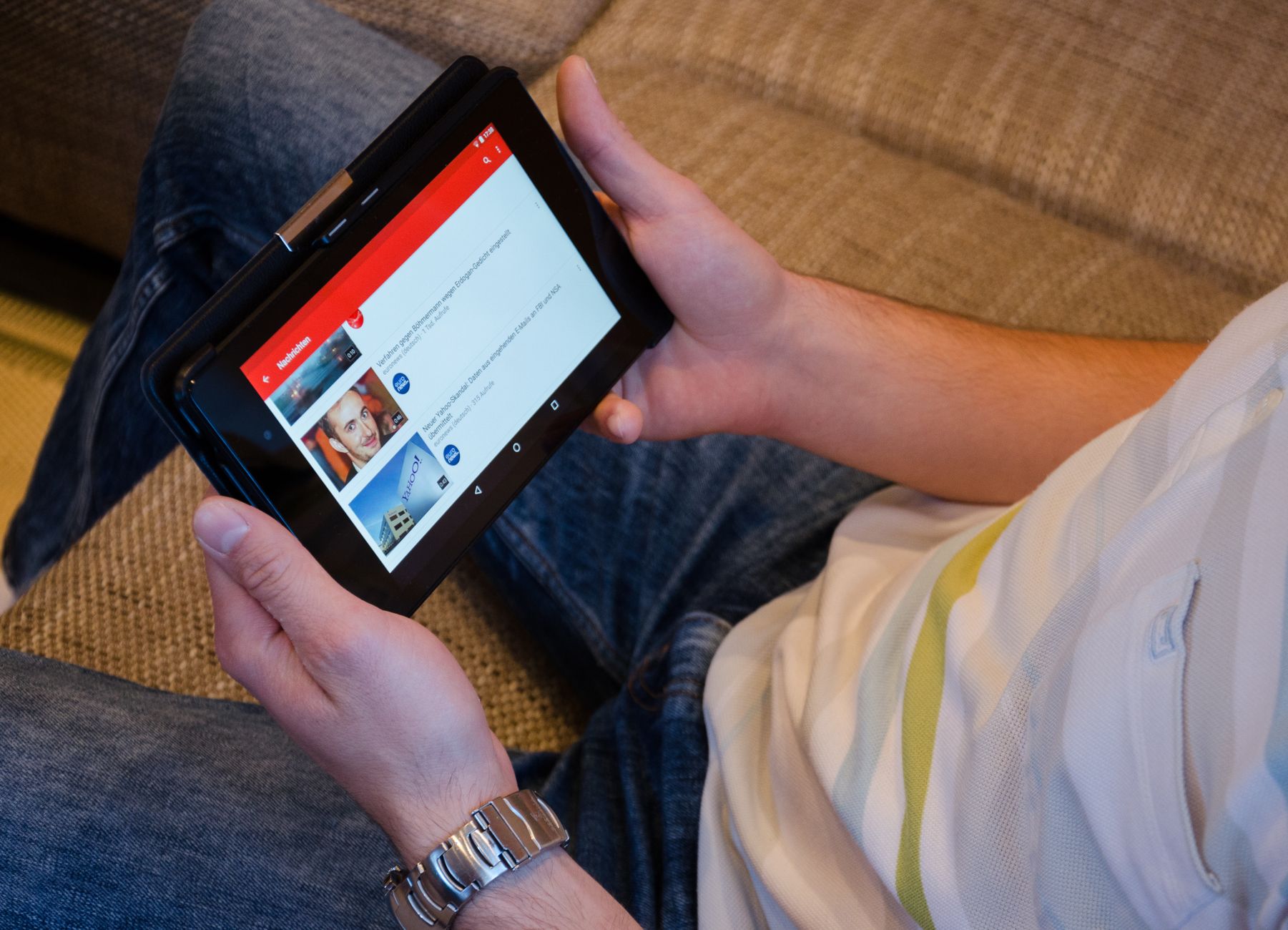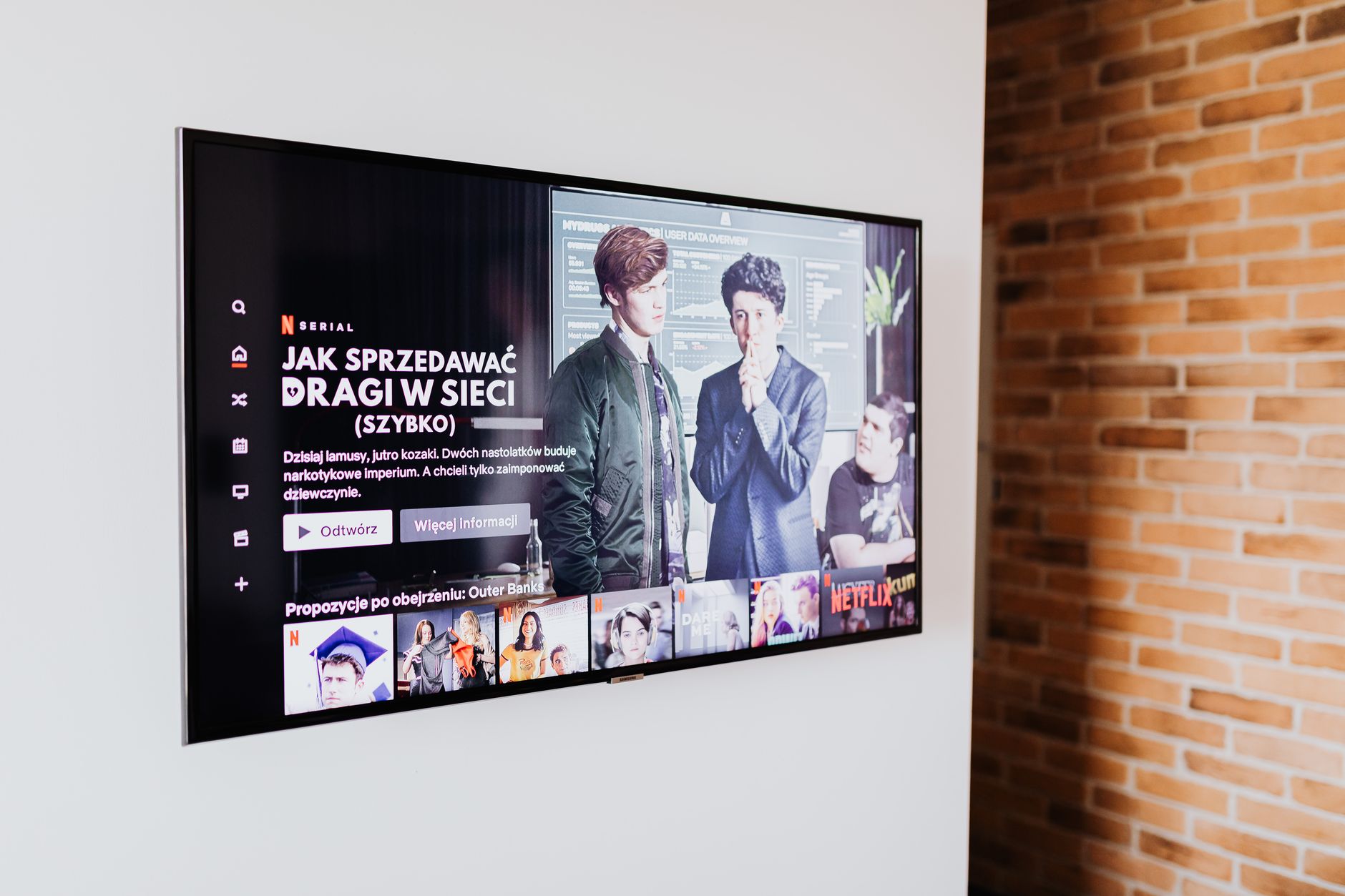
Ask a gamer “what is a VOD?” and they’ll tell you it’s the recording of last night’s Twitch stream. Ask someone in the TV business and they’ll talk about Netflix, rental fees, and subscription churn. Both answers are right.
A VOD is video a viewer can watch whenever they want, instead of at a scheduled broadcast time.
The term covers a Twitch replay, a Netflix series, a paid movie rental, and the course library inside a learning app. They’re all on-demand video. What changes is who made it and how it’s paid for.
That shift is now the default way people watch. Streaming made up close to half of all US TV viewing in 2026, according to Nielsen’s The Gauge, and most of that time is on-demand.
If you build video products, that makes VOD the feature your users expect first, and the pipeline behind it the part worth understanding.
What Is a VOD?
A VOD (video on demand) is a pre-recorded video file stored on a server that a viewer can play, pause, rewind, and skip through at any time, on any connected device. Unlike a TV broadcast or a live stream, the viewer decides when playback starts.
The key word is “demand.” In traditional linear TV, a channel decides what airs at 8 p.m. and you watch it or miss it. With VOD, the content sits in a library and each viewer starts their own playback session.
Every VOD shares a few attributes:
- Pre-recorded: The video exists as a file before anyone hits play.
- Viewer-controlled: Playback is non-linear. You can pause, seek, and resume.
- Stored and indexed: Files live in cloud storage with metadata like title, duration, and thumbnail.
- Delivered over IP: Video reaches the viewer over the internet or a managed network, not over the air.
- Persistent: It stays available until the owner removes it or a license expires.
Here’s how VOD compares with the main alternative, live video:
| Attribute | VOD (Video on Demand) | Live Streaming |
|---|---|---|
| Content source | Stored file | Real-time camera or encoder feed |
| When you watch | Anytime | Only while it airs (unless recorded) |
| Viewer control | Pause, rewind, seek, resume | Limited (DVR window, if offered) |
| Encoding | Done once, ahead of time | Done in real time |
| Latency concerns | None | Critical (seconds matter) |
| Typical examples | Netflix, YouTube uploads, Twitch VODs | Sports, Twitch live, webinars |
On-demand video isn’t new. Cable operators were trialing it in the early 1990s, and the first fully commercial service in the UK launched in 1998, per the history of video on demand. What changed is broadband, cheap cloud storage, and adaptive bitrate streaming, which made on-demand playback work on any connection.
What Does VOD Stand For? VOD Meaning on Twitch, YouTube, and TV
VOD stands for video on demand. People pronounce it two ways: “V-O-D” (letter by letter) or “vod” (rhymes with “nod”). Both are common.
The VOD meaning shifts a little depending on where you see it.
VOD Meaning on Twitch and in Gaming
On Twitch, Kick, and YouTube Gaming, a VOD is a saved recording of a past live broadcast. When a streamer ends a session, the platform archives it so followers who missed it can watch later.
This is where most people first run into the word. Some details that trip people up:
- Twitch VODs expire. Twitch keeps past broadcasts for a limited window: 7 to 14 days for most accounts, and 60 days for Partners and Turbo or Prime users. After that, the VOD is deleted unless it’s saved as a highlight, and highlights and uploads are capped at 100 hours per channel.
- VODs aren’t on by default. Streamers have to switch on “Store past broadcasts” in their settings, or nothing gets saved.
- “VOD review” in esports means watching a recorded match to study mistakes and strategy.
- “Clips” aren’t VODs. A clip is a short excerpt. A VOD is the full session.
Technically, a Twitch VOD is a live-to-VOD recording. The live stream is captured as it airs and repackaged as an on-demand file. You can read how that pipeline works in our guide to live to VOD workflows.
VOD Meaning on YouTube TV and Cable
On YouTube TV, cable boxes, and set-top apps, “VOD” labels on-demand versions of TV shows that you can start from the beginning instead of catching the live airing. YouTube TV sometimes shows a “VOD” tag when a network replaces the DVR recording with its own on-demand copy, which may have ads you can’t skip.
VOD Meaning in the Streaming Industry
In the media and tech industry, VOD is the umbrella term for any service that delivers a library of video on request. Netflix, Disney+, Prime Video, and YouTube are all VOD services. So is a corporate training portal or a fitness app’s workout library.
That broad definition is the one developers work with. When you build a “VOD feature,” you’re building upload, processing, storage, and on-demand playback.
How VOD Streaming Works
VOD streaming looks simple from the viewer’s side: tap a thumbnail, video plays. Behind that tap sits a six-stage pipeline.
- Upload and ingest. A source file (MP4, MOV, MKV, or a recorded live stream) is uploaded to the platform. Large files usually go through resumable or chunked uploads so a dropped connection doesn’t restart the transfer.
- Transcoding. The source is decoded and re-encoded into several renditions at different resolutions and bitrates, for example 1080p at 5 Mbps, 720p at 3 Mbps, and 480p at 1.2 Mbps. This set is the bitrate ladder. Video transcoding also normalizes codecs, usually to H.264 for reach, with HEVC or AV1 for efficiency.
- Packaging. Each rendition is split into short segments (typically 2–6 seconds) and described by a manifest. HLS uses
.m3u8playlists, defined in RFC 8216, and MPEG-DASH uses.mpdfiles. - Storage. Segments, manifests, thumbnails, and captions are written to object storage. This is the origin.
- CDN delivery. A content delivery network caches segments at edge servers close to viewers. A viewer in Singapore pulls from a Singapore edge, not your origin in Virginia. That’s why a CDN for video streaming is the difference between instant start and a spinning wheel.
- Adaptive playback. The player downloads the manifest, measures bandwidth, and picks the best rendition. If the connection drops, it switches to a lower rendition mid-stream instead of stalling.
Here’s what a simple HLS master playlist for a VOD looks like:
#EXTM3U
#EXT-X-VERSION:3
#EXT-X-STREAM-INF:BANDWIDTH=5000000,RESOLUTION=1920x1080
1080p/index.m3u8
#EXT-X-STREAM-INF:BANDWIDTH=3000000,RESOLUTION=1280x720
720p/index.m3u8
#EXT-X-STREAM-INF:BANDWIDTH=1200000,RESOLUTION=854x480
480p/index.m3u8
Each child playlist lists its segments and ends with #EXT-X-ENDLIST. That tag is what tells the player “this is VOD, the whole video is here.” A live playlist leaves it off and keeps growing. If you want the full breakdown, see what HLS streaming is.
Types of VOD: Business Models Explained
Every VOD service runs on a monetization model. The acronyms look alike, but they change how you build your product, from paywalls to ad insertion.
SVOD (Subscription Video on Demand)
Viewers pay a recurring fee for unlimited access to the library. Netflix, Disney+, and Max are SVOD. It gives predictable revenue but needs a steady flow of new content to keep churn low.
AVOD (Advertising-Based Video on Demand)
Content is free, and ads pay for it. YouTube, Tubi, and Pluto TV run on ads.
AVOD trades subscription friction for scale, since revenue depends on views and ad fill rate. Most AVOD platforms use server-side ad insertion to stitch ads into the stream so ad blockers can’t strip them.
TVOD (Transactional Video on Demand)
Viewers pay per title. There are two flavors:
- Electronic sell-through (EST): Buy once, keep access permanently.
- Download-to-rent (DTR): Pay for a limited window, often 48 hours.
Apple TV’s movie store and Prime Video rentals are TVOD. So is pay-per-view live streaming when the event replay is sold afterward.
PVOD (Premium Video on Demand)
A higher-priced TVOD tier for new releases, often while a film is still in theaters. A 48-hour rental around $20 is typical.
FAST (Free Ad-Supported Streaming TV)
FAST channels are technically linear, but they’re built from VOD libraries. A platform loops on-demand files into scheduled channels with ads, like Pluto TV’s genre channels. It’s VOD content packaged to feel like TV.
Hybrid Models
Most large services now mix models. Netflix and Disney+ sell ad-supported tiers next to ad-free plans, and Prime Video bundles SVOD with TVOD rentals.
If you’re weighing the two most common options, our breakdown of AVOD vs SVOD covers the trade-offs.
| Model | Who pays | Revenue driver | Examples | Best for |
|---|---|---|---|---|
| SVOD | Viewer, monthly | Subscriber count, retention | Netflix, Disney+ | Large or exclusive libraries |
| AVOD | Advertisers | Views, ad impressions | YouTube, Tubi | Reach-first, free content |
| TVOD | Viewer, per title | Titles sold or rented | Apple TV store | Films, events, premium courses |
| PVOD | Viewer, premium | Early-window access | Theatrical releases at home | New releases |
| FAST | Advertisers | Viewing hours | Pluto TV, Samsung TV Plus | Lean-back viewing |
| Hybrid | Both | Mixed | Netflix with ads, Prime Video | Mature platforms |
VOD vs Live Streaming vs OTT vs IPTV
These terms overlap, and people swap them freely. They describe different things.
- VOD describes when you watch: on request, from a library.
- Live streaming describes real-time delivery as the event happens.
- OTT (over-the-top) describes how content reaches you: over the open internet, bypassing cable or satellite. An OTT platform can deliver both VOD and live channels.
- IPTV delivers TV over a managed IP network, usually run by a telecom, inside its own infrastructure.
So Netflix is an OTT service that delivers VOD. A Twitch stream is live OTT, and its replay is OTT VOD. A telco’s set-top box that offers a movie catalog is IPTV with VOD.
| Term | Describes | Network | Viewer control | Example |
|---|---|---|---|---|
| VOD | Timing (on demand) | Any IP network | Full | Netflix episode |
| Live streaming | Timing (real time) | Any IP network | Minimal | Twitch live stream |
| OTT | Delivery method | Public internet | Depends on content | Disney+, YouTube |
| IPTV | Delivery method | Managed operator network | Depends on content | Telco TV packages |
Examples of VOD
VOD shows up well beyond movie streaming:
- Entertainment: Netflix, Prime Video, Hulu, and YouTube.
- Gaming: Twitch and Kick past broadcasts, esports match replays.
- Education: Course libraries on Coursera, Udemy, and internal LMS platforms.
- Fitness: On-demand workout classes in apps like Peloton.
- Corporate: Recorded all-hands meetings, product demos, and training videos.
- Faith and events: Sermon archives, conference session replays, and webinar recordings.
- Media and news: Clips and full episodes on broadcaster apps.
If you’re comparing services to launch on, our roundup of video on demand platforms covers the main options.
Advantages of VOD
Viewers Watch on Their Own Schedule
No appointment viewing. A viewer in Tokyo and one in Toronto both get the same content at a time that suits them. That alone lifts total watch time compared with a single live airing.
Content Keeps Earning After It’s Published
A live event ends. A VOD keeps getting views, ad impressions, or rentals for months or years. A back catalog is one of the most valuable assets a media company owns.
Offline Encoding Delivers Better Quality
VOD encoding happens offline, so encoders can use slower, more efficient presets and multi-pass encoding. You get better quality per bit than a live encoder working in real time.
CDNs Cache VOD Efficiently
Every viewer requests the same segments, so CDN cache hit rates are high. That keeps origin load and egress costs predictable, even when a title goes viral.
One Library Supports Several Revenue Models
You can run subscriptions, ads, rentals, or all three on the same library. Our guide to OTT video monetization goes deeper on pricing strategy.
Metadata Makes Titles Searchable
VOD titles have metadata, thumbnails, captions, and transcripts that search engines and in-app recommendation systems can index. Live streams mostly don’t.
Challenges of VOD
Storage Grows Without Limit
Every title is stored in several renditions, plus thumbnails and captions. A 1-hour 1080p video can take several gigabytes across its ladder. Storage tiering and deleting unused renditions help.
Encoding Takes Time and Compute
Transcoding a long file into a full ladder takes compute time. Slow pipelines mean creators wait minutes or hours before a video is watchable. Just-in-time or instant encoding fixes the wait.
Delivery Costs Scale With Views
CDN egress is usually the largest line item for a VOD platform. Higher-efficiency codecs and a sensible bitrate ladder cut it. Our breakdown of video hosting costs shows where the money goes.
Stored Files Need Protection
A stored file is easier to rip than a live stream. Premium libraries need encryption, licensed playback, and DRM for video, plus domain restrictions and geo-blocking for regional rights.
Playback Has to Work on Every Device
Viewers expect the same video to play on iOS, Android, smart TVs, and every browser. That means HLS (and often DASH) packaging, caption formats, and a player that handles each platform’s quirks.
How to Build VOD Into Your App
Knowing what a VOD is answers the viewer’s question. If you’re the one building the product, the question becomes: build the pipeline yourself, or call an API?
Building it yourself means running upload servers, an FFmpeg transcoding farm, object storage, a packager, CDN contracts, and a player. It’s doable. It’s also months of work before your first user presses play. Our walkthrough on how to build an on-demand video platform maps out each component.
The faster route is a video hosting API. The provider handles transcoding, packaging, storage, and delivery. Your app handles users, catalog, and payments.
Step 1: Upload the Source Video
Send the file directly or point the API at a URL. Here’s what that flow usually looks like with a REST video API (endpoints and field names vary by provider, so check your provider’s docs):
curl -X POST "https://api.your-video-provider.com/v1/videos" \
  -H "Authorization: Bearer $API_KEY" \
  -H "Content-Type: application/json" \
  -d '{
    "title": "Product demo - October",
    "input_url": "https://storage.example.com/raw/demo.mp4"
  }'
The response returns a video ID and a processing status.
Step 2: Wait for Encoding (or Listen for a Webhook)
Instead of polling, register a webhook that fires when the video is ready. The payload typically includes the video ID, duration, and HLS playback URL.
Step 3: Store the Playback URL in Your Catalog
Save the HLS URL and thumbnail against your own content record, along with title, description, and access rules.
Step 4: Play It
Drop the HLS URL into an HTML5 player. Safari plays HLS natively, and other browsers use a library like hls.js:
<video id="player" controls playsinline></video>
<script src="https://cdn.jsdelivr.net/npm/[email protected]"></script>
<script>
  const src = "https://cdn.example.com/videos/abc123/master.m3u8";
  const video = document.getElementById("player");
  if (Hls.isSupported()) {
    const hls = new Hls();
    hls.loadSource(src);
    hls.attachMedia(video);
  } else if (video.canPlayType("application/vnd.apple.mpegurl")) {
    video.src = src;
  }
</script>
Step 5: Add Access Control and Monetization
Gate playback behind your auth system for SVOD, sign URLs for TVOD purchases, or insert ads for AVOD. Add geo-restrictions or domain whitelisting if your licenses require it.
LiveAPI’s Video API covers steps 1 through 4. Upload by file or URL (including Google Drive and Dropbox links), and instant encoding makes videos playable within seconds regardless of length. Output is adaptive bitrate HLS delivered across Akamai, Cloudflare, and Fastly, with an embeddable HTML5 player, webhooks, password protection, geo-blocking, and domain whitelisting built in.
If your VOD library starts as live content, the live streaming API records every RTMP or SRT broadcast and turns it into a VOD automatically when the stream ends.
What to Look for in a VOD Hosting Platform
Use this checklist when you evaluate a VOD hosting platform or API:
- Encoding speed: How long until an uploaded video is playable? Minutes per hour of footage, or seconds?
- Adaptive bitrate output: Does it generate a full ladder and HLS (or DASH) automatically?
- Codec support: H.264 at minimum. HEVC and AV1 matter for bandwidth at scale.
- CDN reach: One CDN or several? Multi-CDN delivery reduces outages and regional slowdowns.
- Player: Is there an embeddable player, and does it work across browsers, mobile, and TV apps?
- Security: Signed URLs, domain restrictions, geo-blocking, and DRM for premium content.
- Developer experience: Clean REST API, SDKs, webhooks, and docs you can actually follow.
- Pricing: Per minute stored, per minute delivered, or per GB? Model your expected views before you commit.
- Live support: If you’ll ever stream live, pick a platform that records live to VOD without extra steps.
A platform that checks the first five boxes covers most VOD apps. The last four separate a prototype from a product you can scale.
What Is a VOD? FAQ
What is a VOD on Twitch?
A Twitch VOD is a saved recording of a streamer’s past live broadcast. Twitch keeps VODs for 7 to 14 days on most accounts and 60 days for Partners and Turbo or Prime users. Streamers can save parts of a VOD as highlights before it expires.
What does VOD stand for?
VOD stands for video on demand. It refers to any video a viewer can start, pause, and rewind whenever they want, as opposed to live TV or a scheduled broadcast.
What is an example of a VOD?
A Netflix episode, a YouTube upload, a rented movie on Apple TV, and a Twitch past broadcast are all VODs. Inside businesses, recorded training sessions and webinar replays are VOD too.
Is VOD the same as streaming?
Not exactly. Streaming is how video travels: it’s delivered over a network as it plays. VOD is streamed content that’s pre-recorded and played on request, and live streaming is the other main category.
Is VOD still a thing?
Yes. VOD is the dominant way people watch video. Streaming services account for close to half of US TV viewing, and most of that time is spent on on-demand libraries rather than live channels.
How much does VOD cost?
For viewers, it ranges from free (AVOD) to around $8–$25 per month for subscriptions, or a few dollars per rental. For businesses, costs come from encoding, storage, and CDN delivery, usually priced per minute or per GB.
What’s the difference between VOD and OTT?
VOD describes when you watch (on demand). OTT describes how content is delivered (over the internet, bypassing cable or satellite). Most OTT services offer VOD, and many also carry live channels.
What is a VOD platform?
A VOD platform hosts, encodes, and delivers on-demand video to viewers. Consumer platforms include Netflix and YouTube. Developer platforms provide APIs so you can add VOD hosting and playback to your own app.
Start Building With VOD
So, what is a VOD? It’s video that waits for the viewer: a Twitch replay, a Netflix series, a course library, or a recorded webinar.
The meaning is the same everywhere. The content is stored, and the viewer chooses when it plays.
For developers, the interesting part is the pipeline behind that play button: transcoding into a bitrate ladder, packaging into HLS, delivering through CDNs, and protecting content along the way. You can build every piece, or you can hand that work to an API and spend your time on the product.
LiveAPI gives you instant encoding, adaptive HLS output, multi-CDN delivery, and live-to-VOD recording through one API. Get started with LiveAPI and ship your first on-demand video today.