At its heart, HTTP Live Streaming (HLS) is an adaptive streaming protocol that cleverly breaks video content into small, bite-sized file segments. It then delivers these segments over standard HTTP, just like any other web content. Think of it as a smart, resilient delivery system for video that ensures smooth playback by adjusting the video quality on the fly based on your network speed.
How HLS Streaming Actually Works

To really get what HLS is, stop thinking about video as one giant file being sent from a server to your device. That old method is clunky and prone to failure if your connection hiccups for even a second. HLS is much smarter. It’s the invisible engine behind the buffer-free streams you enjoy every day, from live sports broadcasts to your favorite on-demand shows.
The whole process is a beautifully coordinated effort between a few key components. This teamwork is what makes HLS so dependable and why it’s become a foundational technology for modern video delivery.
The Core Components of HLS
The real magic of HLS boils down to three main players working together: the server, the segmenter, and the client player. Each has a specific, vital job to do to get that video from its source onto your screen without a hitch.
- The Server: This is home base, where the original, high-quality video file lives. It’s the starting point for the entire journey.
- The Segmenter: This is the workhorse. It takes that big video file and systematically chops it into small, manageable chunks, usually just a few seconds long. Crucially, it also creates a manifest file—think of it as a playlist or a table of contents that tells the player where all the chunks are.
- The Client Player: This is the video player on your phone, laptop, or smart TV. It starts by downloading the manifest file to get the list of available chunks. Then, it requests them one by one, seamlessly stitching them together for smooth playback.
At its core, HLS treats video like a series of small web files. This allows it to use the same reliable, scalable infrastructure that delivers websites, making it incredibly efficient for reaching massive audiences without specialized equipment.
To give you a clearer picture, let’s break down these fundamental parts into a quick reference table.
HLS Core Concepts at a Glance
This table provides a simple overview of the essential terms and their functions within the HLS ecosystem.
| Component | Role in the HLS Process |
|---|---|
| Media Segments | The small, individual chunks of video (usually .ts files) that are delivered to the player. |
| Manifest File | A playlist (.m3u8 file) that lists the available media segments and different quality streams. |
| Server | A standard web server (like Nginx or Apache) that stores and serves the manifest and media segment files. |
| Client Player | The software on the user’s device that reads the manifest and requests the segments to play the video. |
This segmented approach is the secret sauce behind HLS’s success. If one little chunk fails to download, the player can just ask for it again without interrupting your stream. This built-in redundancy is what ensures a consistent, high-quality viewing experience, which we’ll dive into next.
How HLS Fixed Modern Video Delivery
To really get why HLS is the king of streaming today, you have to remember what internet video used to be like. It was a mess. We were stuck downloading special browser plugins like Adobe Flash just to watch a grainy video, which would inevitably spend half its time buffering. The whole system was built on proprietary tech, meaning a video that worked in one browser would completely break in another.
This fragile setup hit a brick wall with the rise of the smartphone. Older protocols, like RTMP (Real-Time Messaging Protocol), were a nightmare on mobile. They needed a constant, stable connection between the server and the viewer—something mobile networks just couldn’t guarantee. On top of that, they were notorious for getting blocked by corporate firewalls, since they used non-standard ports. This meant no watching videos at the office for many people.
Solving the Mobile Streaming Puzzle
When Apple was building the first iPhone, they knew this was a dealbreaker. They needed a rock-solid way to get smooth video onto a mobile device with a shaky internet connection. The old guard of streaming protocols wasn’t going to cut it. Their answer was HLS (HTTP Live Streaming), a protocol that brilliantly side-stepped the old problems by piggybacking on the very technology that powers the web: standard HTTP.
Instead of a persistent connection, HLS breaks the video into small chunks and sends them over the same port 80 that your web browser uses to load websites. This move was a stroke of genius. Suddenly, firewalls weren’t an issue. HLS streams could slip through virtually any network because they looked just like regular web traffic. This simple, elegant design was the key that unlocked its future.
HLS was born out of necessity to solve the huge streaming limitations on early iOS devices. It has since evolved into the go-to standard for delivering video to almost every screen you can think of, fundamentally changing the entire industry. For a deeper dive into this evolution, check out these insights on live streaming server technology.
From a Smart Fix to the Global Standard
What started as a solution for Apple’s ecosystem quickly caught on everywhere. The reliability and firewall-friendly nature of HLS made it a no-brainer for the booming video market. Content creators and developers could finally stop worrying about plugin compatibility or tricky server setups. They could just make great content, confident that HLS would get it to their audience without a hitch.
This universal compatibility is what fueled the explosive growth of today’s streaming giants. Platforms like YouTube and Twitch, along with countless over-the-top (OTT) services, are built on the foundation HLS provided. It’s the invisible engine of the modern streaming economy, making it possible to broadcast massive live events and build billion-dollar video libraries that simply work, every time, for everyone.
The HLS Workflow: A Step-by-Step Breakdown
So, how does HLS actually work its magic? To really get a handle on it, we need to peek behind the curtain at its remarkably effective three-stage process. This is the journey that takes a single video file sitting on a server and turns it into a smooth, reliable stream on your screen. It’s a clever system built from the ground up for resilience and massive scale.
The infographic below shows just how far streaming has come, moving from clunky, plugin-heavy methods to the streamlined standards that HLS helped pioneer.
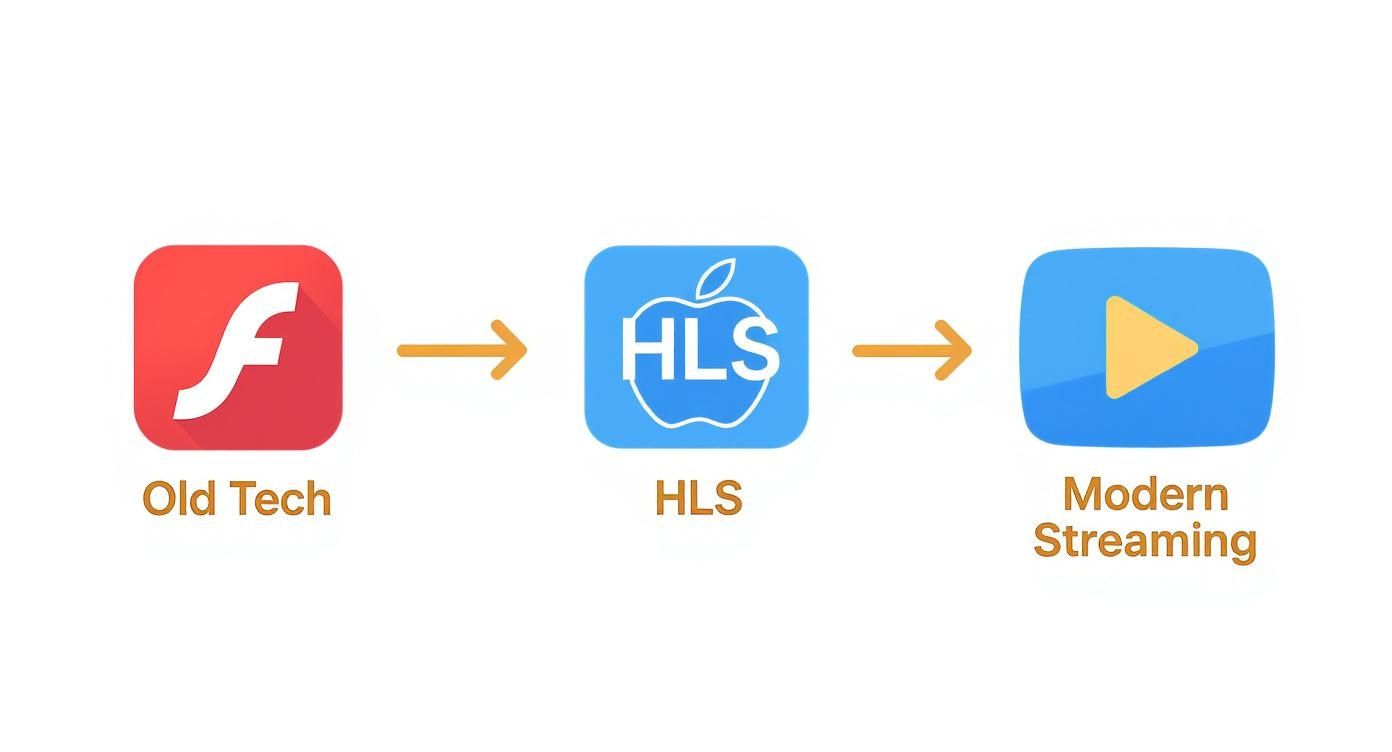
This evolution underscores the game-changing move to HTTP-based delivery, which is the secret sauce behind the near-universal compatibility we take for granted today.
Stage 1: Encoding and Segmentation
Everything starts with the source video—think of it as the high-resolution master copy. First, this file is passed through an encoder, a tool that compresses it into a universal format like H.264 or H.265 (HEVC). This step is all about making the video file smaller and more manageable for internet delivery without a noticeable drop in quality.
Right after encoding, a segmenter takes over. This is where one of the most critical parts of the HLS process happens. The segmenter chops the single video stream into small, digestible chunks, usually between 2 to 10 seconds long. Each of these little pieces is saved as a transport stream (.ts) file. This chopping-up is what makes HLS so robust; if one tiny segment fails to load, it won’t bring the entire stream crashing down.
Stage 2: Creating the Manifest File
With a pile of video chunks ready to go, the server now needs to create a set of instructions for the video player. This instruction manual is called the manifest file, and it’s essentially a playlist with an .m3u8 extension. You can think of it as the table of contents for your video stream.
At its core, the manifest is just a simple text file that lists all the .ts video segments in the exact order they should be played. For a live event, this file is constantly being updated with links to new chunks as they’re generated, which is how the player stays in sync with the broadcast. To really grasp how video is prepped for this stage, it’s worth learning more about the intricacies of video transcoding.
The M3U8 manifest is the brain of the HLS operation. It not only directs the player to the right video chunks but also contains metadata about different quality versions available, which is the key to enabling adaptive bitrate streaming.
Stage 3: Delivery and Playback
Now for the final step: getting the video to your screen. Your device’s video player (the client) kicks things off by downloading the .m3u8 manifest file from a regular web server. Once it has this playlist, the player knows precisely which video segments to ask for and in what order.
The player then starts downloading the .ts files one by one. As each segment arrives, it’s stitched seamlessly onto the end of the previous one, creating what feels like a single, continuous video. The best part? This entire conversation happens over standard HTTP, the same protocol your browser uses to fetch websites. This makes it incredibly easy and cost-effective to scale using a standard Content Delivery Network (CDN).
The Power of Adaptive Bitrate Streaming

Breaking video into small chunks is a big part of what makes HLS reliable, but there’s another feature that really elevates the viewing experience. It’s the technology that prevents your video from stopping to buffer, even when your internet connection gets shaky. This is called Adaptive Bitrate Streaming (ABR), and it’s where the real magic happens.
Think of it like a smart GPS that reroutes you in real-time. If the highway is clear, you cruise along at top speed. But if traffic suddenly grinds to a halt, it seamlessly directs you to a side street to keep you moving. ABR does the same thing for your video stream.
The secret is that the server doesn’t just prepare one version of your video. Instead, it encodes the stream into multiple parallel versions, each at a different quality level and file size (or bitrate). You might have a crisp 4K version, a solid 1080p version, a standard 720p, and a more compact 480p version—all ready to go.
How Your Player Chooses the Best Quality
The video player on your device is constantly monitoring your network conditions. It’s looking at available bandwidth, latency, and even how much processing power your device has to spare. Based on that information, it intelligently decides which quality stream to pull from for the next segment.
This is what makes the experience feel so smooth. Someone watching on a high-speed fiber connection will get the stunning 4K stream. At the same time, a person on a spotty mobile network will automatically be served the 480p version, ensuring the video plays without interruption.
The best part? The switch between quality levels happens invisibly between segments. The player can finish a 1080p chunk and, if it detects a drop in bandwidth, immediately request the next chunk from the 720p stream. You, the viewer, probably won’t even notice the change—you’ll just notice the video keeps playing.
Adaptive bitrate streaming is the foundation of a great viewing experience. It automatically gets ahead of frustrating buffering to deliver smooth playback for everyone, no matter their connection speed or device.
To truly appreciate how this works, it’s worth diving deeper into what is adaptive bitrate streaming and its role within HLS. This capability turns a simple delivery protocol into a sophisticated, user-first system.
At the end of the day, ABR is what allows you to deliver a professional-grade stream to a massive, diverse audience. This is absolutely critical, especially when studies show that more than 60% of viewers will give up on a video after just one buffering event. HLS with ABR solves this problem before it even starts, keeping your audience locked in and happy.
What Makes HLS a Go-To for Streaming?
So, why has HLS become such a dominant force in video streaming? It’s not just a happy accident. The technical design of HLS directly solves some of the biggest headaches in video delivery, making it a practical and powerful choice for creators and platforms alike.
The most obvious win is its near-universal compatibility. Because HLS uses the same standard HTTP technology that powers the web, it works pretty much anywhere you can find a web browser. No special plugins, no weird software—it just works. This includes:
- All the major web browsers (Chrome, Firefox, Safari, Edge)
- Smartphones and tablets (iOS and Android)
- Smart TVs and streaming devices (Roku, Apple TV, Chromecast)
- Even gaming consoles
This incredible reach means you can deliver your content to a massive audience without forcing them to jump through hoops. Your stream simply plays, no matter what device they’re using.
Built for Reliability and Massive Scale
Another huge advantage is how HLS handles reliability and scale. Since HLS delivers video files from standard web servers, it plays incredibly well with Content Delivery Networks (CDNs). Think of a CDN as a global web of servers that stores copies of your video segments much closer to where your viewers are.
So when someone in another country hits “play,” they aren’t pulling the video from your single server thousands of miles away. Instead, they get it from a nearby CDN server. This simple trick dramatically cuts down on buffering and lag. It also means you can handle a sudden flood of viewers—like during a major live event—without your server crashing and burning. It’s a beautifully resilient and cost-effective way to stream.
Partnering HLS with a CDN is the industry standard for a reason. It’s how you get broadcast-level reliability, spreading the load and ensuring a smooth experience for potentially millions of people at once.
Strong Security Baked Right In
Finally, HLS gives you solid options to protect your content. The protocol supports AES-128 encryption, which essentially locks up each individual video segment.
When a viewer’s player wants to show the video, it first has to request a special decryption key from a secure server. This makes sure that only authorized users can watch your stream. It’s an essential feature for anyone dealing with premium content, pay-per-view events, or private corporate webcasts, adding a crucial layer of defense for your valuable video.
HLS in Action: Real-World Applications
So, we’ve unpacked the technical side of HLS. But where does it actually show up in our day-to-day lives? The truth is, this protocol is the invisible engine behind many of the world’s biggest streaming services, from massive entertainment companies to the solo creator broadcasting from their bedroom.
It’s the reason millions of us can watch the same live event at the same time without everything grinding to a halt.
Think about the last time you binged a show on Netflix, Hulu, or Disney+. You were watching HLS in action. These giants depend on its adaptive bitrate streaming to make sure your movie night goes off without a hitch, whether you’re on a blazing-fast fiber connection or spotty 4G. The same tech is what makes it possible to stream massive live events like the Super Bowl to millions of people simultaneously.
Powering Live Events and Creator Platforms
HLS is also the bedrock of the modern live streaming economy, an industry now valued at over $60 billion worldwide. It’s been absolutely essential to that growth.
Platforms like Twitch, which accounts for a staggering 60.3% of all live stream watch hours, rely on HLS to deliver stable broadcasts to millions of fans at once. That kind of market dominance is a testament to how well the protocol handles huge, real-time audiences. You can dive deeper into the numbers behind the incredible scale of the live streaming market.
But it’s not just for entertainment. Big global companies use HLS to stream all-hands meetings and town halls to their employees, no matter where they are in the world. Because HLS works with standard web servers and CDNs, a CEO’s message from headquarters can reach every office with crystal-clear quality. To get a better sense of how that infrastructure works, check out our guide on the role of a CDN for video streaming.
HLS is the great equalizer in video delivery. The same core technology that lets a media giant broadcast a global sporting event also empowers a single gamer to build a worldwide community from their bedroom.
This incredible versatility is what makes HLS so foundational to the modern internet. It’s a stable, scalable, and universally compatible solution that fits the needs of just about any video application you can think of, securing its spot as the undisputed industry standard.
A Few Common HLS Questions, Answered
As you get more familiar with HLS, you’ll probably run into a few common questions. Getting these cleared up will help you see exactly where HLS fits into the big picture of video streaming and what you can really do with it. Let’s dig into some of the most frequent ones.
What’s the Difference Between HLS and MPEG-DASH?
You can think of HLS and MPEG-DASH as two competing heavyweights in the video streaming arena. HLS, being an Apple creation, has a massive advantage: it works out-of-the-box on every Apple device and nearly every modern web browser. That native support makes it the “it just works” choice for most developers.
MPEG-DASH, on the other hand, is an open-source international standard. On paper, it’s more flexible and doesn’t care which video codec you use. The catch? It lacks native support in Apple’s Safari browser, which means you often need a JavaScript-based player to ensure it runs everywhere.
While MPEG-DASH is a powerful, open standard, HLS’s deep integration into the Apple ecosystem gives it a significant advantage in compatibility and ease of use, making it the de facto industry standard for reaching the widest possible audience.
Is HLS Any Good for Low-Latency Streaming?
Historically, HLS chose reliability over raw speed. This meant typical latency hovered around 15-30 seconds, which was perfectly fine for watching a movie on demand but a dealbreaker for live events where every second counts.
That all changed with the introduction of Low-Latency HLS (LL-HLS). This extension to the original protocol completely changes the game by using much smaller video chunks and a few other clever tricks. With LL-HLS, you can slash latency down to under 2 seconds—fast enough for live sports, gaming, and interactive streams where you need that near-instant connection with your audience.
Can HLS Handle Audio-Only Streams?
Yep, absolutely. While we mostly talk about HLS in the context of video, its underlying architecture is just as good at delivering audio-only content. The process is identical: the audio is chopped into segments, and a manifest file tells the player how to piece it all together.
This makes HLS a fantastic choice for streaming podcasts, live internet radio, or music services. You get the same rock-solid reliability and massive scalability that it’s famous for in the video world.
Ready to build your own streaming application without the infrastructure headaches? LiveAPI provides developers with robust APIs for 4K live streaming, on-demand video, and seamless delivery powered by a global CDN. Start building today at https://liveapi.com.