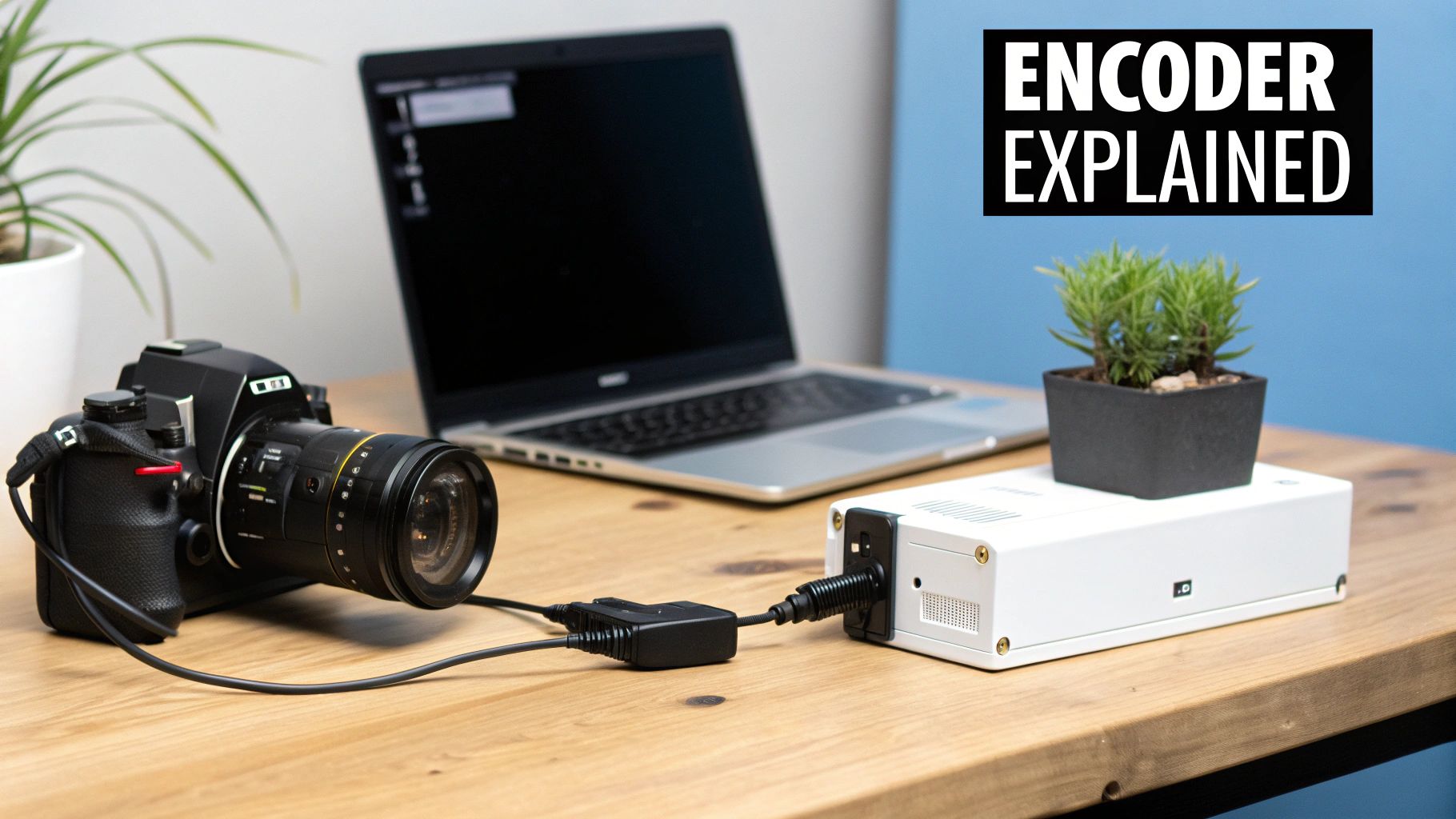
A video encoder is, at its heart, a brilliant translator and an expert packer all in one. It takes massive, raw video files and converts them into a compressed digital format that’s light enough to be streamed, broadcast, or simply stored without eating up all your hard drive space.
Without this crucial step, trying to send high-quality video over the internet would be a non-starter.
The Unsung Hero of Modern Video
Think of it this way: imagine you need to ship a fully-built car. You can’t just drop it in a mailbox. The only logical way is to disassemble it, label every single part, and pack it all into the smallest, most efficient boxes possible.
A video encoder does something very similar for digital video. It takes the gigantic, uncompressed data straight from a camera and systematically shrinks it down, making it manageable. This process is the invisible engine behind almost every video you watch today—from a series on Netflix to a live gaming session on Twitch. The encoder’s job is to make the video file dramatically smaller while keeping the visual quality as high as it can.
So, Why is Encoding a Must-Have?
Raw, unedited video is a data hog. Seriously. A single minute of uncompressed 4K video can eat up more than 30 gigabytes of space. Trying to push a file that huge over a typical internet connection would take ages, killing any hope of real-time streaming.
This is the problem encoders were born to solve. They intelligently analyze the video and toss out redundant data—the stuff your eyes wouldn’t miss anyway.
This compression accomplishes a few critical things:
- Faster Delivery: Smaller files fly across the internet, which is what makes smooth live streams and quick video downloads possible.
- Lower Storage Bills: Compressed videos take up way less server space, a massive benefit for video-on-demand giants like YouTube.
- Broader Reach: By making files smaller, content can reach people on slower internet connections who simply couldn’t handle the raw data stream.
We rely on this technology more than we realize. Encoders power everything from our entertainment to our security systems. It’s a big deal, and the market reflects that. The video encoder market was valued at around USD 2.18 billion in 2024 and is only expected to grow. You can explore more about the video encoder market trends to see just how fast this industry is expanding.
To put it simply, an encoder’s entire existence revolves around a tricky balancing act.
An encoder’s main purpose is to juggle three competing factors: file size, video quality, and processing speed. The sweet spot is hitting the best possible picture in the smallest possible package, all without causing frustrating delays.
Let’s break down an encoder’s core responsibilities into a quick summary.
An Encoder’s Key Jobs at a Glance
This table simplifies the main tasks an encoder performs to get raw video ready for the internet.
| Function | Analogy | Why It Matters |
|---|---|---|
| Compression | Shrink-wrapping a bulky item | Reduces file size for fast streaming and efficient storage. |
| Transcoding | Translating a book into multiple languages | Converts video into different formats (like H.264) compatible with various devices. |
| Packaging | Sorting mail into different delivery routes | Prepares the video for specific streaming protocols (like HLS or DASH) to ensure smooth playback. |
Each of these steps is essential for turning a massive, raw video file into a polished stream that can be delivered reliably to viewers anywhere in the world.
Choosing Your Tool: Hardware vs. Software Encoders
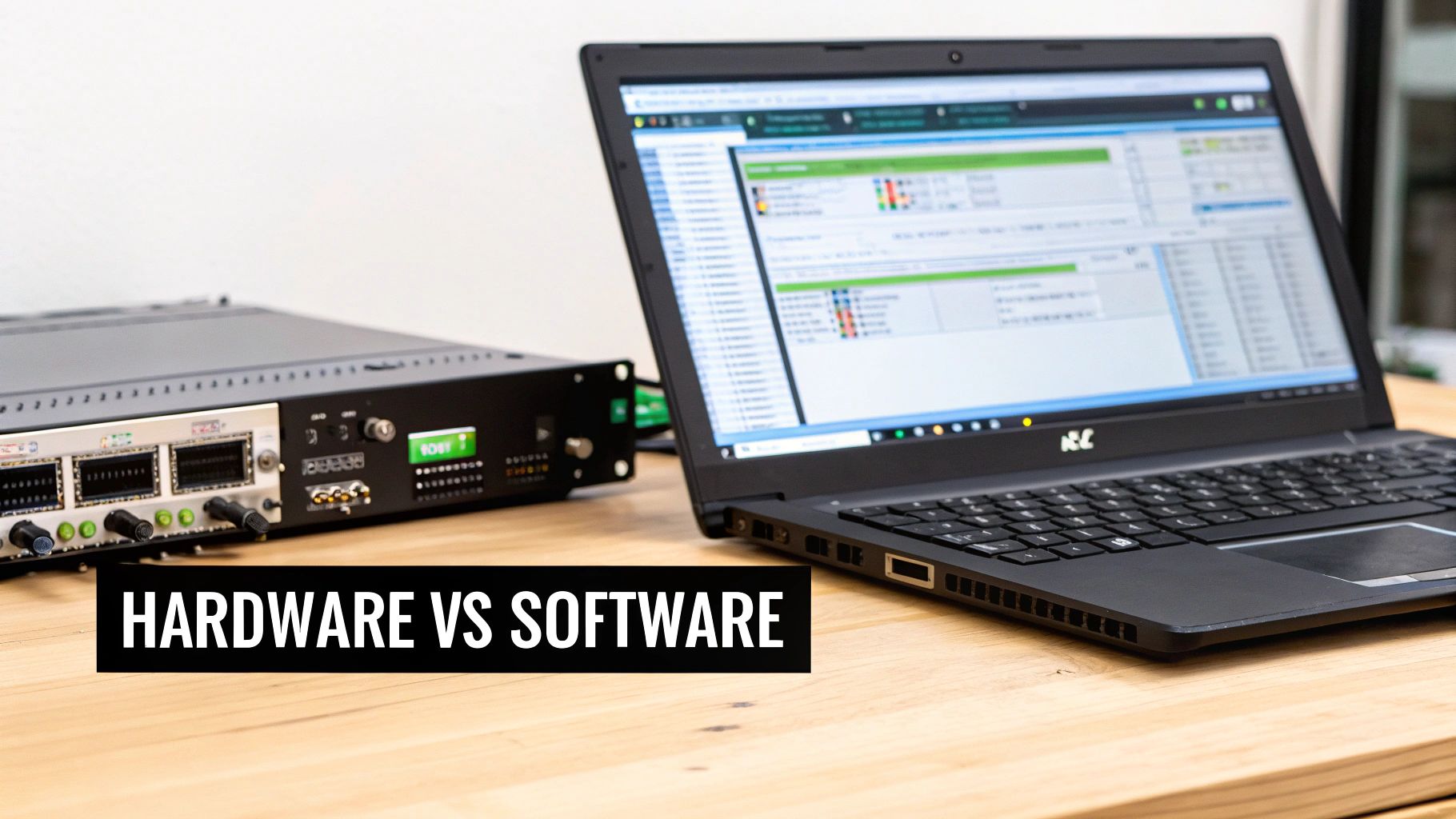
When you get into video encoding, one of the first big decisions you’ll make is whether to use a dedicated piece of hardware or a flexible software program. There’s no single right answer—the best choice really comes down to what you need to do, how much you want to spend, and the kind of performance you expect.
Let’s break it down with a simple analogy. Think of a hardware encoder as a professional chef’s custom-built pizza oven. It’s designed to do one thing and one thing only: bake perfect pizzas, fast. It’s not checking email or browsing the web; it just cranks out flawless results with incredible consistency.
On the other hand, a software encoder is more like a high-end convection oven in your kitchen. It runs on a general-purpose machine (your computer) and can bake, broil, roast, and a whole lot more. It’s incredibly versatile and much easier on the wallet, but it has to share resources with other tasks, which can sometimes slow things down.
The Case for Hardware Encoders
Hardware encoders are physical boxes built for a single mission: to process video. Their internal circuits are purpose-built for compression, making them incredibly efficient and dependable. They don’t have to fight with your operating system or other background apps for processing power.
This laser focus gives them some serious advantages:
- Rock-Solid Reliability: Because they aren’t juggling multiple tasks, they’re far less likely to crash or stutter. For a professional broadcast where “going dark” isn’t an option, this is a must-have.
- Blazing Speed: Dedicated processing chips mean they can encode video with almost no delay, which is absolutely critical for low-latency live streaming.
- Lower CPU Strain: The heavy lifting of encoding is completely offloaded, freeing up your computer to handle other things without getting bogged down.
This is why hardware encoders are the go-to choice for television studios, major live sporting events, and other mission-critical video applications.
The Flexibility of Software Encoders
Software encoders are programs that run on a computer, server, or even in the cloud. You’ve probably heard of popular ones like OBS Studio, vMix, or the encoding tools built into software like Adobe Premiere Pro. This approach is all about flexibility and accessibility.
The real magic of software encoding is how easily it can adapt. Developers can push out updates to add new features or support for the latest codecs, and you get the benefits without having to buy a new piece of gear.
Here’s where software solutions really stand out:
- Cost-Effectiveness: The upfront cost is usually much lower. Many powerful options, like OBS, are completely free.
- Deep Customization: You can tweak an endless number of settings and connect them with other plugins and software to build a workflow that’s perfect for your needs.
- Easy Access: Anyone with a decent computer can get started without having to invest in specialized equipment.
The demand for high-quality video is exploding everywhere—from broadcasting and OTT services to public safety—and it’s pushing both hardware and software to get better. The global video encoder market was valued between USD 2.5 billion and USD 2.81 billion in 2025 and is projected to nearly double by the early 2030s. If you’re interested in the specifics, you can dig into a full analysis of the video encoder market growth to see what’s driving this trend.
Ultimately, picking the right encoder is about weighing your priorities. Do you need the bulletproof stability of a dedicated box, or the adaptable, feature-rich world of a software application? For most creators and developers, the answer starts with understanding this fundamental trade-off between specialized performance and all-around versatility.
Understanding Codecs: The Language of Your Video
If an encoder is the translator, then a codec is the specific language it speaks. The name itself is a portmanteau of “coder-decoder,” which perfectly nails its two-part job. It codes (compresses) your video for delivery and then decodes (uncompresses) it for playback on the other end. This is the engine doing the real work inside your encoder.
Think of it this way: the encoder’s goal is to make a video file smaller, but the codec is the specific instruction manual it follows to get the job done. Different codecs have different strengths, forcing a constant trade-off between file size, video quality, and which devices can actually play it.
A codec is the algorithm that performs the actual video compression and decompression. Choosing the right one is like picking the right tool for a job—what works for a live broadcast might not be ideal for archiving old home movies.
Getting familiar with the main players is crucial for making smart encoding decisions. Each one has its own personality and purpose.
The Most Common Video Codecs
Let’s cut through the jargon. You’ll run into these three codecs constantly, as they dominate the video landscape. Each one strikes a different balance in the ongoing tug-of-war between quality and efficiency.
- H.264 (AVC): The Universal Standard You can think of H.264, or Advanced Video Coding, as the English of the video world. It’s been the go-to standard for years, and just about every device on the planet can understand it, from a ten-year-old smartphone to a brand-new smart TV. This universal compatibility makes it a super safe and reliable choice if your goal is to reach the biggest audience possible. The trade-off is that its age means it’s less efficient at compression than its newer cousins.
- H.265 (HEVC): The Efficient Successor High Efficiency Video Coding, or H.265, is the powerful sequel to H.264. Its claim to fame is incredible compression. It can deliver the same video quality as H.264 at roughly half the file size, which is a game-changer for 4K streaming and keeping bandwidth costs down. The catch? It demands more processing power from both the encoder and the viewer’s device, so older hardware might struggle to keep up.
- AV1: The Modern, Royalty-Free Contender AV1 is the new kid on the block, backed by an alliance of tech giants like Google, Netflix, and Amazon. It pushes efficiency even further, offering compression that’s about 30% better than H.265. Even better, it’s completely open-source and royalty-free. While it’s gaining traction fast, AV1 is a resource hog, requiring serious processing power. For now, you’ll see it used more for on-demand video from major platforms rather than for real-time live streaming by individual creators.
For a deeper dive into the nitty-gritty, our complete guide on what video codecs are breaks down how all this technology works behind the scenes.
Ultimately, picking a codec is a strategic decision. You have to balance your desire for pristine quality and tiny file sizes against the practical reality of making sure your audience can watch your content without a hitch. H.264 gives you maximum reach, H.265 delivers brilliant quality for modern devices, and AV1 shows us where the future of ultra-efficient streaming is headed.
Finding the Sweet Spot: A Guide to Your Encoder Settings
Stepping into your encoder’s settings for the first time can feel a bit like being handed the keys to a recording studio—so many knobs and sliders! But don’t worry, once you get the hang of the core controls, you’ll be able to dial in a stream that’s both crystal-clear and rock-solid for your audience.
The secret lies in understanding the relationship between three key settings: resolution, framerate, and bitrate. They work together, and getting their balance right is what separates a professional, buffer-free stream from a frustrating, choppy one.
Resolution: How Big Is Your Picture?
Let’s start with the easiest one to grasp: resolution. This is simply the size of your video, measured in pixels (width x height). You’ll see it written as 1080p (1920×1080 pixels) or 4K (3840×2160 pixels).
A bigger resolution means a sharper, more detailed image. The trade-off? It creates a lot more data for your encoder to handle and requires a beefier internet connection to send. For most live streaming scenarios, 1080p is the sweet spot, offering fantastic quality without demanding too much bandwidth.
Framerate: How Smooth Is the Motion?
Next up is framerate, measured in frames per second, or FPS. This number tells you how many still images are flashed on the screen every second to create the illusion of smooth movement.
- 30 FPS is the go-to standard for most online video and TV shows. It delivers a natural, smooth look that we’re all used to seeing.
- 60 FPS is what you want for anything with fast action, like live sports or video game streams. The extra frames make the motion incredibly fluid and crisp.
Just remember, doubling your framerate from 30 to 60 FPS also means you’re sending twice as much visual information, which will require a higher bitrate to keep things looking good.
This simple workflow shows how these first two decisions directly influence the third and most crucial setting: bitrate.
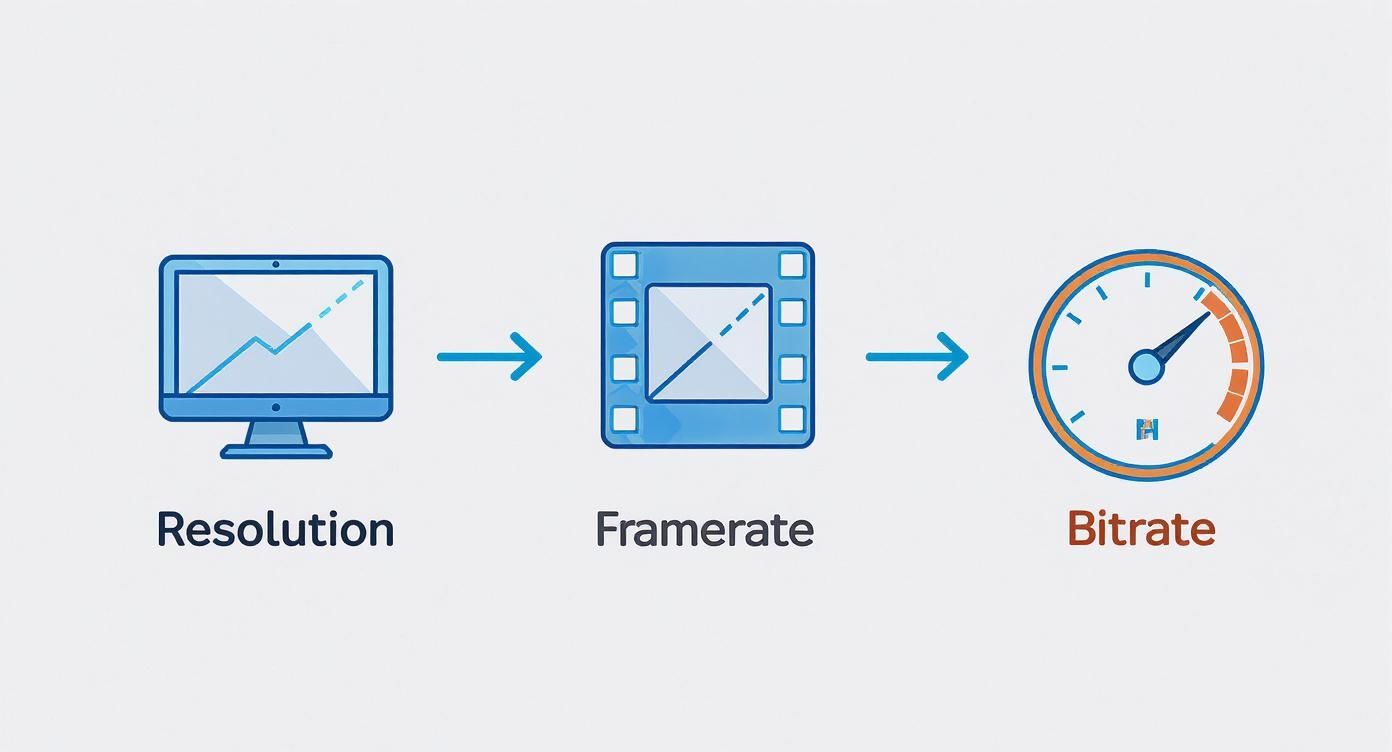
As you can see, you pick your canvas size (resolution) and motion smoothness (framerate) first. Then, you have to give it a large enough data budget (bitrate) to support those choices.
Bitrate: Your Video’s Data Budget
This brings us to bitrate, arguably the most important setting for determining the final quality of your stream. Think of bitrate as the amount of data you’re dedicating to your video every second, typically measured in kilobits per second (Kbps). It’s your stream’s “data budget.”
If you set a high budget (a high bitrate), your video can be packed with detail, resulting in excellent quality. But this requires a fast and stable internet upload speed. If your budget is too low for your chosen resolution and framerate, the encoder is forced to throw away information, and your video ends up looking blurry, blocky, or pixelated.
For live streaming, Constant Bitrate (CBR) is almost always the right choice. It keeps the data flowing at a steady, predictable rate, which is exactly what you need for a smooth, uninterrupted viewer experience. Variable Bitrate (VBR), which fluctuates based on scene complexity, is better suited for video files that will be watched on demand.
To give you a clearer picture, here’s how these settings interact:
Common Encoder Settings and Their Impact
| Setting | What It Controls | Impact of Increasing It |
|---|---|---|
| Resolution | The pixel dimensions of the video (e.g., 1080p). | Sharper, more detailed image; requires significantly more bandwidth. |
| Framerate | The number of frames displayed per second (FPS). | Smoother, more fluid motion; requires more bandwidth. |
| Bitrate | The amount of data sent per second (Kbps or Mbps). | Higher visual quality, less pixelation; requires faster upload speed. |
Getting these three settings in harmony is key. A high-resolution, high-framerate stream is pointless if your bitrate can’t keep up, as the quality will collapse under the strain.
For developers building platforms that need to serve a wide range of viewers, there’s a more sophisticated approach. You can learn more about how adaptive bitrate streaming works to automatically adjust stream quality on the fly, ensuring every viewer gets the best possible experience without buffering, no matter their connection speed.
The Video Encoder’s Journey from Camera to Screen
To really get what a video encoder does, it helps to follow a single stream of video from start to finish. Let’s use a familiar example: a gamer live streaming on a platform like Twitch or YouTube. This real-world scenario is perfect for seeing the encoder’s critical role in action.
It all starts the moment you launch the game. Your computer is capturing every single frame of the action as massive, uncompressed video files. This raw feed is far too big to send over a standard internet connection in real-time.
From Raw Data to a Streamable Package
This is exactly where the video encoder steps in. That raw video gets fed directly into encoding software (like OBS) or a dedicated piece of hardware. The encoder immediately gets to work, compressing the video with a specific codec (think H.264) and the bitrate you’ve chosen. It intelligently analyzes each frame, tosses out redundant visual information, and wraps it all up into a much smaller, more manageable package.
Now, this newly encoded video is a lightweight data stream, ready for its journey. It travels from your computer, across the internet, to your streaming platform’s ingest server. From there, the platform might do some extra processing. If you want to dive deeper into this stage, our guide on what is video transcoding explains how platforms create multiple quality levels from your single stream.
Every single piece of the video delivery puzzle relies on the initial encoding being done correctly. A well-configured encoder ensures the video is small enough for transit and high-quality enough for viewers.
Finally, the encoded video is pushed out to your audience. Their devices—whether it’s a phone, laptop, or smart TV—receive the compressed data. The last step is handled by a decoder, which simply reverses the process. It uncompresses the video, reconstructing the original frames for smooth playback on their screen.
This whole trip, from raw capture to the viewer’s screen, happens in a matter of seconds. The video encoder is the crucial first step that makes it all possible, acting as the gateway between creating content and delivering it.
It’s a key piece of the broader video decoder-encoder market, a sector valued at USD 1.56 billion back in 2021 and projected to hit USD 4.56 billion by 2033. You can read more about the growth drivers in the video encoder-decoder market to see just how important this technology is becoming.
Still Have Questions About Video Encoders? Let’s Clear Them Up
Even with the basics down, a few common questions always seem to pop up. Think of this section as tying up the loose ends, making sure you have a rock-solid understanding of what a video encoder is and where it fits into the whole video puzzle.
Let’s tackle these one by one.
What’s the Difference Between an Encoder and a Transcoder?
This is a big one, and it’s easy to get them mixed up. They sound similar, but their jobs are fundamentally different. It all comes down to what they start with.
An encoder is the first step in the chain. It takes the huge, raw video feed straight from a camera and does that initial, crucial compression. Its whole purpose is to turn that raw data into a manageable, streamable format for the first time.
A transcoder, on the other hand, steps in after the video has already been encoded. It takes that compressed video file and rejigs it into other formats or bitrates. A perfect example is what happens on a big streaming platform: they receive a single high-quality stream from a creator and then use a transcoder to create a bunch of different versions—say, 1080p, 720p, and 480p.
Encoder: Raw Video → Compressed Video Transcoder: Compressed Video → Different Compressed Video(s)
This is the magic behind adaptive bitrate streaming, which is how platforms deliver a smooth, buffer-free show to viewers, no matter their internet connection.
Can My Computer’s Graphics Card Work as an Encoder?
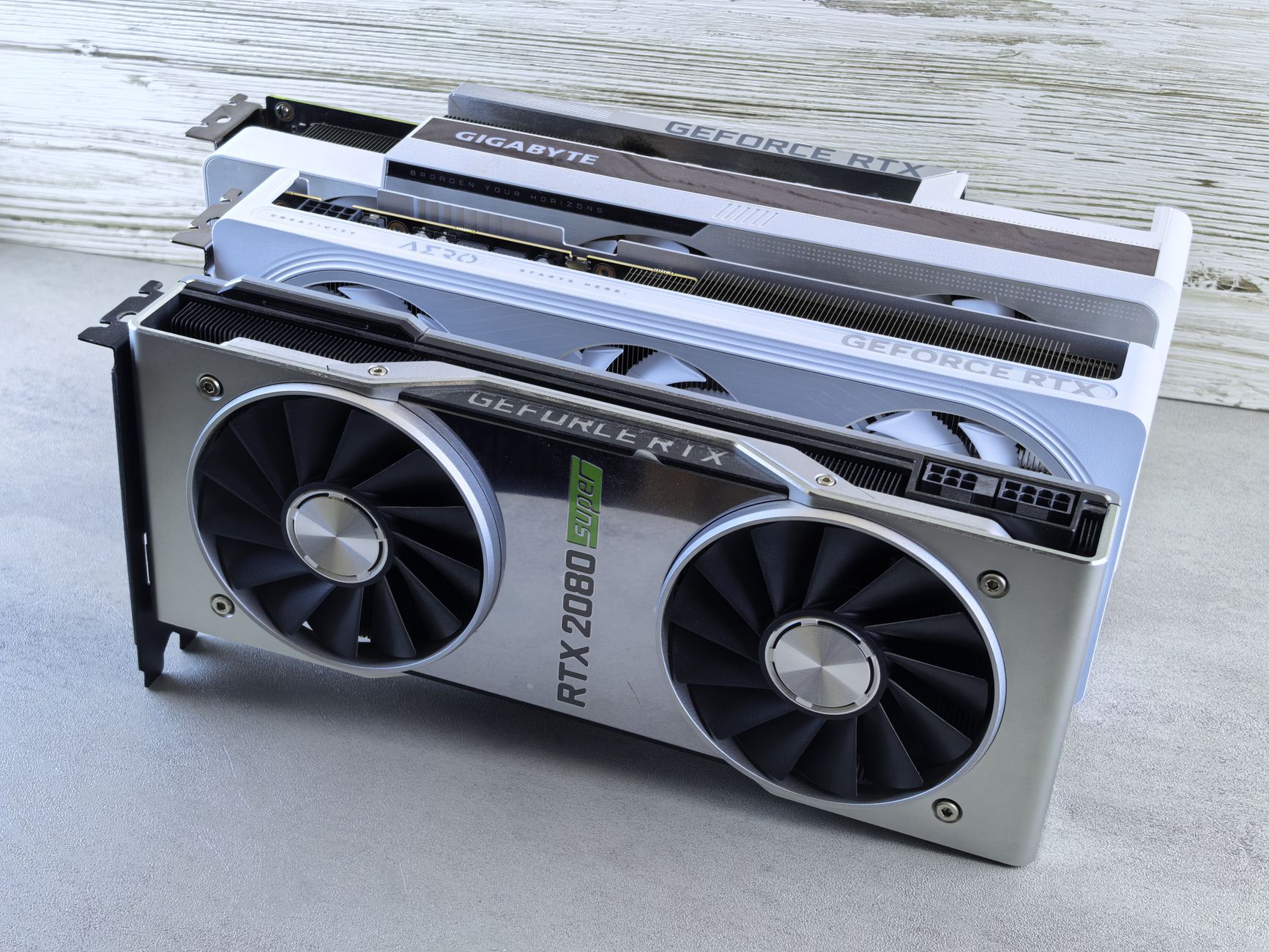
Yes, and it’s actually one of the most common ways to do it. Modern graphics cards from big names like NVIDIA (with their NVENC tech) and AMD (using VCN) have dedicated hardware built right onto the chip just for this task.
The biggest win here is efficiency. When you let your GPU handle the heavy lifting of video compression, it frees up your computer’s main processor (the CPU) to do everything else—like running the game you’re streaming or other demanding apps. For anyone streaming and gaming on the same PC, using the GPU to encode is almost always the best way to keep performance silky smooth.
How Do I Pick the Right Bitrate for My Stream?
Ah, the million-dollar question. Picking a bitrate is all about finding the sweet spot between visual quality and what your internet upload speed can handle. There isn’t a single magic number, but there are some fantastic rules of thumb.
A great starting point is to dedicate about 75% of your consistent upload speed to your stream. Why not 100%? That extra 25% acts as a safety net, giving you a buffer to handle random network hiccups without your stream stuttering or dropping frames. Always run a speed test before you go live to see what you’re working with.
Here are some typical bitrates to get you started:
- For 1080p at 30 fps: Aim for something between 3,000 and 6,000 Kbps.
- For 720p at 30 fps: A range of 1,500 to 4,000 Kbps is usually a safe bet.
Don’t forget to look up the recommendations from your streaming platform of choice. They often have specific guidelines that are fine-tuned for their service.
Ready to build your own streaming application without the headache of managing all this complex infrastructure? LiveAPI gives you a powerful, developer-friendly way to integrate live and on-demand video. Our APIs handle all the heavy lifting—encoding, transcoding, and delivery—so you can focus on building an incredible user experience. Explore the LiveAPI documentation and start building today.