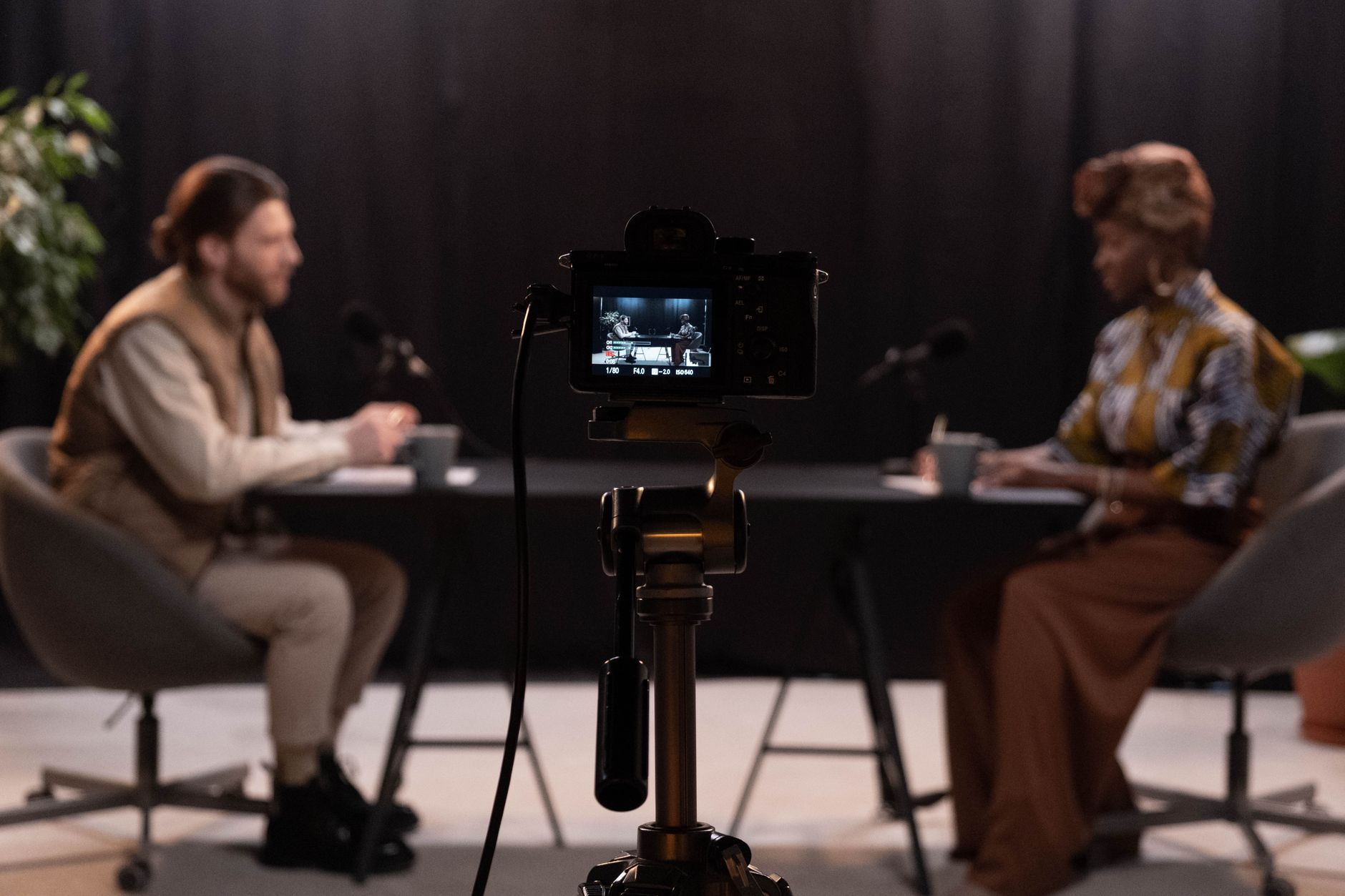
More than half of the top podcasts on Spotify now publish video alongside audio, and YouTube has become one of the most-used podcast platforms in the world. That shift has a name: the vodcast. If your audience wants to watch a show as much as hear it, an audio-only feed leaves reach on the table.
A vodcast is a podcast with a synchronized video track. It keeps the conversational format of a podcast but adds faces, screen shares, and visuals, so the same episode can live on YouTube, Spotify, and your own site at once. This guide covers what a vodcast is, how it differs from a standard podcast, the gear and software you need, and the part most creator guides skip: how to host, deliver, and embed video podcasts reliably once your audience grows.
What Is a Vodcast?
A vodcast is an episodic video program that pairs recorded audio with a video track, distributed on demand so viewers can watch or listen whenever they want. The word is a blend of “video on demand” and “podcast” — Merriam-Webster dates the term to the mid-2000s, when RSS feeds first started carrying video enclosures.
In practice, a vodcast is the video version of a podcast. You record the conversation on camera, publish the video to platforms that support it, and often release an audio-only cut to traditional podcast apps from the same session. The vodcast meaning is straightforward once you see the format in action: it is a podcast you can watch.
The term shows up in a few forms. Vodcasting is the act of producing these shows, a vodcast directory is a listing of video podcasts, and a video podcast is the more common everyday synonym. They all describe the same thing.
| Attribute | Vodcast |
|---|---|
| Primary format | Video + audio |
| Delivery | On demand (and sometimes live) |
| Common platforms | YouTube, Spotify, Apple Podcasts, your own site |
| Typical length | 20–90 minutes per episode |
| Also known as | Video podcast, video-on-demand cast |
Vodcast vs Podcast: What’s the Difference?
The core difference between a vodcast and a podcast is video. A podcast is audio-only; a vodcast adds a picture. That single change ripples through production, distribution, and how people consume the show.
With a traditional podcast, listeners multitask — driving, walking, doing chores. A vodcast asks for more attention because there is something to look at, but it also holds that attention longer and gives you visual context: facial expressions, product demos, slides, and screen shares that audio can’t carry. Many viewers who would never open a podcast app will happily watch the same show on YouTube.
Here is how the two formats compare across the decisions that matter when you plan a show.
| Factor | Podcast (audio-only) | Vodcast (video podcast) |
|---|---|---|
| Content | Voice, sound design | Voice + on-camera video |
| Equipment | Mic, headphones | Mic, headphones, cameras, lighting |
| Editing | Audio editor | Video + audio editor |
| File size | Small (MB) | Large (GB per episode) |
| Main platforms | Apple Podcasts, Spotify | YouTube, Spotify, your site |
| Hosting needs | Audio RSS host | Video hosting and delivery |
The podcast vs vodcast decision usually comes down to two questions: does your content benefit from visuals, and can you handle the extra production and delivery load? If your show is interviews, tutorials, or anything demo-driven, video earns its keep. The delivery side is where teams underestimate the work, which is why the sections below cover hosting and distribution in detail.
Key Elements of a Vodcast
Every vodcast is built from four parts. Getting each one right is what separates a show that grows from one that stalls.
- Video content. The visual track — usually camera footage of hosts and guests, often mixed with screen shares, B-roll, or graphics. Resolution typically ranges from 1080p to 4K depending on your cameras and audience.
- Audio content. Clean, well-mixed sound is still the foundation. Viewers forgive average video far more readily than bad audio.
- Distribution platform. Where the episode lives. Video-first platforms like YouTube, audio apps that now support video, and — for full control — your own website.
- Audience. The people you are making it for. Their platform habits shape where you publish and how you format each cut.
How Does a Vodcast Work?
A vodcast moves through five stages, from raw recording to a file your audience can stream. Understanding the pipeline helps you plan both production and the infrastructure behind delivery.
- Record. Capture synchronized video and audio, either in one room or remotely with each participant recording locally for quality.
- Edit. Cut the footage, sync audio, color-correct, and add graphics, intros, or captions. Export a master video file and, if you want an audio feed, a separate audio cut.
- Encode. The master file is transcoded into streaming-friendly formats and multiple quality renditions. This is where video encoding turns one large file into versions that play smoothly on any connection.
- Host and deliver. The encoded files sit on video hosting infrastructure and are pushed through a content delivery network so viewers anywhere get fast, buffer-free playback.
- Publish. The episode goes live on your chosen platforms — a video URL on YouTube, an audio RSS entry for podcast apps, and an embedded player on your site.
Steps 3 and 4 are invisible to viewers but decide whether your show buffers or plays instantly. A 60-minute 1080p episode can run several gigabytes, so raw file hosting alone won’t cut it once you have a real audience. That is the gap a proper video hosting API fills.
Types of Vodcasts
Vodcasts come in several formats, and the one you pick shapes your equipment list and workflow.
Interview and conversation vodcasts
Two or more people talking on camera. This is the most common format — think tech interviews and long-form discussions. It needs a camera per speaker and reliable multi-track recording.
Solo and monologue vodcasts
A single host to camera, often teaching or commenting. Simpler to produce: one camera, one mic, tighter editing.
Screen-share and tutorial vodcasts
The host’s screen is the star, with a webcam overlay. Popular for software walkthroughs and developer content, where the demo carries the value.
Live vodcasts
Streamed in real time, then archived for on-demand viewing. These blend live streaming with the vodcast format, letting audiences watch as it happens and rewatch later. Recording the live stream to an on-demand file automatically means one production feeds both live and evergreen audiences.
Advantages of a Vodcast
Video podcasts have grown fast for concrete reasons. Here is what the format buys you.
Wider reach across platforms
A vodcast can appear on YouTube, Spotify video podcast feeds, and your own site from a single recording. Audio-only shows are locked out of the largest video platforms entirely.
Higher engagement
Visuals hold attention. Viewers see who is talking, follow demos, and read on-screen text — all of which keep people watching longer than audio alone.
Better discoverability
Video platforms are also search engines. Well-titled, well-tagged episodes surface in YouTube and Google search, and strong video SEO can pull in viewers who never search podcast apps.
Stronger brand connection
Seeing a host builds familiarity faster than hearing one. For personal brands and companies alike, faces create trust that audio struggles to match.
Repurposable clips
One episode yields dozens of short vertical clips for TikTok, Reels, and Shorts. Video source material makes this trivial; audio does not.
Multiple revenue paths
Video opens sponsorship placements, on-screen calls to action, and platform ad revenue. Teams building a business around content can layer in video monetization models that audio alone can’t support.
Disadvantages of a Vodcast
The format is not free of trade-offs. Knowing the downsides up front lets you plan around them.
Higher production cost and effort
Cameras, lighting, and video editing add time and money. A vodcast episode takes noticeably longer to produce than an audio one, and mitigating this means investing in a repeatable setup and templates.
Larger files and delivery load
Video files are orders of magnitude bigger than audio. Storing and delivering them reliably requires real infrastructure — a challenge you can offload to a hosting and CDN for video streaming instead of building it yourself.
More demanding on viewers
Video asks for eyes, not just ears. Some of your audience prefers audio they can consume while doing other things, so publishing an audio cut alongside the video keeps them.
Playback and quality complexity
Different devices and connection speeds need different quality levels. Without adaptive bitrate streaming, viewers on slower networks buffer — a problem the right encoding pipeline solves automatically.
Most of these downsides are production or infrastructure problems, and both are solvable. The equipment questions are answered below; the delivery questions are where an API-based approach saves the most time.
How to Make a Vodcast: Step by Step
Producing a vodcast follows a repeatable process. Here is how to make a vodcast from planning to publishing.
- Plan the show. Define your format, episode length, and publishing cadence. Decide which platforms matter most for your audience, since that shapes your recording settings.
- Set up equipment. Gather cameras, microphones, and lighting (see the checklist below). A consistent vodcast studio setup — even a corner of a room — saves setup time every episode.
- Record. Capture video and audio together. For remote guests, have each person record locally and upload their track to avoid connection-dependent quality drops.
- Edit. Assemble the footage, sync and clean the audio, color-correct, and add intros, captions, and graphics. Export a high-quality master file.
- Encode and host. Upload the master to a video host that transcodes it into streaming formats. This is where files become playable across devices without manual work.
- Publish and promote. Push the video to YouTube, submit an audio cut to podcast directories, embed the player on your site, and cut short clips for social.
Essential vodcast equipment
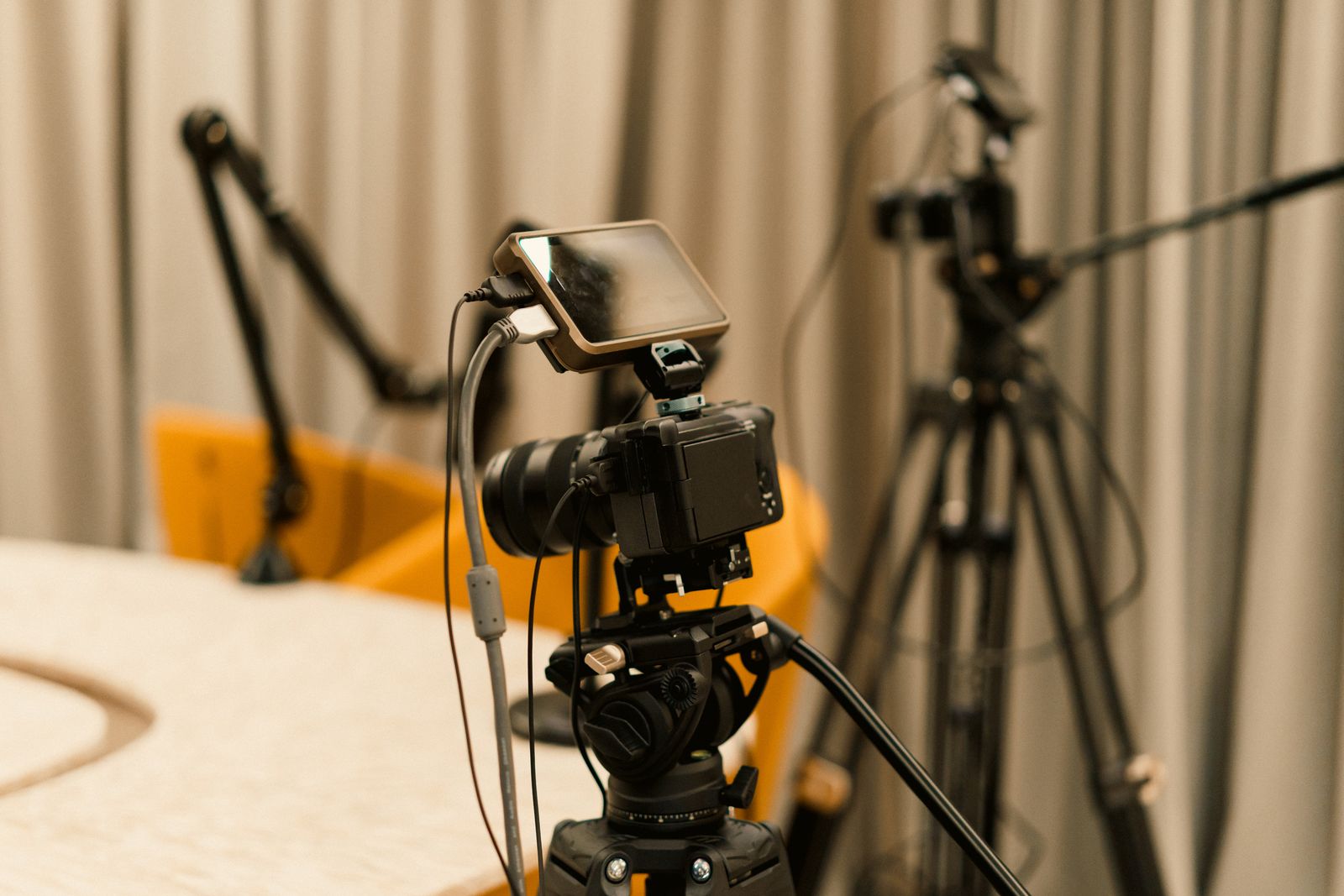
Your video podcast equipment list scales with ambition, but a workable video podcast setup includes:
- Cameras — one per on-camera participant (a mirrorless camera, quality webcam, or even a modern phone works to start)
- Microphones — a dedicated mic per speaker; audio quality matters more than camera quality
- Lighting — a key light per participant to avoid dim, flat footage
- Headphones — to monitor audio and catch problems during recording
- Recording and editing software — a tool that captures multi-track video and lets you edit both video and audio
Good video podcast software handles recording, local track capture for remote guests, and export. From there, delivery is a separate job — and the one most creators aren’t set up for.
How to Host and Distribute a Vodcast at Scale
This is the part creator guides tend to skip. Publishing to YouTube is easy; owning your distribution — so you aren’t dependent on one platform’s algorithm and can embed episodes anywhere — takes real infrastructure. Here is what that involves and how to avoid building it from scratch.
When you publish only to third-party platforms, you don’t control the player, the data, or the monetization. Hosting your own copy gives you an embeddable player on your site, first-party analytics, and the freedom to gate or monetize episodes however you want. The challenge is that video hosting at scale means encoding, adaptive bitrate delivery, a global CDN, and a player that works on every device.
LiveAPI handles that layer through a developer API so you don’t have to assemble it piece by piece. A typical vodcast workflow looks like this:
- Upload the episode. Send your master file to the video API directly or by URL from Google Drive or Dropbox. Instant encoding makes the episode playable in seconds, regardless of length.
- Deliver everywhere. Files stream over HLS with adaptive bitrate across multiple CDNs (Akamai, Cloudflare, Fastly), so viewers get smooth playback whether they’re on fiber or mobile.
- Embed on your site. Drop a customizable video player onto any page so episodes live on your own domain, not just YouTube.
- Go live and archive. For live vodcasts, ingest an RTMP or SRT feed, broadcast in real time, and record the stream to an on-demand file automatically for later viewing.
- Reach every platform at once. With multistreaming you can broadcast to multiple platforms simultaneously, so a single live vodcast hits YouTube, Facebook, and more without extra encoders.
Here’s how simple the upload step is with an API-first host:
const sdk = require('api')('@liveapi/v1.0#5pfjhgkzh9rzt4');

sdk.post('/videos', {
    input_url: 'https://assets.example.com/episodes/vodcast-ep-42.mp4'
})
.then(res => console.log(res)) // returns HLS playback URL + embed code
.catch(err => console.error(err));
For teams building a content platform rather than a single show, this API approach is what makes it feasible to build a video streaming app around your vodcast without a dedicated video engineering team.
Best Platforms for Vodcast Distribution
A strong distribution strategy publishes each episode in the right format on each platform. Most successful shows use a mix rather than betting on one.
- YouTube — the largest video platform and a major podcast destination; essential for discovery.
- Spotify — supports video podcasts natively, reaching listeners who split time between audio and video.
- Apple Podcasts — still the anchor for the audio cut; submit your audio-only version here.
- Your own website — an embedded player gives you first-party ownership, analytics, and monetization control.
- Social clips — short vertical cuts on TikTok, Reels, and Shorts feed the top of your funnel.
Hosting your master copy on your own video-on-demand platform means you can push to all of these from one source of truth instead of re-uploading full files everywhere.
Is a Vodcast Right for Your Project?
A vodcast makes sense when the answer to most of these is yes:
- Does your content benefit from visuals — faces, demos, screens, or products?
- Is your audience active on YouTube or watching video on Spotify?
- Can you sustain the extra production time each episode?
- Do you want to repurpose long episodes into short social clips?
- Would owning your player, analytics, and monetization be worth the setup?
If you’re mostly reaching people who listen while multitasking and visuals add little, a standard audio podcast may serve you better. But if you want reach and control, video is where the audience is heading — and the delivery side is a solved problem when you use the right infrastructure.
Vodcast FAQ
What is a vodcast?
A vodcast is a video podcast — an episodic show that combines audio with a synchronized video track, published on demand so viewers can watch or listen anytime. The name blends “video on demand” with “podcast.”
What is the difference between a vodcast and a podcast?
The difference is video. A podcast is audio-only, while a vodcast adds a video track viewers can watch. Vodcasts need cameras and video editing, produce much larger files, and are distributed on video platforms like YouTube in addition to podcast apps.
How do you make a vodcast?
Plan your show, set up cameras, mics, and lighting, record synchronized video and audio, edit the footage, then encode and host the file for streaming before publishing to your platforms. Many creators release both a video version and an audio-only cut from the same recording.
What equipment do you need for a vodcast?
At minimum you need a camera per on-camera person, a dedicated microphone per speaker, lighting, headphones for monitoring, and recording and editing software. Audio quality matters more than camera quality, so invest in good microphones first.
Are vodcasts live or recorded?
Both. Most vodcasts are recorded and published on demand, but live vodcasts stream in real time and are then archived for on-demand viewing. Recording a live stream to a video file lets one production serve both live and evergreen audiences.
Where can you publish a vodcast?
Common platforms include YouTube, Spotify, and Apple Podcasts for the audio cut, plus your own website via an embedded player. Publishing to your own domain gives you control over the player, analytics, and monetization that third-party platforms don’t offer.
What are some vodcast examples?
Most large interview and commentary shows now publish video versions on YouTube and Spotify, and many software and business channels run screen-share tutorial vodcasts. Any podcast that films its recording sessions is producing a vodcast.
How do I handle hosting for a video podcast?
Because video files are large, you need encoding, adaptive bitrate delivery, and a CDN for smooth playback across devices. A video hosting API handles this automatically — you upload the file and get back a streaming URL and an embeddable player without managing servers yourself.
Start Publishing Your Vodcast
A vodcast lets one recording reach viewers on YouTube, listeners on Spotify, and visitors on your own site — with the visual engagement audio alone can’t deliver. The production side is a matter of cameras, mics, and editing habits. The delivery side — encoding, adaptive streaming, CDN, and an embeddable player — is where an API saves you months of infrastructure work.
If you want to host, deliver, and embed your video podcast on your own terms, get started with LiveAPI and turn a single recording into on-demand video that plays smoothly anywhere.